Free Employee Scheduling Software
Free Employee Scheduling Software for Small Business Teams
Build your team's schedule in minutes, publish it with a click, and connect everything to timesheets and payroll.
Free forever for up to 10 employees at one location.
4.8★  Apple Store
4.6★  Capterra
4.2★  Google Play
4.6★  G2
G2
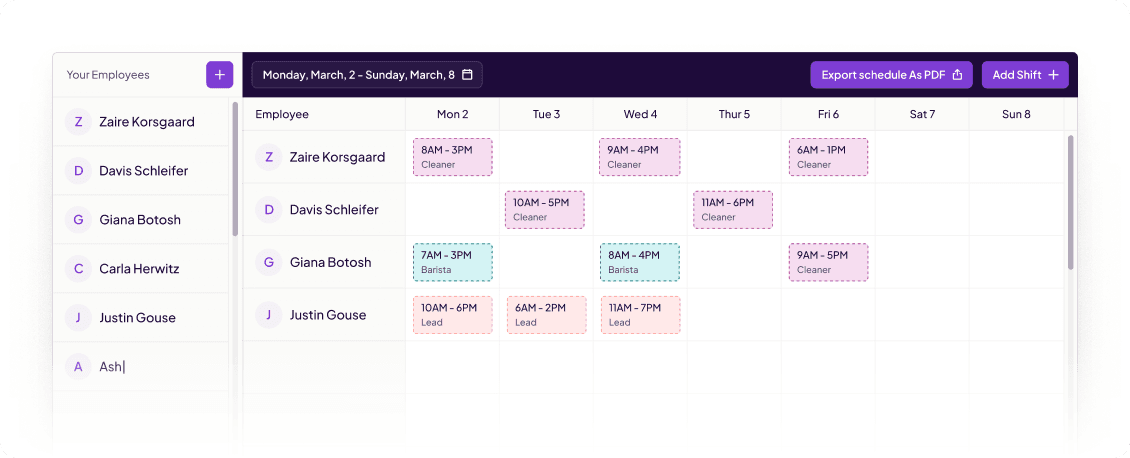
Your team schedule, built in minutes.
Add your team
Enter your employees, set their roles, and add their availability. Homebase remembers it all so you're not starting from scratch every week.
Build and publish the schedule
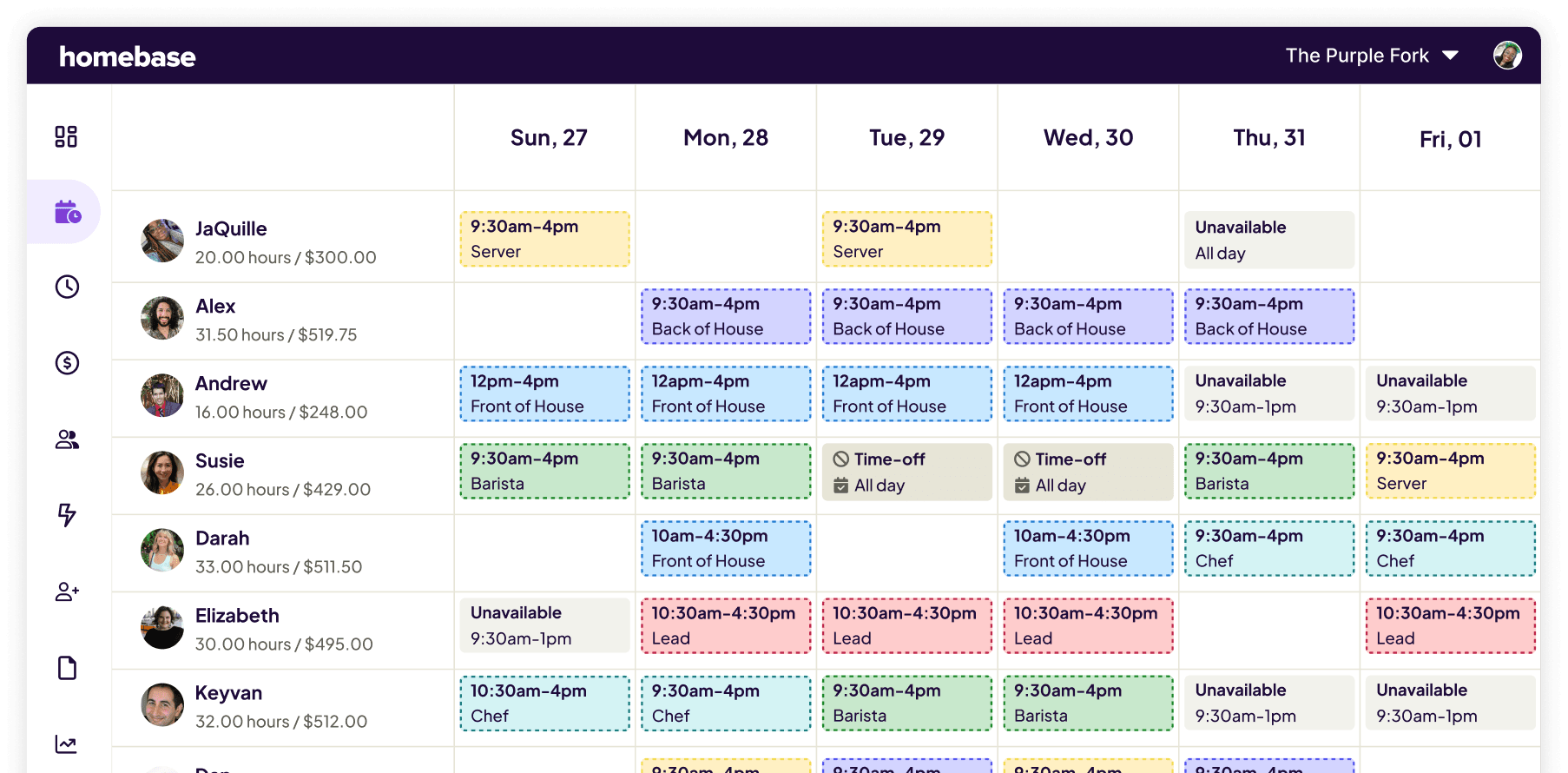
Drag and drop shifts into place, or auto-schedule based on availability and role. When it's ready, publish it. Your team gets notified instantly on their phones.
Schedule meets timesheet automatically
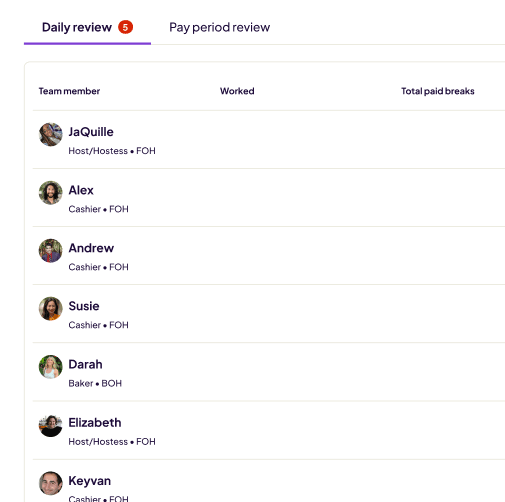
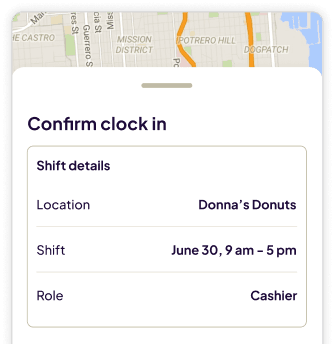
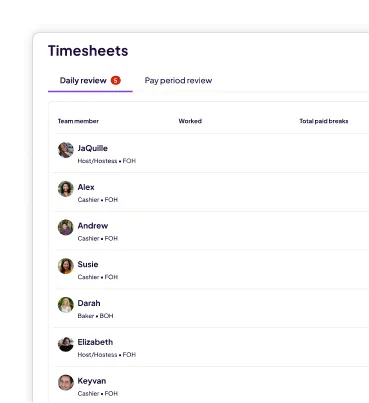
When employees clock in, their hours log against the published schedule. You see scheduled vs. actual hours in one view.
WHAT YOU CAN DO WITH OUR Free scheduling software

Drag-and-drop schedule builder
Auto-scheduling based on employee availability and role
One-click schedule publishing with instant team notifications
Availability management so employees set their own open times
Schedule templates so you’re not starting from scratch
Direct connection to time tracking and timesheets
Employee Scheduling
Scheduling software built for small business
Team management
- Scheduling
- Time Clock
- Timesheets
- Team Messaging
- Task Manager
- HR & Onboarding
- Hiring
For owners and managers
- Drag and drop scheduling
- Auto-scheduling
- Labor cost forecasting
- Scheduled vs. actual hours
- Multi-location view
- Schedule templates
For employees
- Mobile schedule access
- Shift reminders
- Time-off requests
- Shift trade requests
- Availability management
- Instant schedule notifications
Built for teams like yours
More than 100,000 small businesses use Homebase to track time, build schedules, and pay their teams. Here's what they say.

"My team can just have the Homebase app on their phone and sign in from anywhere. You can see your whole schedule, you can connect it to your calendar. They really like that because then all their shifts just go into whatever calendar app they’re using on their phone. Functionally it just works really well."

"We’ve had Homebase for three years, so it’s really kind of just natural and seamless. It’s just always up on my screen with schedules. It’s always there for me to change. The communication tool is so good to be able to reach out to staff and go, ‘Hey, someone just dropped out, can you work tomorrow?’"

"I love Homebase because I’m able to see the schedule at a glance, see where all my instructors are supposed to be. This is a mobile business, so we don’t have an actual building or studio where we meet and conduct classes."
Frequently ASked Questions
Free Scheduling Software FAQs
Connect with an expert for a walkthrough and have any other questions answered.

MANAGE YOUR team SCHEDULEs IN HOMEBASE
Save hours of manager admin every week.