Restaurant task management app
Stop printing checklists nobody finishes.
No more wondering if your opening checklist got done. Assign, track, and see completed tasks in real time—in the app your team already uses.
Restaurant Scheduling Best Results, Summer 2026

Best Employee Scheduling Software, 2026

Best Employee Scheduling Software, 2026


Restaurant Scheduling Best Results, Summer 2026
Best Employee Scheduling Software, 2026
Best Employee Scheduling Software, 2026
90,000+ food & beverage businesses rely on Homebase.






































restaurant task management
Manage your team and their daily tasks from one app.
Keep your shifts and tasks on track with task management, time clocks, scheduling, payroll, and more in one place.
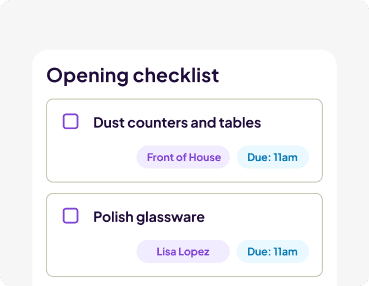
Set up tasks and due dates for everyone on the team.
Assign opening, closing, or prep tasks to specific team members, the kitchen, front-of-house, or your whole crew, so everyone knows what is expected.
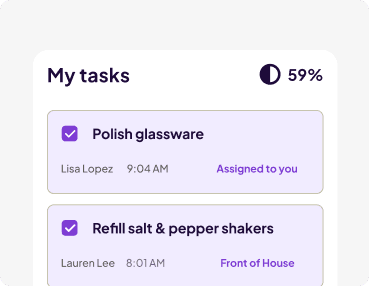
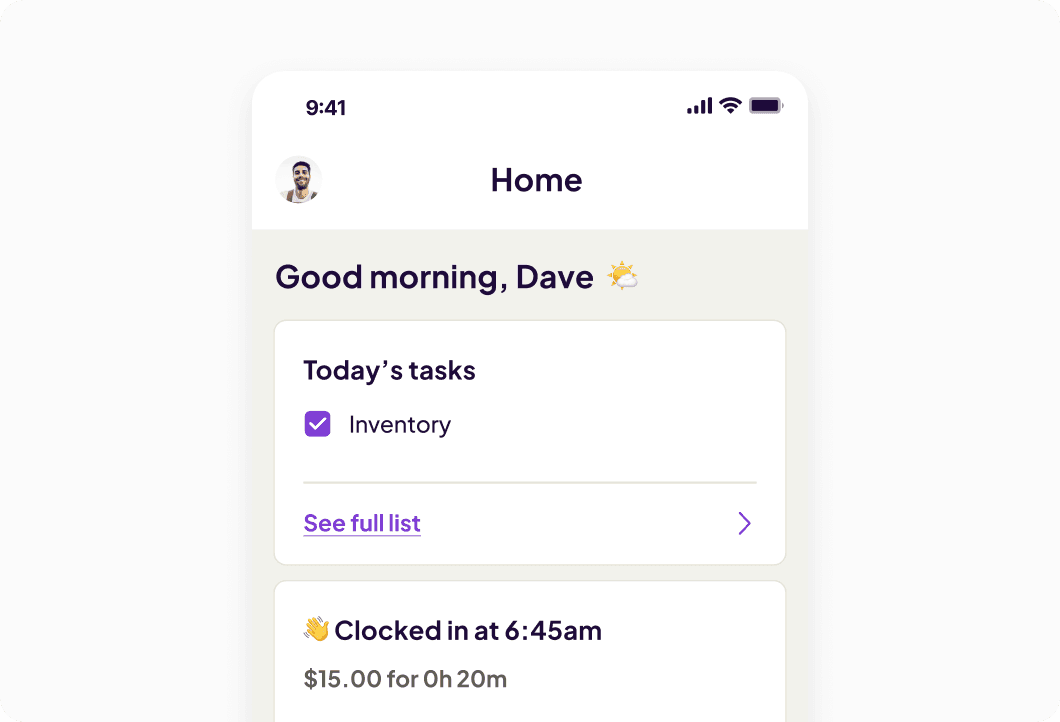
Track progress in real time from your phone.
See who completes each task and when, so you know your restaurant is running smoothly even when you're not there.
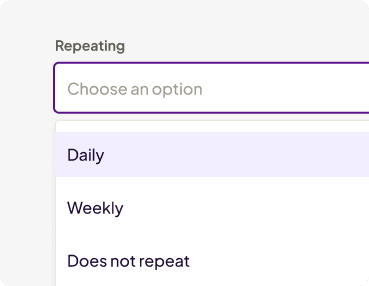
Automate daily checklists and know they’ll be done.
Build your opening, closing, and prep lists once, then set them to repeat daily or weekly.

Tasks, scheduling, and hours—your whole operation at a glance.
Sign up in 5 minutes.
Restaurant task management app
Put your restaurant’s daily task lists on autopilot.
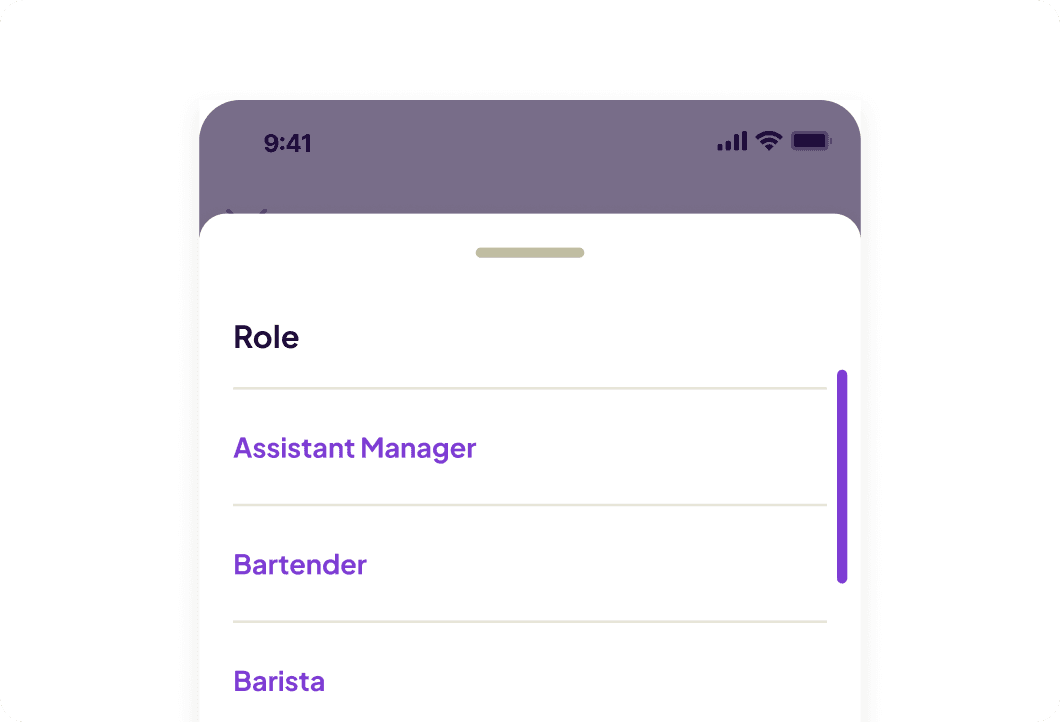
- Clearly assign tasks to individuals, roles, departments, or the whole team, so everyone does their part.
- Add due dates, instructions, or descriptions to each task, so no follow ups are needed.
- Repeat standardized task lists daily, weekly, or one-off, so your team gets into a routine.
Restaurant checklist software
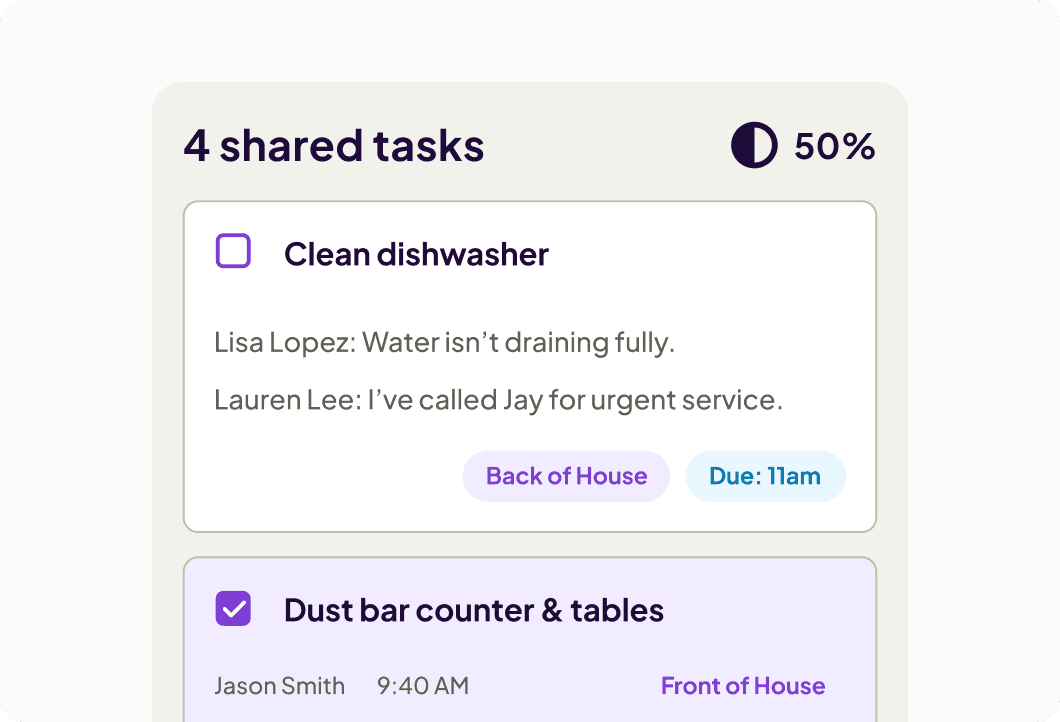
Stop wondering if things are actually getting done while you’re away.
- Get real-time notifications when tasks are completed, so you know what's done without asking.
- Employees can add photos or notes to tasks, so you have proof and context when you need it.
- See at a glance what's completed and what's still outstanding, so you can jump in before things get missed.
Restaurant project management software
Task management that actually connects to your restaurant operations.
- Tasks live in the same app as your schedule and time clock, so your team doesn't need to open another tool.
- See what's getting done in real time to catch compliance issues before they become problems.
- Track task history and trends over time, so you can spot patterns and run your restaurant smarter.
Build your restaurant task management system in four easy steps.
Track what's getting done so your team stays accountable.
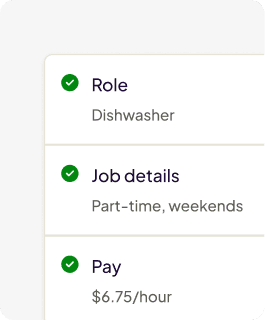
1. Add your team.
Invite staff or sync contacts from your POS and payroll.
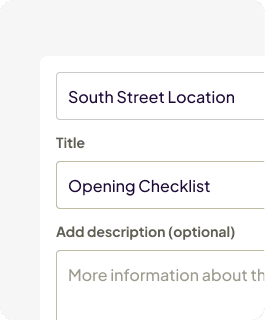
2. Create your task lists
Build opening, closing, and prep lists and assign them by role, department, or person.
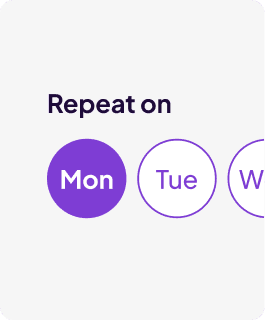
3. Set tasks to repeat
Automate recurring tasks by day or week, so your team knows the routine.
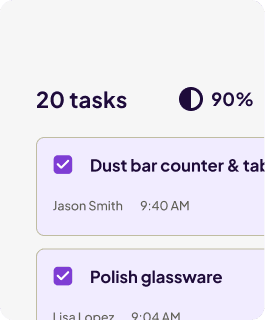
4. Track progress
See who completed what and when from your phone, even if you’re not there in person.
A real impact on real teams.
The restaurant task management app that makes getting things done easier.
small business customers and growing.
We help small businesses conquer their workday everyday.
of our customers rate us extremely easy to use.
We help hourly teams stay organized with less manual admin.
of our customers recommend us.
Our customers tell us they would recommend us to another small business owner to manage their teams.
Ready to run your restaurant without paper checklists?
Customer Stories
Hear it from restaurant owners.
Homebase is a proven solution for restaurants, bars, cafes, and more.
See customer storiesCalvin Su
Butter Baker, Owner

“They clock in, clock out, and then the managers use that data to run reports and build the next schedules. It makes everyone’s life much easier.”

Roxana Rodriguez
Owner

“Even when I’m not in the store, I can track my employees’ hours. If someone forgets to clock in or out, I can fix it from my phone or computer, wherever I am.”

Edward Wang
Owner

“From clock-in to timesheets to payroll, everything runs seamlessly.”


Adding time clocks gave us the structure we were missing. It set clear boundaries without changing our culture.
Bridgette Matthews
Owner

Jeremy Peaches
Owner

“Homebase is great! If we didn't have it, we would still be doing it the old-school way with paper notes.”

Jasmine Bunn
Coach

“We always need covers. So that's like my favorite part about Homebase: if I need a sub or anything, it's super, super easy.”


I used to spend 6 hours a month fixing schedules. Now? I spend 6 minutes checking them.
Sean McLaren
Plato's Closet

Eduardo Rodriguez
Owner

“Anything can be done with the right tool, and Homebase has definitely been a tool that has helped our business grow. It's super versatile.”
One connected app to manage your team’s tasks, schedules, hours, and payroll.

Employee Scheduling
Discover how to build schedules faster and let your team manage their own shift swaps.
Learn more
Restaurant Payroll
Reduce payroll mistakes and save time by automatically turning clocked hours into wages and taxes.
Learn more
Time Clock
Let your team clock hours on their phones and stay compliant with automatic break and overtime alerts.
Learn moreWe play well with others.
Sync your POS with Homebase to optimize your schedule based on your sales.