
“I love the simplicity and the time tracking and the payroll system itself. It is so much easier than anything I've used in the past. I've run payroll from sitting on a horse moving cattle.”
Alexander Ward
Nemesis Industries
Switching payroll providers
Worrying you missed something every payroll run? Switch to Homebase for payroll that gets it right every time.
Switch before year-end and get 6 months free. Limited time. Terms apply.
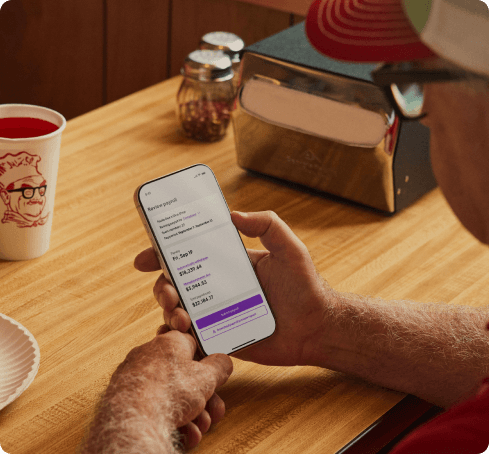

90% of small business owners say switching to Homebase payroll was a breeze.
 Best payroll for hourly teams
 Best payroll for automation
 Best payroll for small business
Most small businesses put it off until January, but switching sooner makes your year-end easier.

You might be thinking “new year, new payroll”... but if you wait until January to switch, you’ll still be with your old provider until the switch is done.

To run payroll in the first week of January, you’d be setting up during the holidays, right when you’re busiest.

Switch now to run your first payroll before the busy season and actually start the year fresh.
 Get W-2s & 1099s for all staff that worked throughout the year, not just your current team.Switch now and your electronic W-2s and 1099s are free —no paying per form.We’ll also migrate your data and set you up for free.
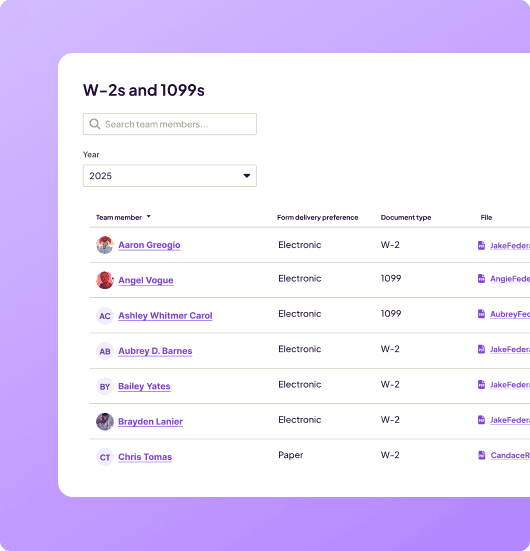

No manual timesheets. Employee hours, overtime, and breaks automatically sync with payroll.
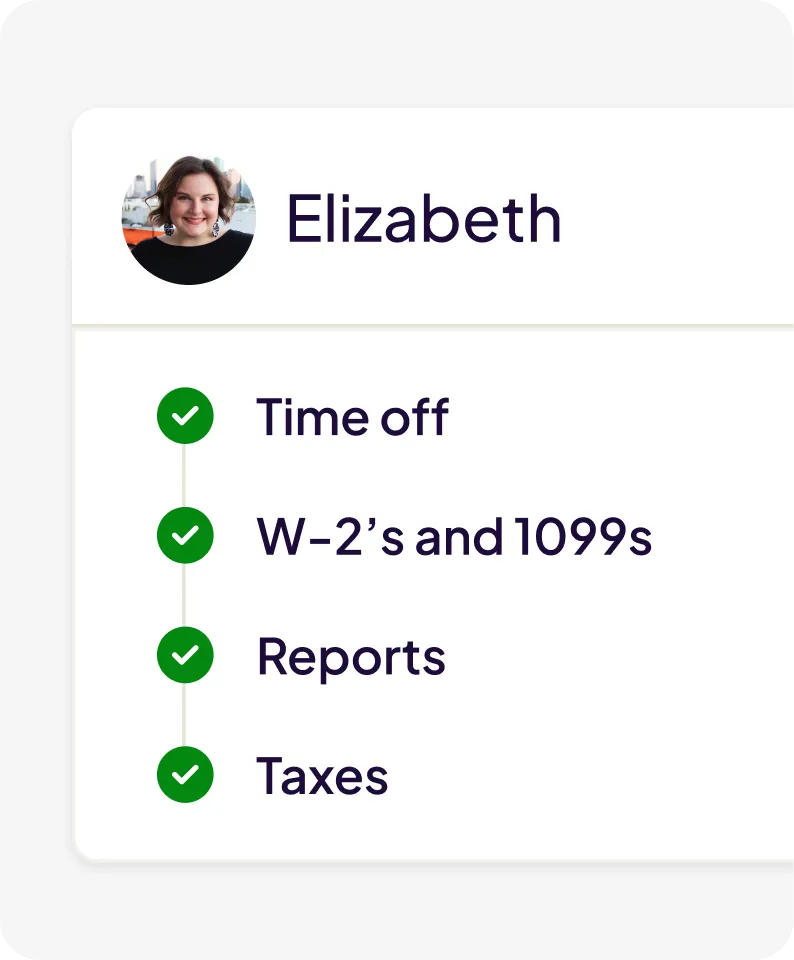
We calculate, file, and pay your federal, state, and local payroll taxes.
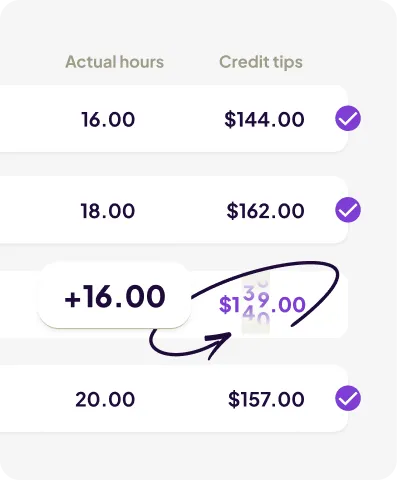
Easily distribute pooled and individual tips, keeping payroll and reporting accurate and compliant.
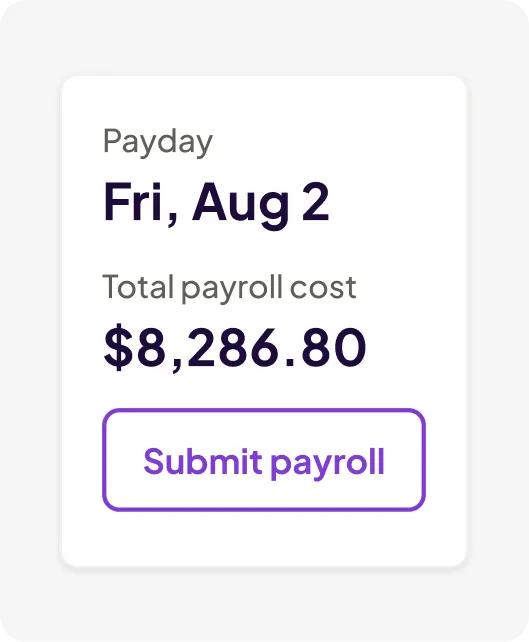
Pay your team as often as needed for $6 per employee/month, unlike competitors who charge per pay cycle.
We’ll migrate your data directly from your existing providers like Gusto, QuickBooks, Paychex, and Square. Switching payroll services to Homebase is easy: no re-entering pay history and tax details required.
Get expert guidance throughout, so you’re ready to run your first payroll with us within a week.
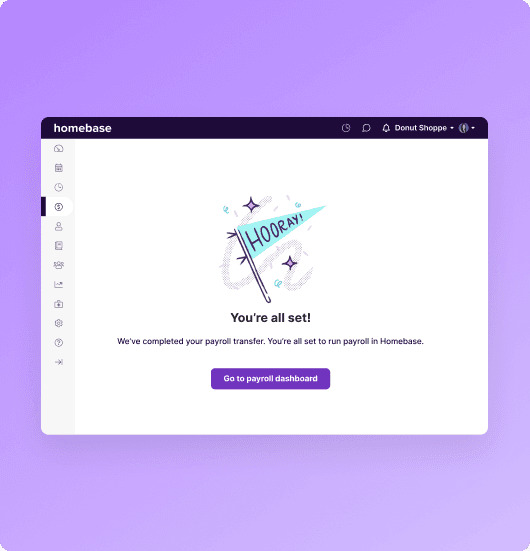


Switch payroll companies
Switch to Homebase payroll in a few easy steps.
Spend 20 minutes with us, and we’ll have you up and running within a week.

Step 1: Check your contract: Find out if you’re locked in with your current provider until a set date.
Step 2: Book a call: Get a demo and walkthrough from our payroll experts.
Step 3: Transfer your data: Once you’re ready to get started, we pull your employee data straight from Gusto, QuickBooks, Paychex, or Square.
Step 4: Add payroll details: We set up direct deposit, taxes, and deductions.
Step 5: Run a test payroll: Make sure everything checks out.
Step 6: Run your first payroll: Hours flow from your time clock into payroll, and your team gets paid.
Step 7: Close your old account: Settle up with your previous provider.
“I love the simplicity and the time tracking and the payroll system itself. It is so much easier than anything I've used in the past. I've run payroll from sitting on a horse moving cattle.”
Alexander Ward
Nemesis Industries
“Before Homebase I was manually tallying up my team's work hours and entering them into payroll, crossing my fingers I hadn't made any mistakes. Now all I have to do is send their hours to my payroll program with the click of a button.”
Kathleen Smith
Smiling Tree Toys
“I have used many payroll systems over the years and this is by far the most user friendly. Having an app the employees can download is a huge plus and Homebase is constantly making improvements.”
Esther Pierce
Alphabet Kids English Academy
Compare Payroll Providers
See how Homebase stacks up against other payroll providers.
| Homebase | ADP Run | |
|---|---|---|
| Pricing | ||
| Monthly fee | $49/month + $6 per active employee | Hidden pricing — requires sales call |
| Complete payroll set-up and onboarding assistance | Free for any team size | Extra Fees |
| Payroll for small business | ||
| Built-in time tracking and scheduling features | Free | No upfront pricing |
| Customer support | Email, chat, phone, and live support available 7 AM – 7 PM CST, Monday – Sunday | ✔️ |
| Mobile payroll | ✔️ | ✔️ |
| Tip pooling and distribution | $25 per location, unlimited employees | Some integrations supported via third-party marketplace at additional cost |
| Auto payroll | Included with your payroll plan | ✔️ |
| Next Day Pay | Available for eligible businesses for $49/month + $9 per person | $55-60 per month for eligible businesses |
| Unlimited payrolls | ✔️ | Pay per payroll |
| Automated federal and state tax filing | ✔️ | ✔️ |
| Direct deposit | ✔️ | ✔️ |
| File W-2s | ✔️ | Extra fees |
| File 1099s | ✔️ | Extra fees |
| Multiple pay rates and schedules | ✔️ | ✔️ |
| Multiple locations | Free | ✔️ |
| Multiple states | Included with your payroll plan | Extra fees |
| Overtime and time off tracking | ✔️ | ✔️ |
| Contractor payments | ✔️ | ✔️ |
| E-sign I-9 and W-4 | ✔️ | ✔️ |
| Garnishments & reimbursements | ✔️ | Available on select paid plans only |
| Direct deposit & printable checks | ✔️ | ✔️ |
| Benefits for hourly work | ||
| Health, dental, vision coverage options for teams under 50 | ✔️ | ✔️ |
| Earned wage access + on-demand pay | Free, instant access to earnings anytime | Some integrations supported via third-party marketplace at additional cost |
| Financial wellness and budgeting tools | ✔️ | ✔️ |
| Integrated pay-as-you go worker's comp | ✔️ | No upfront pricing |
| HR and compliance tools | ||
| Time-off requests | ✔️ | ✔️ |
| Custom employee handbooks | ✔️ | ✔️ |
| Proactive compliance updates | ✔️ | ✔️ |
| Live support from certified HR Advisors | Available with all-in-one plans for $96/month billed annually | No upfront pricing |
| Hiring tools | ✔️ | No upfront pricing |
Here’s why you might want to consider Homebase.
Switch from ADP with our expert guidance and get payroll for one clear price. No quotes. No per-W-2 fees.
Homebase vs. ADPImport from Gusto and get time clocks, scheduling, and payroll in one app built for hourly work, not desk jobs.
Homebase vs. GustoImport from Paychex and get time clocks, scheduling, and more without add-on costs or contracts.
Import from QuickBooks and track hours, make schedules, and pay your team without juggling different apps.
Homebase vs. QuickBooksImport from Square and get advance scheduling & HR help built into payroll that isn’t tied to one POS ecosystem.
Homebase vs. SquareKnow your payroll taxes and year-end forms are calculated and filed correctly, no spreadsheets or guesswork required.