Restaurant Time Clock
From punch-ins to paychecks with one app.
Get payroll-ready timesheets without chasing after forgotten punches, missed breaks, and unexpected overtime.
Restaurant Scheduling Best Results, Summer 2026

Best Employee Scheduling Software, 2026

Best Employee Scheduling Software, 2026


Restaurant Scheduling Best Results, Summer 2026
Best Employee Scheduling Software, 2026
Best Employee Scheduling Software, 2026
90,000+ food & beverage businesses rely on Homebase.






































Restaurant time clock software
Time clocks that keep your restaurant compliant and on budget.
From shift and break reminders for your team to overtime and compliance alerts for managers—all in one app.
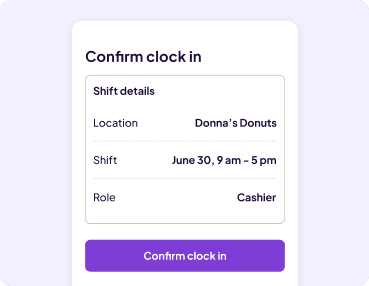
Track hours and stop time theft from any device.
Accurately track hours from employee phones, or from a tablet, computer, or POS devices in your restaurant.
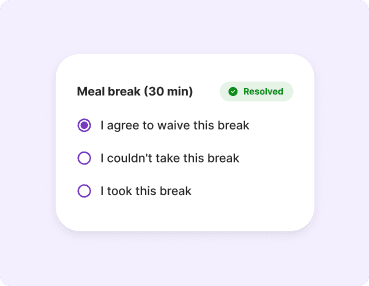
Compliance-proof your restaurant.
Remind employees to take, waive, or correct missed breaks at clock out, and automatically pay out wage premiums based on labor laws.
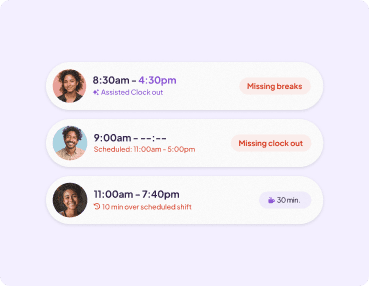
Automate timesheets for easy payroll prep.
Resolve timesheet errors before they hit payroll with break reminders, waivers, and flags for compliance and overtime.
No more timesheet surprises on payday.
Set up your time clock in 5 minutes.
Restaurant Time Clock App
Give every employee a time clock on their phone.
- Let your team clock hours from their phones, or a tablet, computer, and POS device at work.
- Eliminate buddy-punching with unique PINs and photo capture at every clock in and out.
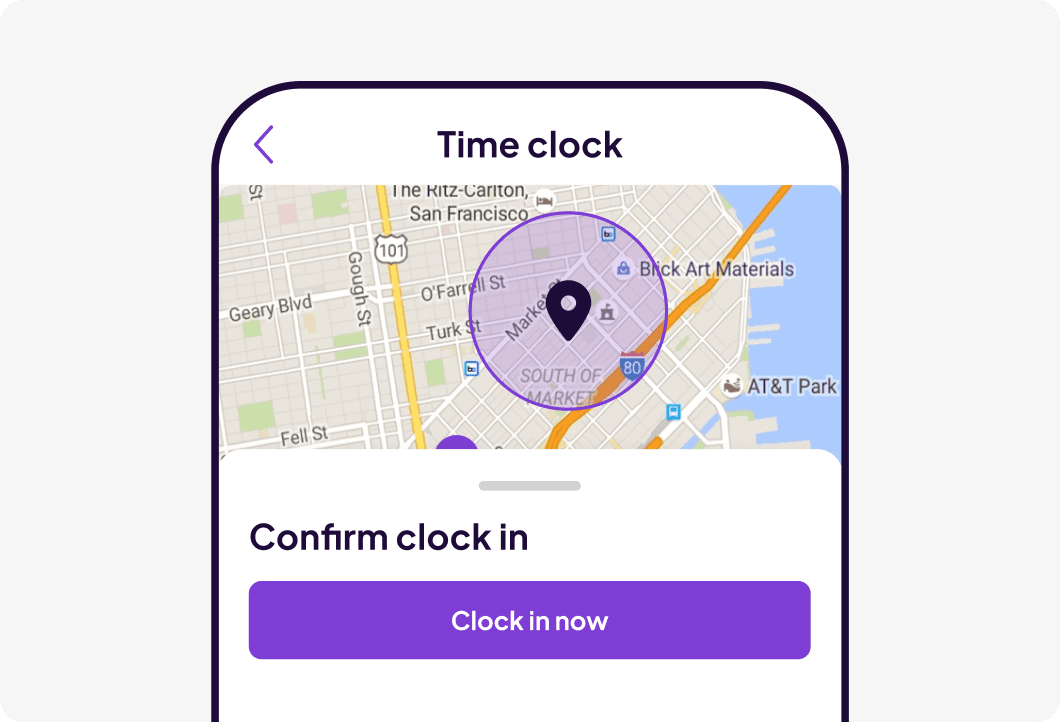
- Set GPS-based geofences so employees can only clock in and out when they’re physically at work.
Restaurant time tracking software
Time tracking with stress-free labor law compliance built in.
- Send your team reminders to take or waive breaks based on local and federal labor laws, and pay out any required premiums automatically.
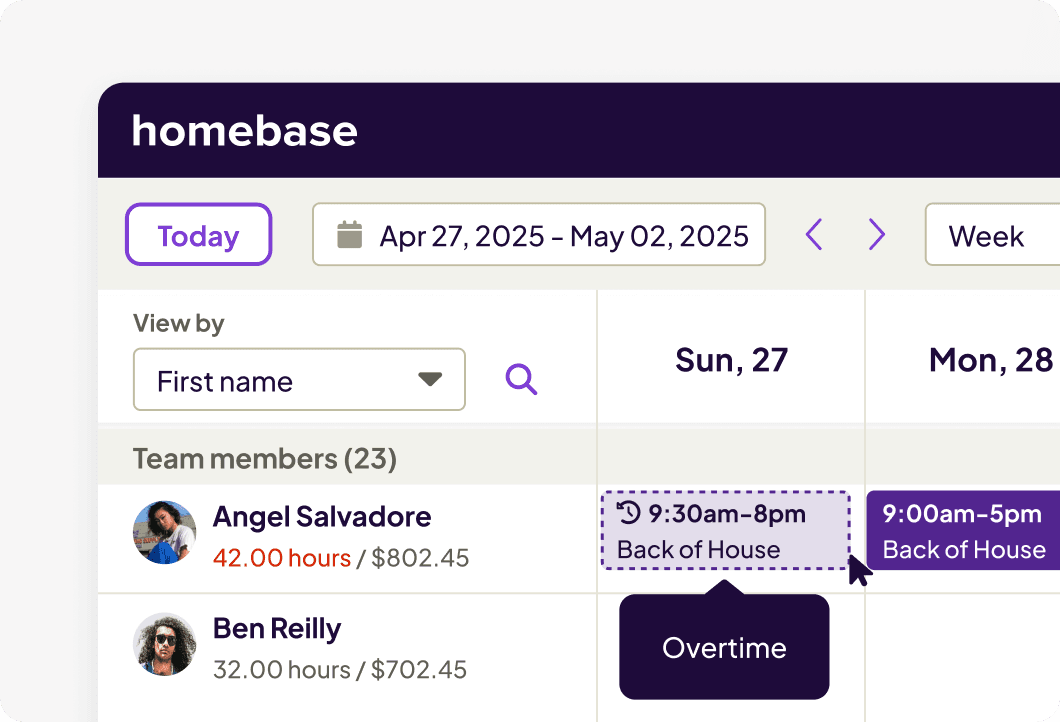
- See overtime alerts as you build the schedule and when you get shift swap requests to prevent unexpected costs.
- Pull labor cost reports by employee, role, or location to understand where your budget is going.
Restaurant time and attendance software
Time clocks connected to everything else you need to run your team.
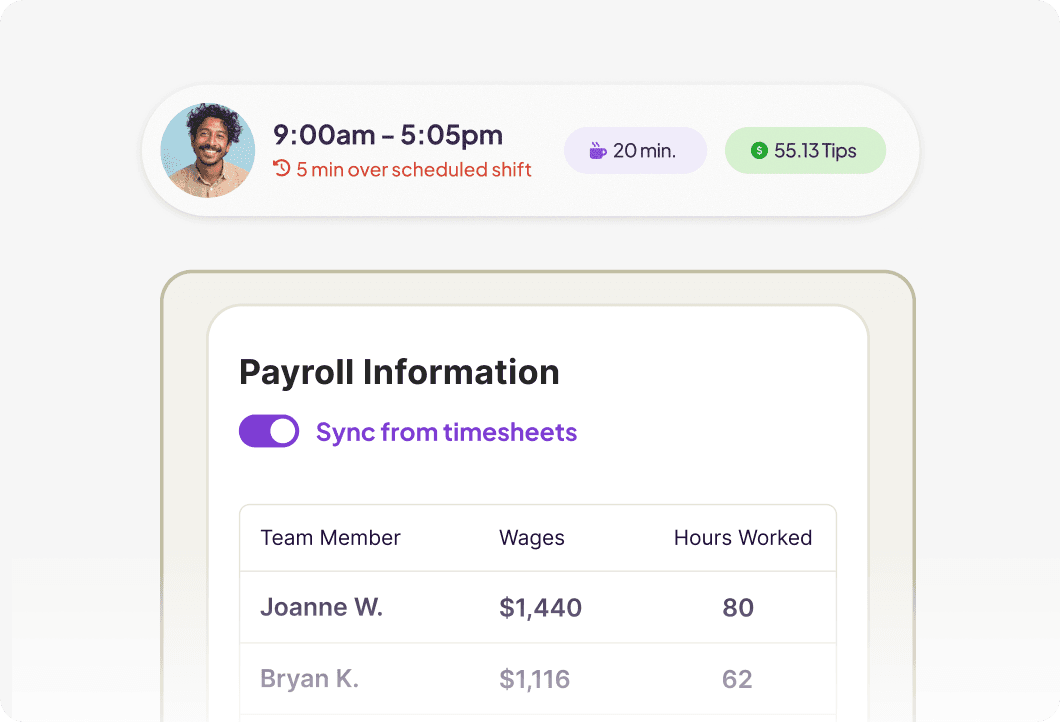
- Stick to scheduled hours by preventing early clock ins and late clock outs.
- Tracked hours and breaks automatically turn into timesheets for one-click payroll.
- Pay out your tip pool fairly based on hours clocked by each employee.
Set up your restaurant time clock in four simple steps.
Track your team's hours and labor costs in one app for data-entry-free payroll.
1. Add your team.
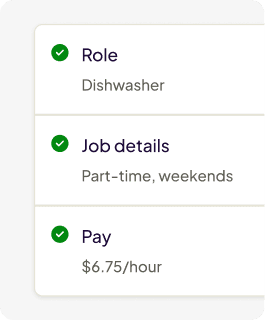
Add employees, assign roles, and set wage rates.
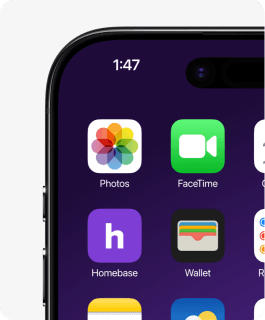
2. Set up the time clock.
Install our free time clock on a tablet, POS device, or employee phones.
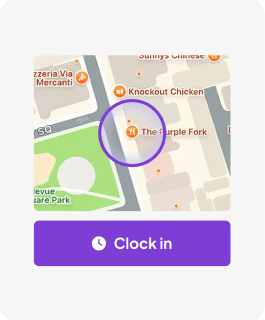
3. Start clocking hours.
Track hours, breaks, and overtime automatically with every punch in and out.
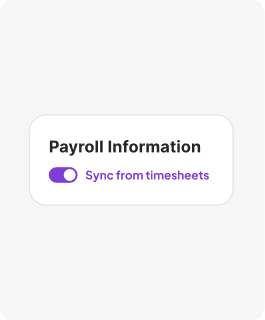
4. Approve and pay.
Review and send accurate timesheets to payroll.
A real impact on real teams.
The restaurant staff scheduling app that makes work easier.
Employees tracked in 2025
Millions of employees clock in and out using Homebase every day.
Overtime alerts sent
We sent over 45 million overtime alerts, helping businesses manage labor costs before overtime happens.
Mandated breaks
We tracked over 54 million mandated breaks last year, helping businesses stay compliant without manual oversight.
Payroll-ready time tracking starts here.
Customer Stories
Hear it from restaurant owners.
Homebase is a proven solution for restaurants, bars, cafes, and more.
See customer storiesCalvin Su
Butter Baker, Owner

“They clock in, clock out, and then the managers use that data to run reports and build the next schedules. It makes everyone’s life much easier.”

Roxana Rodriguez
Owner

“Even when I’m not in the store, I can track my employees’ hours. If someone forgets to clock in or out, I can fix it from my phone or computer, wherever I am.”

Edward Wang
Owner

“From clock-in to timesheets to payroll, everything runs seamlessly.”


Adding time clocks gave us the structure we were missing. It set clear boundaries without changing our culture.
Bridgette Matthews
Owner

Jeremy Peaches
Owner

“Homebase is great! If we didn't have it, we would still be doing it the old-school way with paper notes.”

Jasmine Bunn
Coach

“We always need covers. So that's like my favorite part about Homebase: if I need a sub or anything, it's super, super easy.”


I used to spend 6 hours a month fixing schedules. Now? I spend 6 minutes checking them.
Sean McLaren, Owner
Plato's Closet

Eduardo Rodriguez
Owner

“Anything can be done with the right tool, and Homebase has definitely been a tool that has helped our business grow. It's super versatile.”
Everything you need to run your restaurant team, in one app.

Employee Scheduling
Discover how to build schedules faster and let your team manage their own shift swaps.
Learn more
Restaurant Payroll
Reduce payroll mistakes and save time by automatically turning clocked hours into wages and taxes.
Learn more
Team Messaging
Give your team an easy app they’ll actually use to stay connected and check schedules.
Learn moreWe play well with others.
Sync your POS with Homebase to optimize your schedule based on your sales.