
Compare
See How We Stack Up
Homebase | Hubstaff | |
|---|---|---|
Trusted by 150,000+ small businesses and their teams.


Real numbers, real results. Hourly teams thrive with Homebase.
Scheduling
275 MILLION
Shifts logged on Homebase Scheduling
Time Clock
1 BILLION
Hours tracked with Homebase Time Clock
Payroll
4 MILLION
Paychecks processed with Homebase Payroll
Our customers love us
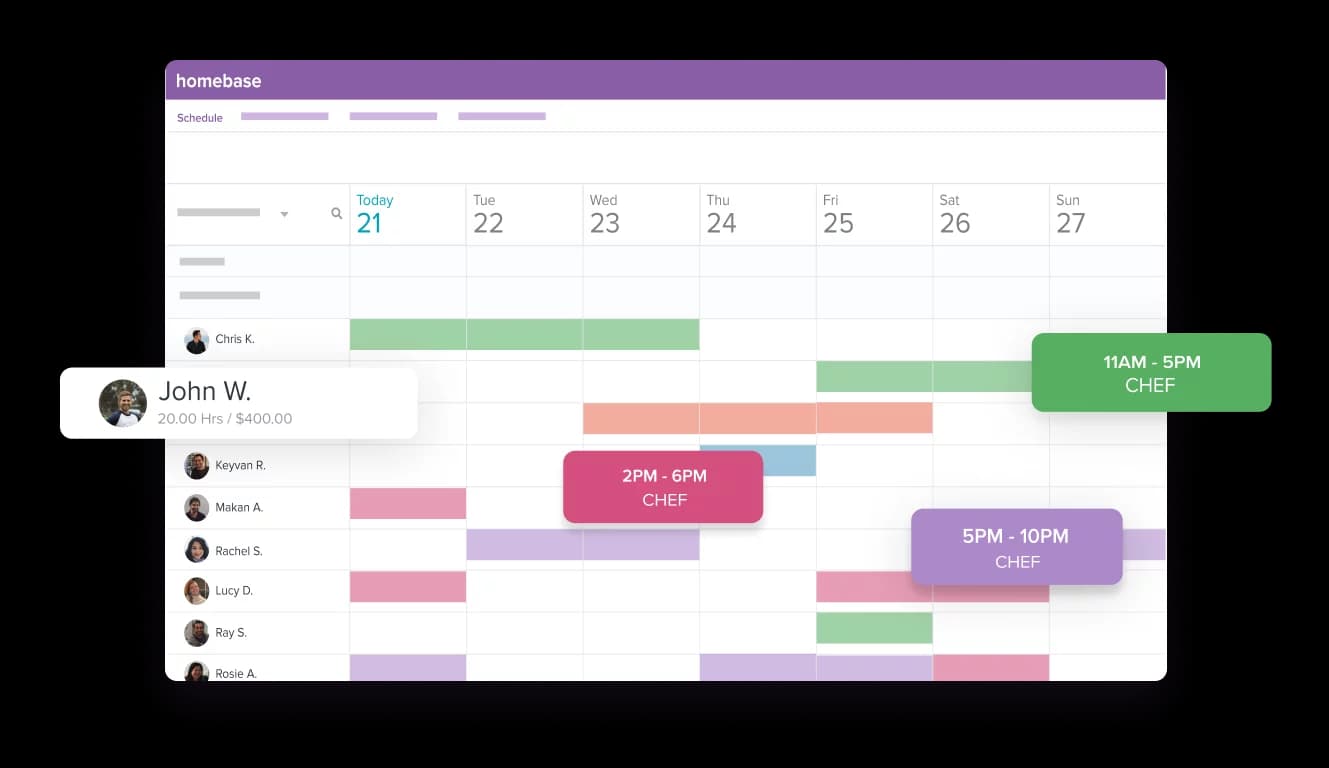
Create your schedule in minutes and share it with your team
- Build your schedule online and keep your team in the loop
- Make sure your team always has their up-to-date schedule
- Make changes on the go—wherever, whenever

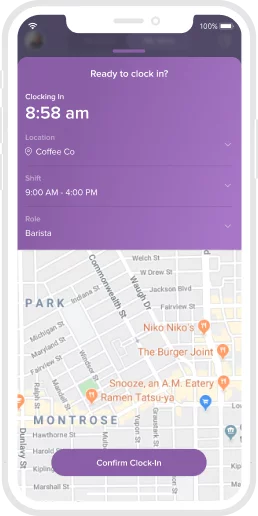
Track your team's time worked with our free time clocks
- Track hours and tips to make payroll a breeze
- Get a complete picture of your labor expenses
- Turn (almost) any device into a time clock
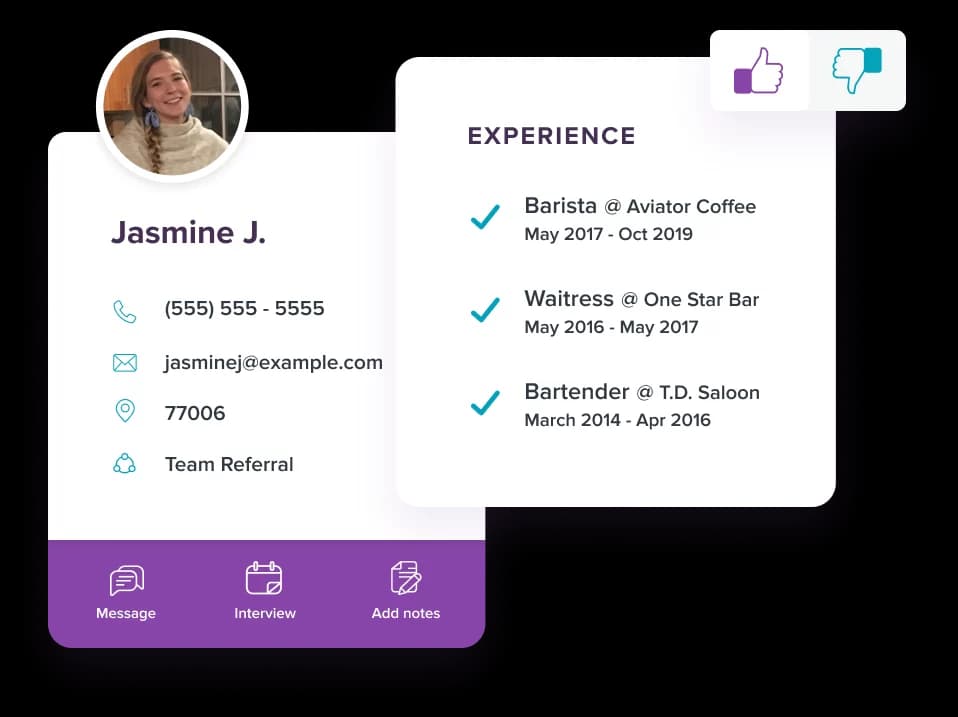
Hire new employees without the headaches
- Ditch the piles of new hire paperwork and onboard online
- Post jobs to the top online job boards for free
- Easily manage candidates in one system
Try our free plan today
Get all these features, plus integrations and more
- Time tracking & time clocks
- Scheduling & availability
- Team messaging & employee app
- Hiring
- POS & payroll integrations
- Live support: phone, email, chat
Here’s what we do not charge for that many others do:
- Time and attendance
- Job posts, applicant tracking
- More than 10 employees
- Time clocks
- Employee mobile app
- Scheduling beyond 10 days

Get it All-in-One
Hiring
Post to tob job boards and manage all your applicants in one place
Onboarding
Send a welcome packet for new hires to self-onboard and e-sign their form
Health & safety
Screen for symptoms before shifts to help keep your team and business safe
Labor cost controls
Manage costs, build forecasts, and adapt as demand and budgets change
HR & Compliance
Modern tools, certified HR advisors, and expert guides to help you stay compliant
Subscribe
Looking for ways to manage schedule for managers and employers?
Homebase is the everything app for hourly teams, with employee scheduling, time clocks, payroll, team communication, and HR. 100,000+ small (but mighty) businesses rely on Homebase to make work radically easy and superpower their teams.
FAQ
Questions? We’ve got time.
Connect with a payroll expert to see how it all works.
What's the difference between Homebase and Hubstaff?
Homebase is an all-in-one app for managing hourly teams — scheduling, time tracking, payroll, hiring, and team messaging in one place. Hubstaff is built primarily for productivity monitoring, using screenshots, app and URL tracking, and activity percentages to measure remote work. Homebase is designed for shift-based teams who clock in on-site; Hubstaff is designed for managers who want detailed oversight of desk and remote work.
Is Homebase or Hubstaff better for hourly and shift-based teams?
Homebase is built specifically for hourly and shift-based teams in industries like restaurants, retail, beauty, and healthcare. It pairs scheduling, a free time clock, and payroll with the compliance tools shift managers actually need. Hubstaff can track hours too, but its screenshot and activity-monitoring features are aimed at remote desk teams and can feel excessive for a crew working a counter, a floor, or a job site.
Does Homebase track screenshots or monitor employee activity like Hubstaff?
No, Homebase does not take screenshots or track keyboard, mouse, or app activity. Homebase focuses on accurate time tracking, scheduling, and labor management — not surveillance. If your priority is detailed productivity monitoring of remote workers, Hubstaff is built for that. If you manage a shift-based team and want simple, trustworthy time tracking, Homebase is the better fit.
How much do Homebase and Hubstaff cost?
Homebase starts at $0 and is priced per location, while Hubstaff is priced per user starting at $5.83 per user per month billed annually. Homebase's free Basic plan covers one location with up to 10 employees, and paid plans (Essentials, Plus, and All-in-One) start at $24 per location per month billed annually — with unlimited employees on every paid plan. Because Homebase charges by location instead of by head, costs stay predictable as your team grows.
Can I switch from Hubstaff to Homebase?
Yes, you can switch from Hubstaff to Homebase and get set up in minutes. Create a free account, add your team and locations, and build your first schedule — no credit card required. Homebase's support team and onboarding tools can help you move your team over and get your time clock and payroll running.
Does Homebase offer payroll?
Yes. Homebase payroll runs at $39/month + $6/employee and includes unlimited payroll runs, automated tax filing, multi-state support, tip management, and earned wage access. Hours flow from Homebase time tracking directly to payroll with no manual entry.