FREE TIMESHEET SOFTWARE
Free Timesheet Software for Small Business
Turn schedules, clock-ins, and breaks into timesheets ready to
review in just a few clicks.
Free forever for up to 10 employees at one location.
4.8★  Apple Store
4.6★  Capterra
4.2★  Google Play
4.6★  G2
G2
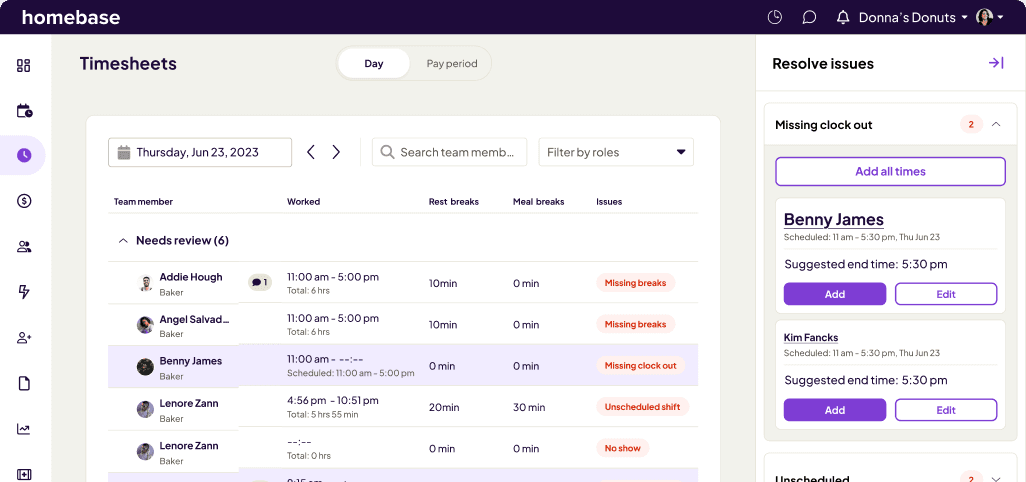
Your team’s time, streamlined
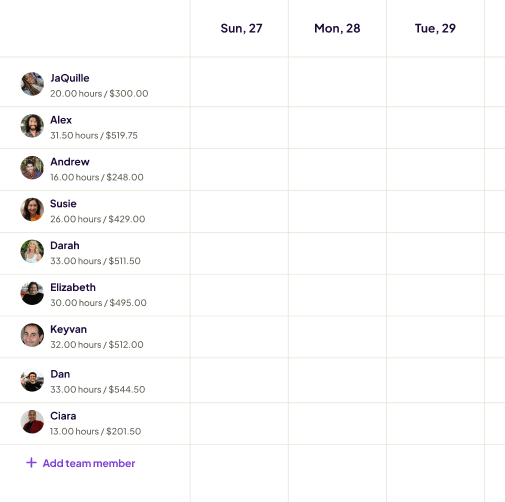
Build your team
Add employees, set their hourly rates, and assign roles.
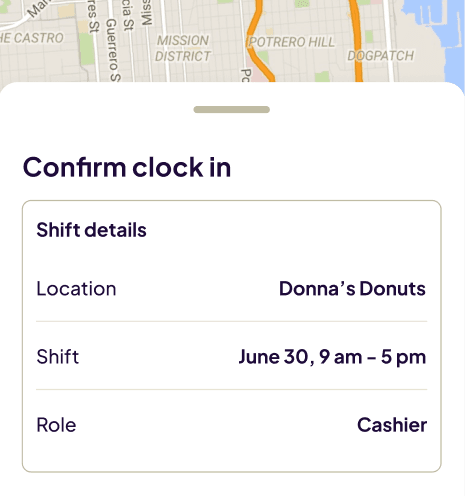
Employees clock in and out
Clock-ins and outs happen on a mobile device, tablet, or web browser. Every minute is logged automatically.
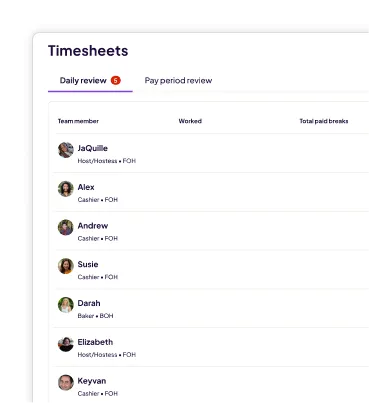
Review timesheets
See every employee's hours in one view. Review in minutes, approve timesheets with a click, and push directly to payroll.
WHAT'S INCLUDED IN Our FREE TIMESHEET SOFTWARE?

Automatic clock-in and clock-out tracking
Daily and weekly hour totals, calculated for you

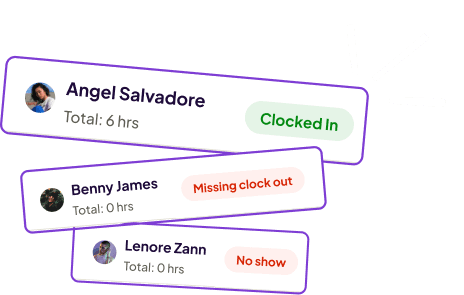
See time card errors highlighted automatically

Manage and store timesheets for up to 90 days
EMPLOYEE TIMESHEETS
Track time and manage your team in one place
Team management
- Drag-and-drop scheduling
- Availability
- Shift swaps
- Auto-scheduling
- Schedule templates
- Multi-location view
Timesheet management
- Scheduled vs. actual hours
- Labor forecasting
- Overtime alerts
- Timesheet approval
- Payroll export
Built for teams like yours
More than 100,000 small businesses use Homebase to track time, build schedules, and pay their teams. Here's what they say.
The managers review the time sheets just to make sure they make sense and there weren't any errors or missed clock-ins, clock-outs, any adjustments that need to be made. And then I give it a final check. That takes me anywhere between 20 and 40 minutes to do that every two weeks.

I think Homebase fit well with our business style because we do have a lot of seasonal employees. So it kind of made sense that we could just add them on Homebase, have them clock in and clock out and we wouldn't need to worry about manually tracking everybody.
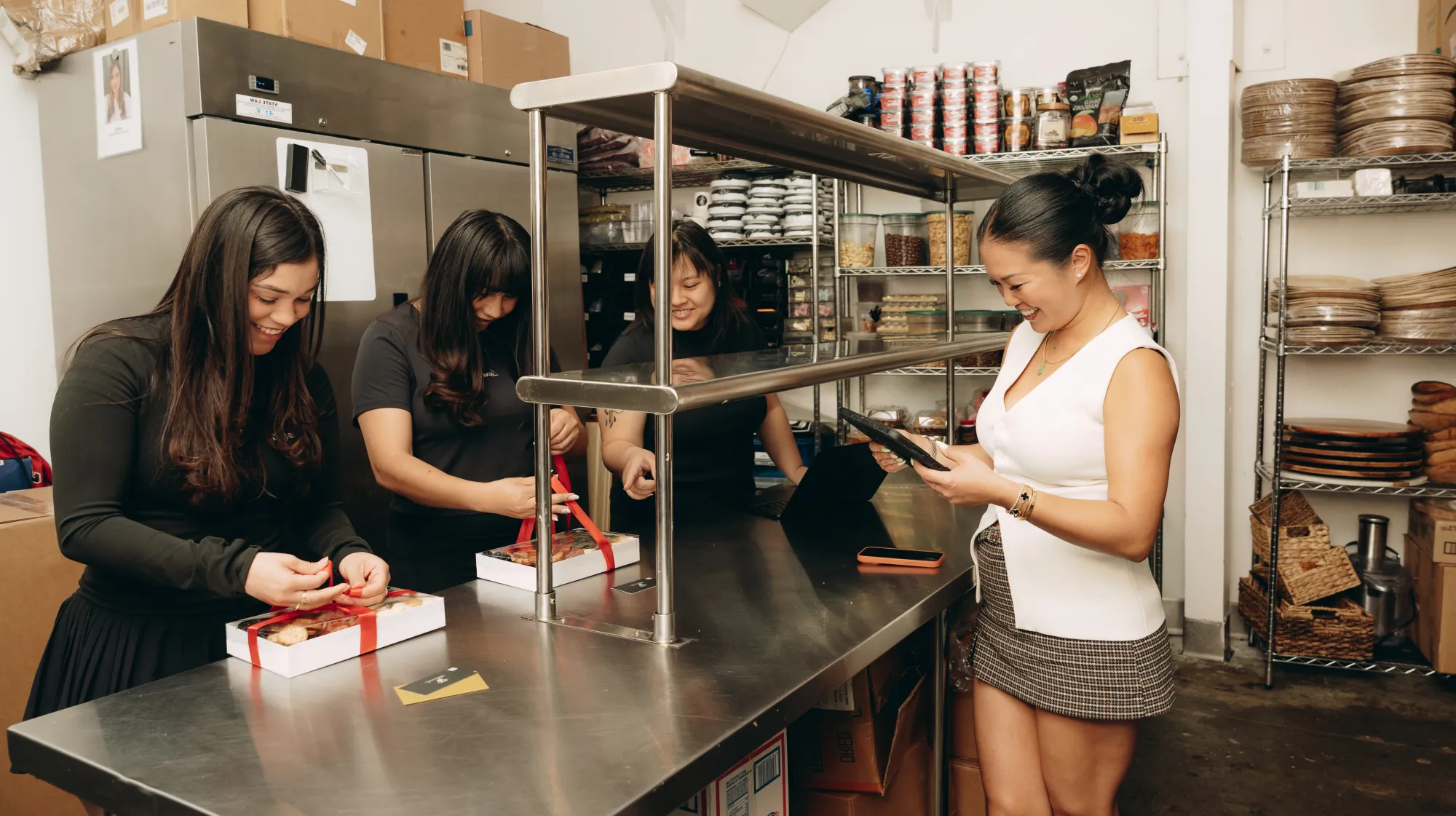
"Our events manager sometimes has to edit timesheets at the end of the day. She doesn't have to log into a laptop — she can do it just in her car, from anywhere. It's been really, really good for us."
Frequently ASked Questions
Free Timesheet Software FAQs
Book a call with an expert to learn more.

MANAGE YOUR TIMESHEETS IN HOMEBASE
Save hours of manager admin every week.