Free team chat app
One app to end email chains and group texts
Stop juggling different apps. Connect your team messaging, scheduling, time clocks, payroll and more in one place.
Free forever for up to 10 employees at one location.
4.8★  Apple Store
4.6★  Capterra
4.3★  Google Play
4.6★  G2
G2
How to set up team chat for your employees with Homebase.
Sign up for free
Create your account and download the free Homebase app, or login on the web.
Add your team
Add employees to your roster and ask them to download the free app on their phone.
Start messaging
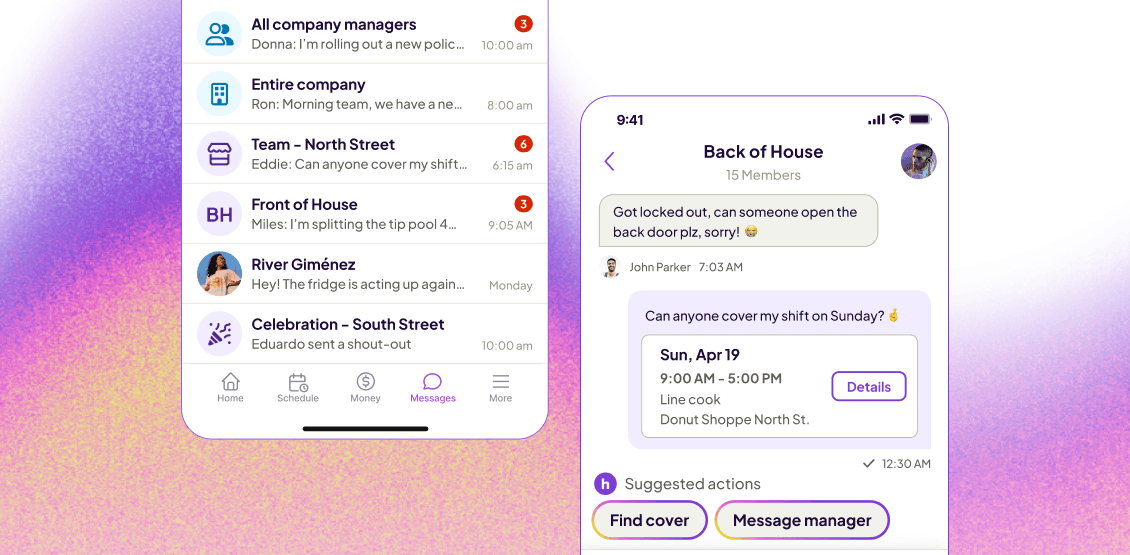
Message individuals, the whole team, or create groups by roles and departments.
ONE APP FOR ALL THE WAYS YOU CONNECT WITH YOUR TEAM.

Message individuals and respond in threads.

Employees can chat directly with each other with full visibility for managers.

Create groups by role, departments, scheduled day, and more.

Share images, polls, locations, and files.

Give shout outs and recognition badges.
Free employee communication app
Built-in free team messaging app connected with your schedules and time clock.
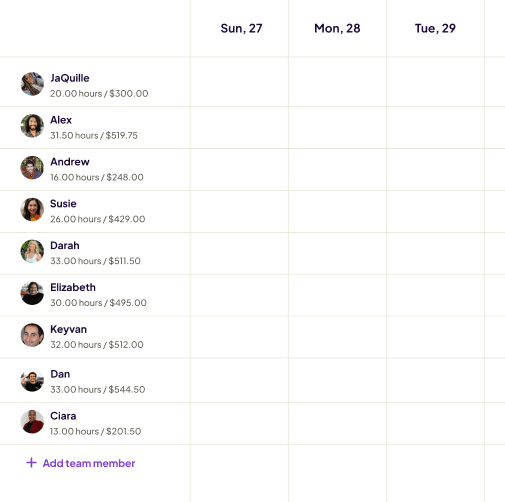
Employee Scheduling
- AI shift suggestions
- Drag-and-drop shifts
- Templates
- Overtime alerts
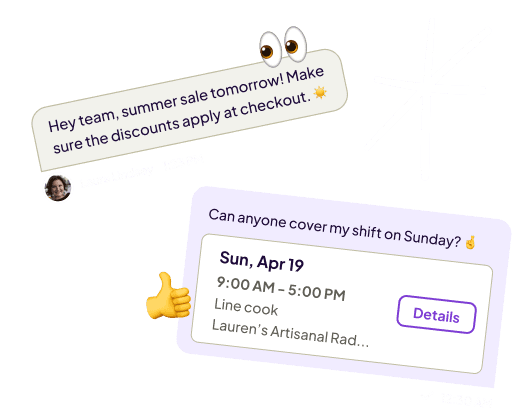
- Shift trades & covers
- Labor cost & sales forecast
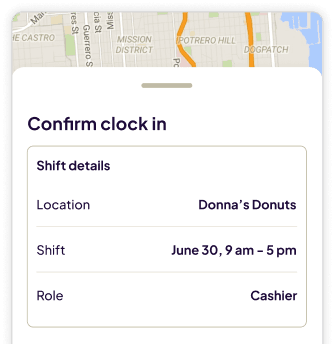
Mobile time clock
- GPS & geofencing
- Break waivers
- Clock in & out reminders
- Auto clock out
- Late employee alerts
- FLSA compliance
Built for teams like yours
More than 100,000 small businesses use Homebase to track time, build schedules, and pay their teams. Here's what they say.

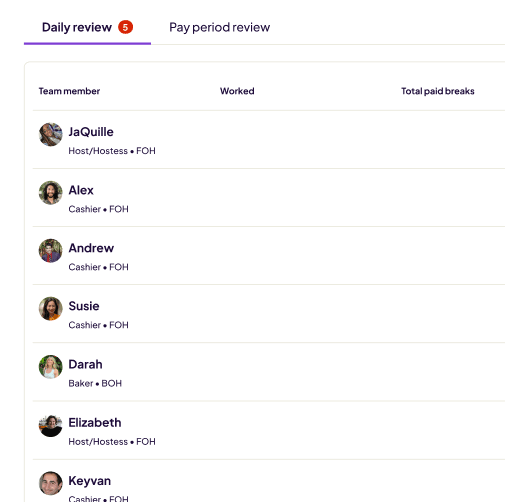
"The managers review the time sheets just to make sure they make sense and there weren't any errors or missed clock-ins, clock-outs, any adjustments that need to be made. And then I give it a final check. That takes me anywhere between 20 and 40 minutes to do that every two weeks."

"We use Homebase scheduling and clock-in / clock-out to track employees' time — and it has payroll built in. For me, I want to have everything in just one platform."

"Homebase's time clock takes a picture of the employee when they clock in. It gives me something that's reliable that I can trust. I can track employees even when I'm not always at the store."
FAQs
Free team messaging explained.
Let us show you how it all works.

Connect & manage your team IN HOMEBASE
No more losing track of group texts and email chains.