Construction Payroll Software
Crew tracking meets payroll.
Track prevailing wages by trade, sync hours to payroll, and stay audit-ready.
Best Small Business Payroll 2025

Best Payroll Services 2025

Best Payroll for Small Business 2026

Best Small Business Payroll 2025
Best Payroll Services 2025
Best Payroll for Small Business 2026
Made for hourly teams
Payroll built for crews on job sites.
Track job site hours, manage crew schedules, and run payroll—all in one place. No juggling apps or chasing paper timesheets.
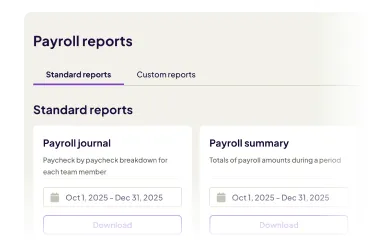
Track labor costs by project, role, and location
Break down hours and wages by job site for accurate bidding, client invoices, and audits—no spreadsheets.
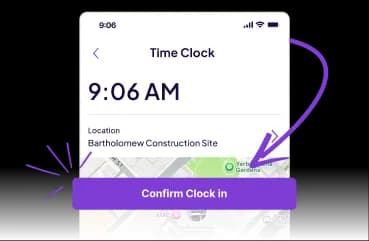
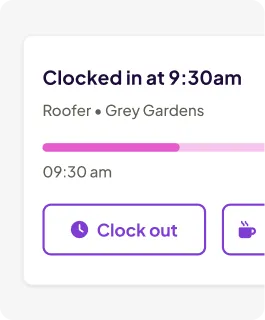
Clock in at the job site, synced straight to your payroll.
GPS-verified clock-ins flow automatically to timesheets. No manual entry, no missed hours, no disputes.
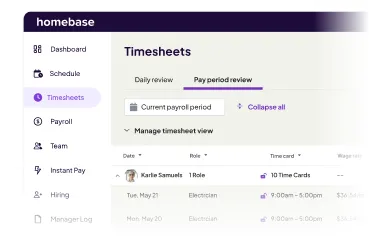
Pay framers, electricians, and subs from one system.
Different trades, different rates, different tax forms? Calculate wages and file correctly every time, automatically.

run your team and Payroll in one App
Sign up in 5 minutes.
Construction Tax Compliance
Stay compliant without the paperwork nightmare.
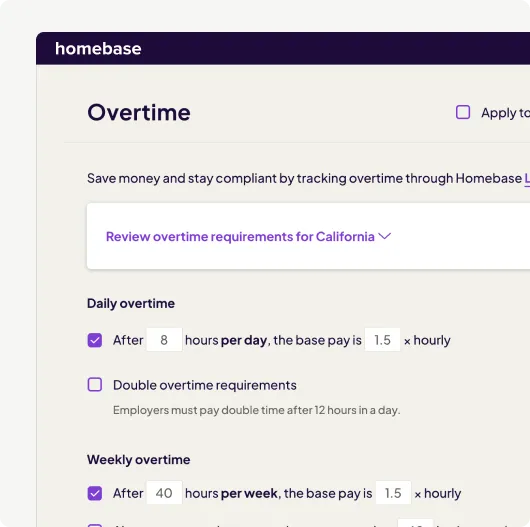
Construction schedules are complex—split shifts, multiple sites, overtime thresholds that vary by state. Homebase gives you the tools and paper trail to stay compliant.
- Calculate daily and weekly overtime with multipliers, including double-time where enabled, and track overtime across locations for crews moving between sites.
- Maintain digital time records and payroll documentation that meet Department of Labor requirements—pull audit-ready reports in seconds.
- Handle workers' comp calculations, child-support garnishments, and post-tax deductions automatically so every paycheck is accurate.
Job-Site Payroll & Taxes
Run payroll for every crew and every job site.
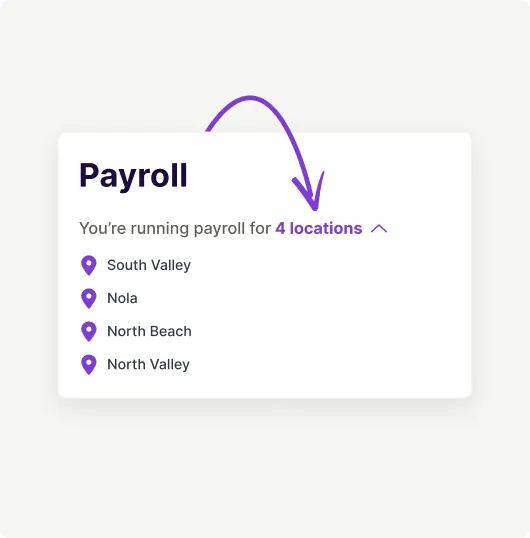
Homebase tracks hours across projects and locations so you always know who worked where, at which rate, and what they're owed.
- Calculate multi-state payroll taxes when crews cross state lines, then file and deposit them automatically on the required schedule.
- Track hours by job site and role, apply the right wage rate automatically, and handle overtime when crews work across multiple projects.
- Run payroll for both W-2 employees and 1099 contractors from one platform, with year-end forms filed correctly and accessible in your dashboard.
Run construction payroll in four simple steps.
Schedule your crews, track hours across job sites, and process payroll—all in one system so your projects run smoothly.
1. Hire
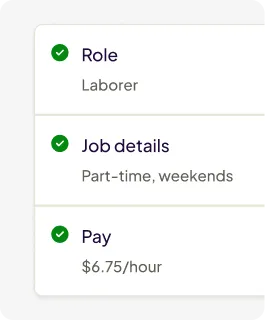
Post jobs, track applicants, and onboard new hires.
2. Schedule
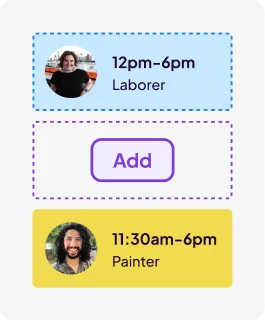
Add your team. Build instant, automated schedules.
3. Track
Shifts sync to time clocks to keep your team on track.
4. Pay
View hours and wages. Run payroll quickly and accurately.
A real impact on real teams.
The construction payroll app that tracks every job site.
Saved weekly
Our customers cut their scheduling time in half, saving an average of 1 hour a week that is better spent in the kitchen, not the back office.
Rated very easy to use
85% of customers rated Homebase as extremely easy to use, helping teams stay organized with less manual admin.
Would recommend
4 in 5 of our customers would recommend Homebase to another small business owner to manage their teams.
FROM TIP POOLS TO PAYCHECKS, DONE
What other products can keep your construction crews running smoothly?

Time Clock
See how construction crews can clock in from any job site with mobile time tracking that syncs hours straight to payroll—automatically.
Learn more
Mobile GPS Time Clock
Discover how geofencing and GPS verification stop buddy punching and confirm your crew is on-site before they clock in.
Learn more
Full-Service Payroll
Learn how timesheets convert to paychecks automatically, with taxes filed and processed—all from one simple platform.
Learn moreWe play well with others.
Sync your POS with Homebase to optimize your schedule based on your sales.