HIRING ASSISTANT
HIRE FASTER. NEVER MISS
A GREAT CANDIDATE.
An always‑on hiring system built for hourly teams that screens, schedules, and organizes every applicant, saving you dozens of hours every week.
Already a Homebase user? Visit the Hiring tab in your dashboard.
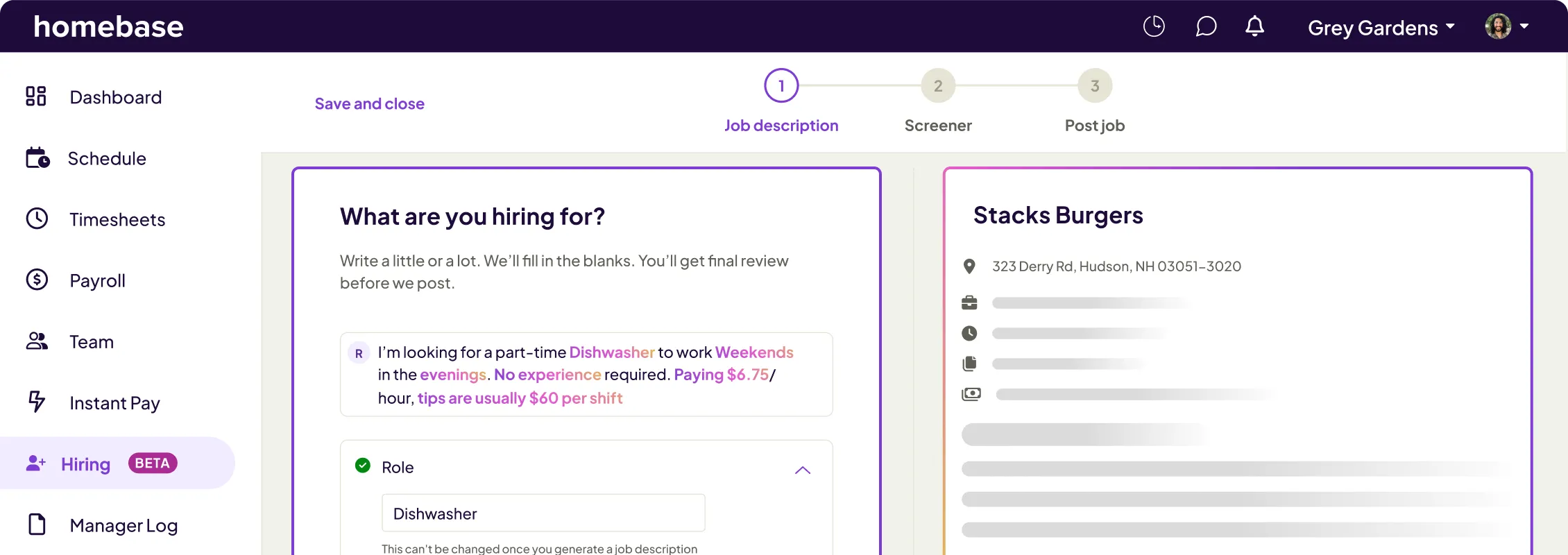
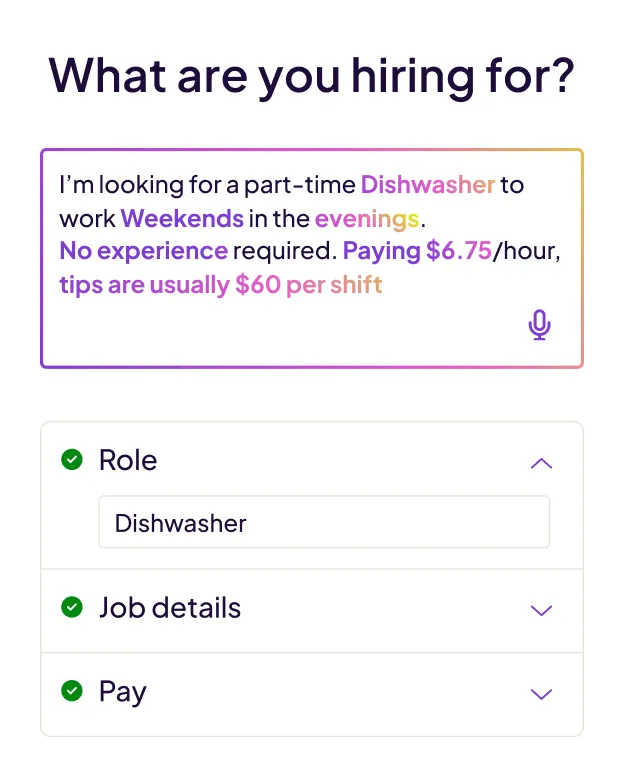
small business hiring software
A smarter way to hire, start to finish.
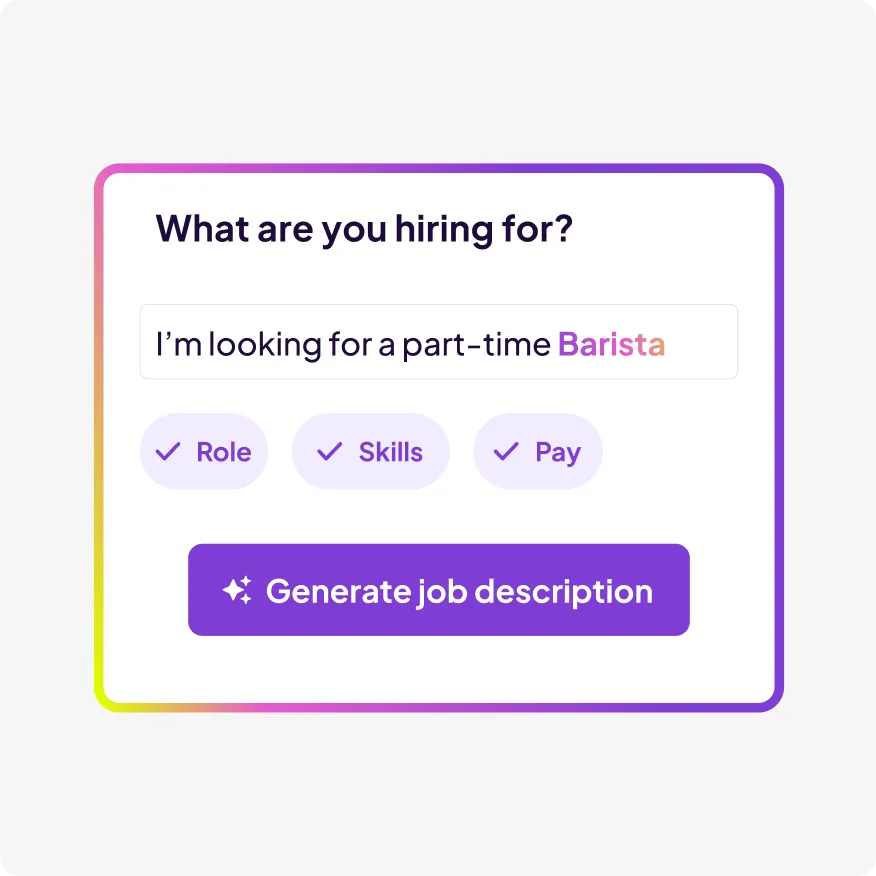
Post in minutes.
Share the basics and Hiring Assistant creates a polished job post and publishes it to top job boards in one click.
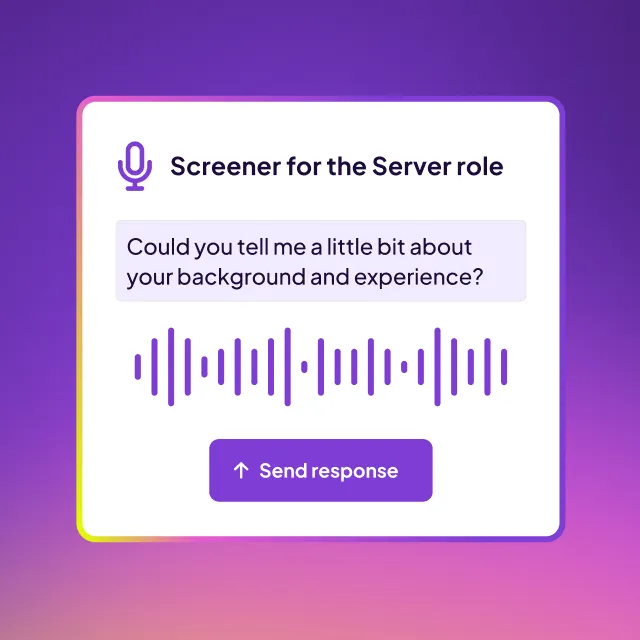
Screen every applicant, 24/7.
Hiring Assistant screens every applicant in real time—listening to spoken answers, asking written follow-ups, and capturing the highlights for you.
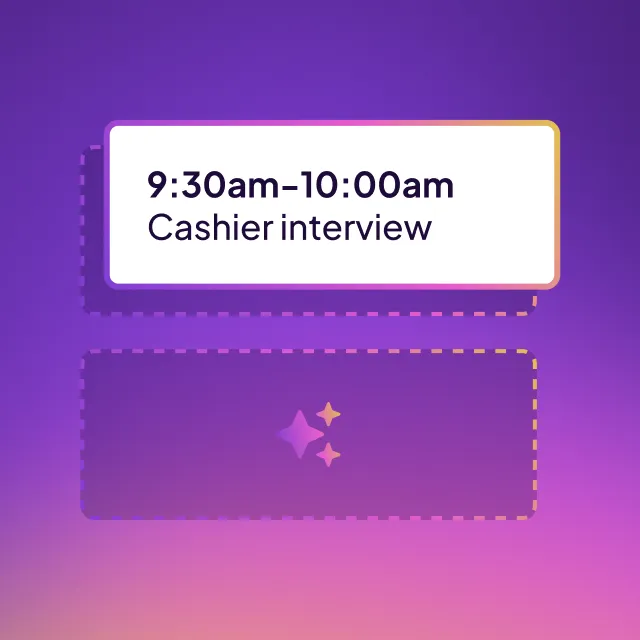
Find the best fits, fast.
Invite top matches to book interviews directly in your calendar. Easily reschedule or cancel at any time.

"It handles all the hard work—practically automating the whole process. I don’t have to do the heavy lifting anymore."
Andy Nemeth, Owner, Little Ireland Coffee
GET HOURS BACK
Handles the tedious parts of hiring, 24/7.
- Writes and posts your job to top boards with just a few clicks.
- Screens every applicant instantly, so no one slips through the cracks.
- Takes care of the rest — scheduling, communication, onboarding, and more.
SCREEN APPLICANTS FASTER
Find the best fits, instantly.
- Screens candidates as soon as they apply.
- Applicants speak their answers while Hiring Assistant listens and follows up to understand true fit.
- Resumes and screening responses are summarized into clear, insight-rich profiles.
- Quickly spot strengths and top candidates so you can decide who to move forward with, fast.

ONE WORKFLOW, NO EXTRA LOGINS
From hiring to payroll, it’s all in one place.
- Hiring Assistant is fully integrated with your scheduling, onboarding, and payroll workflows.
- Keeps job posts compliant, filters out unqualified applicants, and enables optional background checks.
- Designed specifically for small businesses with high turnover, urgent roles, and no time to waste.
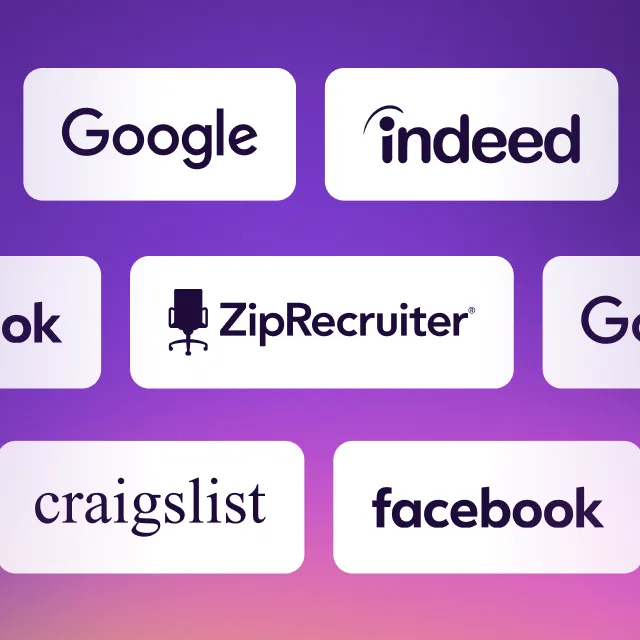
One click. Every job board.
Get maximum exposure to top job boards in a single click.





The everything app for hourly teams.
Spend less time wrangling logins and transferring data. Homebase comes with everything else you need to manage your team.