QuickBooks Alternatives: Best 5 Options for Small Business Owners


SMALL BUSINESS INTEL, IN YOUR INBOX
Table of contents
QuickBooks is the default choice for small business accounting—familiar to bookkeepers and accountants, woven into the workflows of millions of businesses that have never questioned whether something better exists.
But defaults have trade-offs. The per-user pricing model starts to sting as teams grow. Payroll is a separate add-on that doesn't connect to scheduling or time tracking. And for businesses running hourly teams across multiple locations, the bundled cost of accounting, payroll, and time tracking across three separate tools adds up quickly.
This guide covers five QuickBooks alternatives worth considering at every stage of your small business.

The best QuickBooks alternatives at a glance.
- Xero: The closest full-featured replacement for QuickBooks Online, with unlimited users on every plan. Best for growing teams that need complete accounting without per-seat fees.
- Wave: The strongest free option for early-stage businesses. Covers invoicing, expense tracking, and bank reconciliation at no cost.
- Zoho Books: Best for owners in the Zoho ecosystem, or anyone who wants to automate approvals and recurring entries without paying for a mid-tier plan.
Why we built this guide.
We're Homebase. We make scheduling, time tracking, payroll, and HR tools for small businesses with hourly teams—and accounting software is not one of them. But payroll and accounting go hand in hand, and the question we hear constantly from our customers is: what should I be using for my books?
A lot of the businesses we work with run their team on Homebase and then connect it to an accounting tool for the financial side. Keith Zimmerman, owner of Plum Creek Farm, is one of them: “The seamless way the data goes over to QuickBooks and I can run payroll with a couple button clicks is great.”
That integration matters, but it also means choosing the right accounting tool matters. So we put this guide together for the owners in our community who are either setting up their books for the first time or reconsidering what they're currently using. Every tool was evaluated on its own merits, and we never accept payment or backlinks for a product mention.
How Homebase chose these QuickBooks alternatives.
We evaluated each tool on the features small business owners actually use: invoicing, bank reconciliation, expense tracking, and financial reporting.
We also looked at whether payroll is included or a separate add-on, user limits and per-seat pricing, migration support, and what customers say on G2 and Capterra.
All pricing below was confirmed against each vendor's live page before publication. Tools without public pricing are marked accordingly.
5 QuickBooks alternatives for small business owners.
There is no single best QuickBooks alternative; the right pick depends on what your business actually needs from its accounting software. The five tools below cover the most common situations your business may be in.
1. Xero: Best for growing teams that need full accounting.
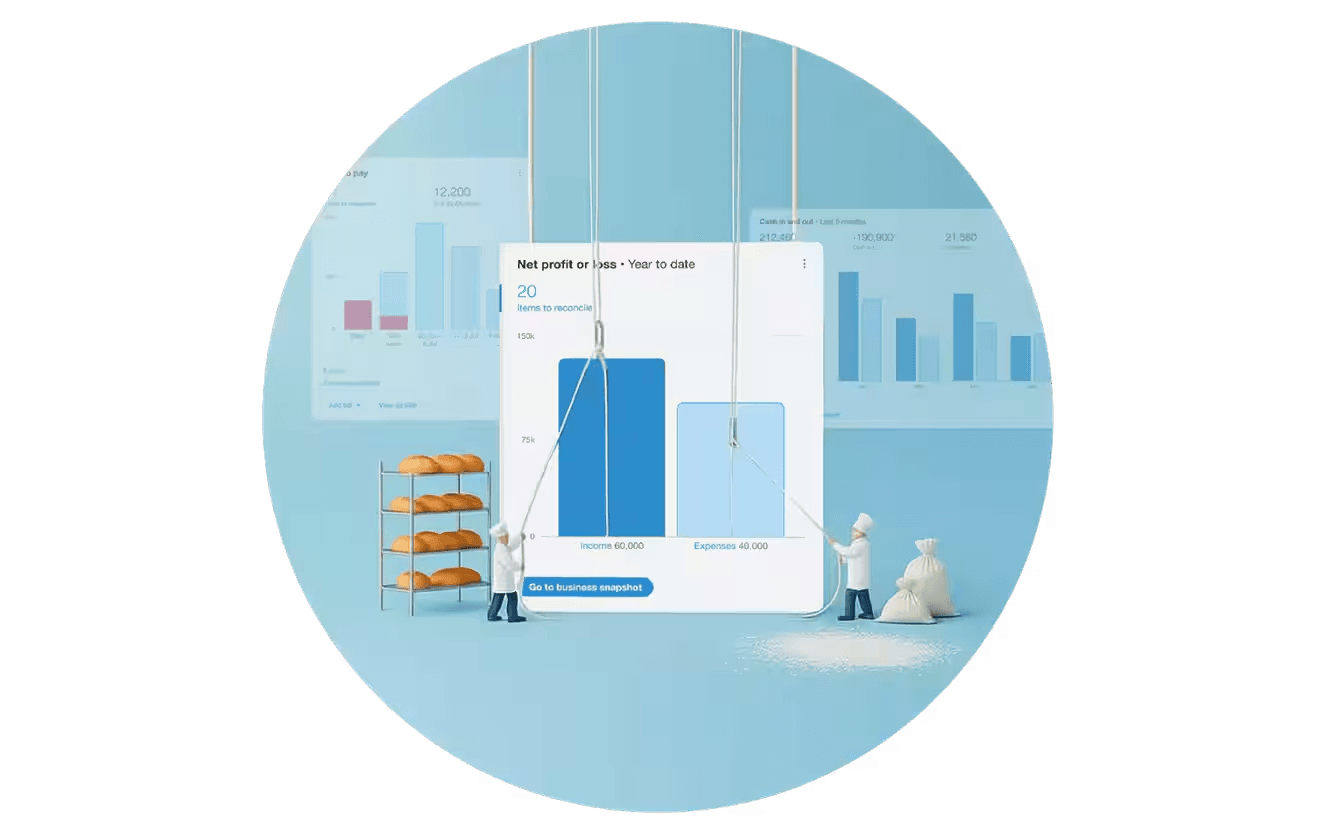
Xero covers invoicing, bank reconciliation, expense tracking, and reporting—the same core accounting structure as QuickBooks Online—with one difference that matters as teams grow: every plan includes unlimited users. That changes the math considerably for any business with three or more people who need account access.
Best for: Growing small businesses with three or more team members who need a full accounting system and want to avoid per-seat fees.
G2 rating: 4.4/5 (1,600+ reviews)
Capterra rating: 4.4/5 (3,300+ reviews)
Key features:
- Unlimited users on all plans, a meaningful differentiator over QuickBooks, which charges per seat as your team grows.
- Automated bank feeds with AI-assisted reconciliation, plus invoicing, bill management, and expense tracking across all tiers.
- Real-time financial reporting, cash flow forecasting, and customizable performance dashboards.
- Over 1,000 app integrations, including Gusto for payroll, with a dedicated US migration team for businesses switching from QuickBooks.
Pricing: Starting from $25/month for up to 20 invoices and 5 bills (currently discounted to $2.50/month for the first 6 months). No free tier.
What customers say (from Capterra and G2):
- Positive: Reviewers consistently praise Xero's clean interface and automated bank reconciliation, saying it makes daily bookkeeping faster and accessible even for non-accountants. The unlimited-users model and deep integration ecosystem are the most frequently cited reasons for choosing it over QuickBooks.
- Critical: The most common complaints are limited reporting customization and no phone or live chat support, which frustrates users when urgent issues come up. A number of reviewers also flag that Xero's own price increases have started to sting for smaller businesses.
Our take: Xero is the safest like-for-like replacement for QuickBooks Online. If you're leaving QuickBooks because per-seat pricing has gotten expensive, Xero solves that directly. If you're leaving because the reporting feels limited, Xero may not be a meaningful upgrade without add-ons.
2. Wave: Best free option for early-stage businesses.
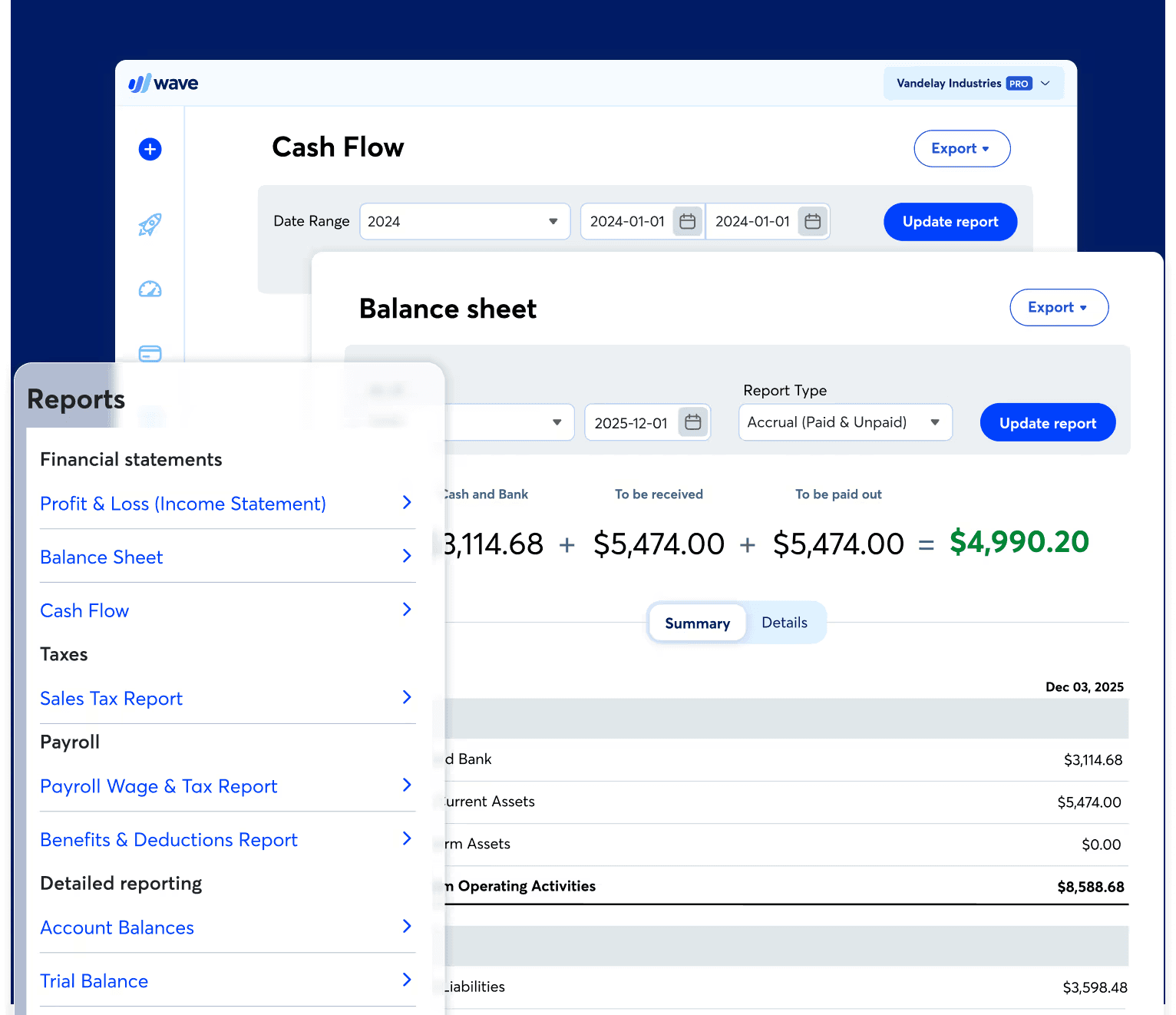
Wave's free Starter plan covers invoicing, expense tracking, and bank reconciliation with no time limit and no credit card required. The trade-off is limited automation, no inventory management, and customer support that reviewers consistently describe as hard to reach. For freelancers and solo operators who need the basics without a subscription, it's a practical starting point.
Best for: Freelancers, solopreneurs, and very small businesses who need the basics without a subscription.
G2 rating: 4.3/5 (300+ reviews)
Capterra rating: 4.4/5 (1,700+ reviews)
Key features:
- Free invoicing, unlimited estimates and bills, and bookkeeping records on the Starter plan, with no time limit and no credit card required to get started.
- Mobile app for invoicing and expense tracking on the go, plus cash flow and customer management in one dashboard.
- Pro plan adds automatic bank transaction imports, auto-merge and categorization, receipt capture, and automated late payment reminders.
- Optional payroll add-on available for US businesses at $20-35/month, and an optional Wave Advisors service that pairs you with a dedicated bookkeeper starting at $149/month.
Pricing: Free plan available (unlimited estimates, invoices, bills, bookkeeping records). Pro plan is $19/month (billed monthly) or $190/year (billed annually). Payroll is a separate add-on.
What customers say (from Capterra and G2):
- Positive: Wave's free plan covers invoicing, expense tracking, and bank reconciliation without a subscription, which makes it a practical starting point for freelancers and solo operators. The interface is consistently described as clean and quick to set up, with automatic bank transaction imports saving meaningful time on manual entry.
- Critical: Customer support is the most repeated complaint across both platforms: limited hours, slow email responses, and no reliable way to reach a person when something goes wrong. A number of reviewers also flag that Wave's feature depth stops short once a business starts growing, particularly around reporting, multi-currency support, and payroll flexibility.
Our take: Wave earns its spot because the free plan is genuinely functional. It's a good starting point for a small business, but if you're adding employees, dealing with inventory, or spending meaningful time on your books, you'll likely outgrow it within a year.
3. Zoho Books: Best for automation and ecosystem fit.
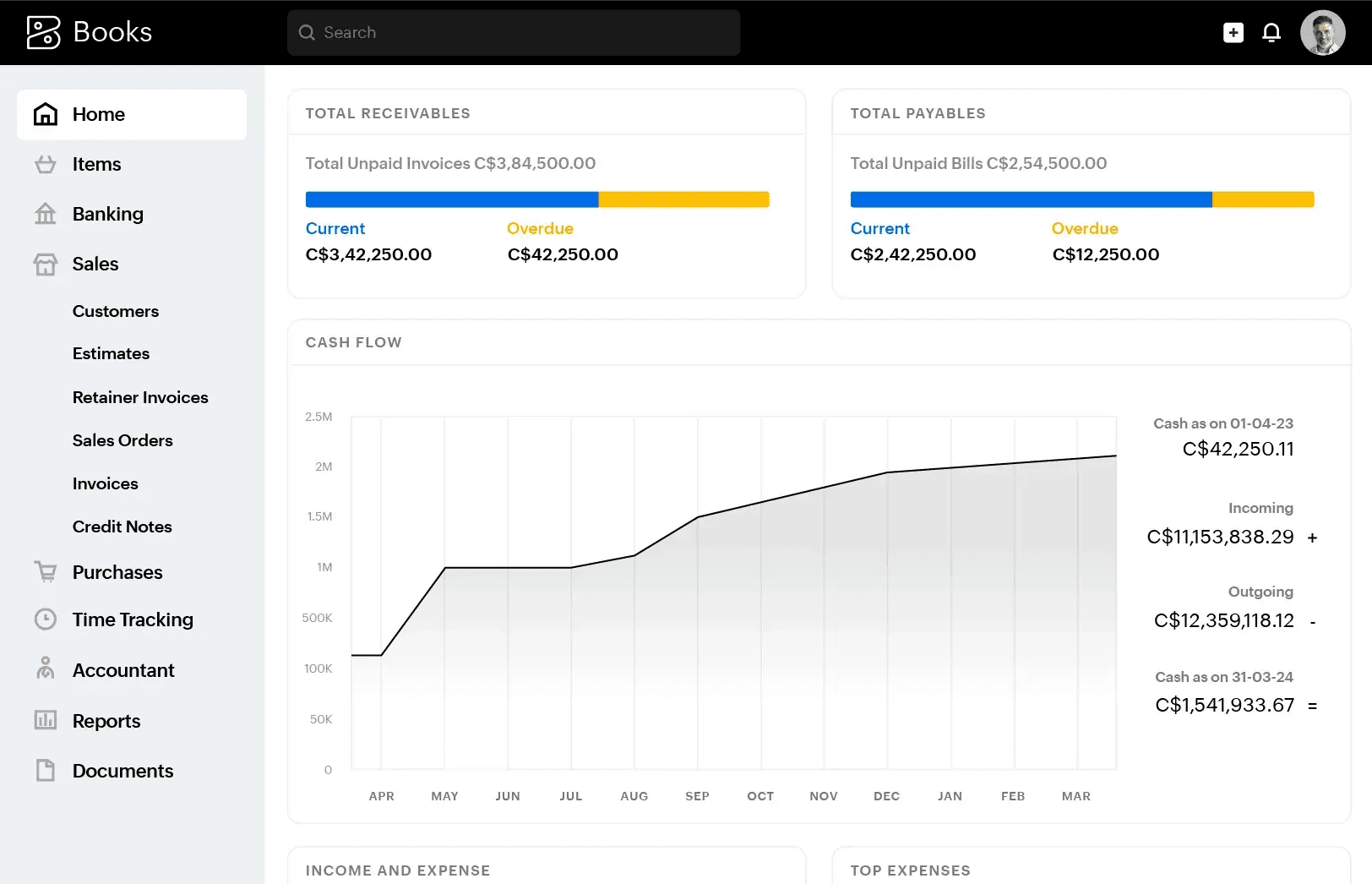
Zoho Books has the strongest free plan of any accounting tool on this list, and more built-in workflow automation than anything else at its price point. If you're already running other parts of your business on Zoho, adding Books is a natural next step.
Best for: Owners already in the Zoho ecosystem, or anyone who wants to automate approvals and recurring entries without paying for a mid-tier accounting plan.
G2 rating: 4.4/5 (300+ reviews)
Capterra rating: 4.4/5 (600+ reviews)
Key features:
- Free plan covering invoicing, quotes, expense tracking, bank reconciliation, 1099 and W-9 management, and 50+ reports, for 1 user plus 1 accountant with no time limit.
- Automated payment reminders, recurring invoices, and smart workflow automation that reduce manual data entry across the billing cycle.
- Inventory tracking, purchase orders, project profitability, and multi-currency support on mid-tier plans, making it one of the more feature-complete options at its price point.
- Deep native integration across the Zoho ecosystem (CRM, Inventory, Expense, Projects) plus API access and support for third-party payment processors including Stripe and PayPal.
Pricing: Free plan available (1 user + 1 accountant). Paid plans start from $15/month; free trial available.
What customers say (from Capterra and G2):
- Positive: Reviewers consistently highlight Zoho Books' clean interface and invoicing automation, saying it makes daily accounting tasks faster without requiring deep accounting knowledge. The value-for-money angle comes up often too, particularly for small businesses that can start on the free plan and scale into paid tiers as they grow.
- Critical: Customer support is the most repeated complaint on both platforms: slow response times, inconsistent answers, and difficulty escalating complex issues. A significant share of reviewers also flag unreliable bank syncing, with transactions sometimes failing to import or showing up a day late, which adds manual reconciliation work.
Our take: Zoho Books is the best value on this list for businesses that want automation from the start. The catch is support—if you run into a problem, you may be on your own for longer than you'd like. Worth pairing with a bookkeeper or accountant who knows the tool.
4. FreshBooks: Best for service-based businesses that run on invoicing.
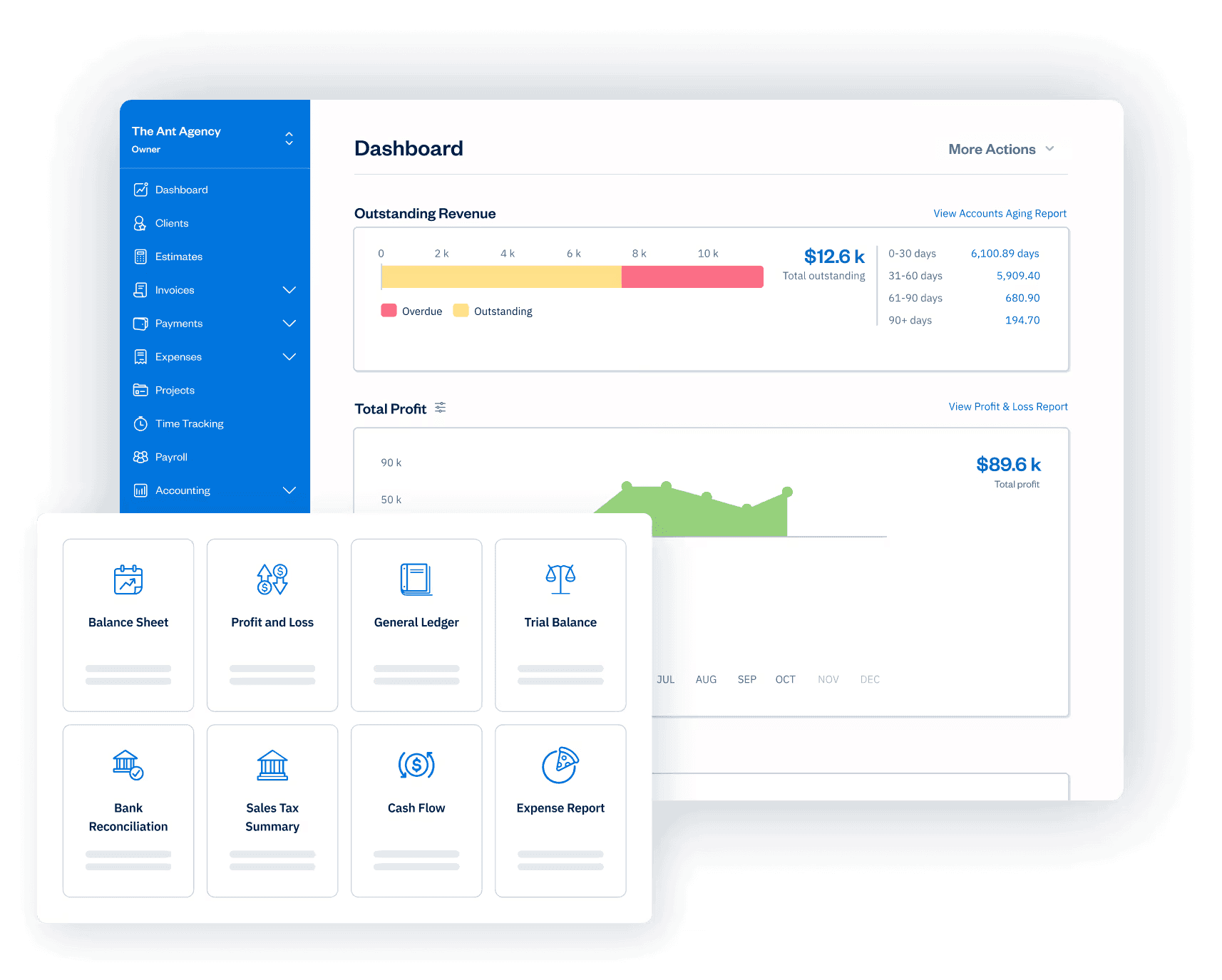
FreshBooks is built around the invoice, not the general ledger. Time tracking is included on every plan, project-based billing is a first-class feature, and the client communication tools are stronger than any other option on this list.
Best for: Consultants, contractors, agencies, and service businesses where client invoicing is the core workflow, not product sellers with complex inventory.
G2 rating: 4.5/5 (900+ reviews)
Capterra rating: 4.5/5 (4,500+ reviews)
Key features:
- Invoice-first design with customizable, branded invoices; automated payment reminders; and online payment acceptance via credit card, ACH, Apple Pay, Google Pay, and Buy Now, Pay Later on all plans.
- Built-in time tracking on all plans, with one-click conversion of tracked hours directly onto client invoices.
- Project tracking and profitability reporting, plus a client portal where clients can view all pending and past invoices, pay online, and communicate in one place.
- Double-entry accounting, expense tracking with receipt scanning, and financial reporting; payroll available as an add-on at $40/month plus $6/month per user.
Pricing: Starting from $23/month (currently discounted to $2.30/month for 6 months). Adding team members costs $11/month per user on any plan. Payroll is available as an add-on.
Free tier: No. A 30-day free trial is available.
What customers say (from Capterra and G2):
- Positive: Reviewers on both platforms consistently praise FreshBooks' ease of use and invoicing experience, saying it lets non-accountants send professional invoices, track time, and get paid without a learning curve. Customer support also stands out as a genuine strength: phone and chat responsiveness is rated notably higher than the other tools on this list.
- Critical: Pricing is the most common frustration: the per-client billing model on lower tiers feels like a penalty for growing, and costs add up fast when adding team members. A meaningful share of reviewers also flag intermittent technical issues: slow interface performance after a recent update and unreliable bank connection syncing in particular.
Our take: FreshBooks is the right fit if invoicing is the center of your accounting workflow. It's not the right fit for inventory-heavy businesses or anyone who needs deep reporting. The per-client cap on the Lite plan is worth checking before you sign up, as five clients goes fast for most service businesses.
5. Sage Intacct: Best for businesses that have outgrown QuickBooks.

If the other four tools on this list feel like lateral moves from QuickBooks, Sage Intacct is a step up. It's built for businesses that have grown past the point where a single-entity, single-currency accounting tool is enough—think multi-location operations, complex revenue recognition, or finance teams that need dimensional reporting across departments, projects, and entities.
Best for: Businesses with 20 or more employees and dedicated finance staff, or owners who keep hitting the ceiling on what QuickBooks and its alternatives can handle.
G2 rating: 4.3/5 (4,200+ reviews)
Capterra rating: 4.3/5 (700+ reviews)
Key features:
- Multi-dimensional general ledger that tracks financials across entities, departments, locations, and projects without multiplying your chart of accounts, plus automated month-end close tools that Sage claims can shorten close cycles by up to 90%.
- Real-time customizable dashboards and drill-down financial reporting, with direct data access via Snowflake for teams using Power BI or Tableau.
- AI-powered automation across accounts payable (including three-way matching), accounts receivable, and purchasing workflows, plus an AI Gateway for connecting third-party tools via REST API.
- Over 350 integrations covering payroll, HR, CRM (including Salesforce), expense management, and industry-specific solutions, with a modular pricing structure that lets businesses add only the capabilities they need.
Pricing: Custom pricing based on the modules your business needs.
What users say (from Capterra and G2):
- Positive: Reviewers consistently highlight Sage Intacct's reporting depth and multi-dimensional general ledger, saying it gives finance teams real visibility across entities, departments, and projects that simpler tools can't match. The cloud-based access and strong integration ecosystem—particularly with payroll, AP automation, and CRM systems—are also frequently cited as reasons teams make the switch from legacy desktop accounting software.
- Critical: Cost is the most repeated concern on both Capterra and G2, with several reviewers flagging escalating fees and aggressive upselling after the initial contract. A significant share of reviewers also note a steep learning curve, particularly for custom reporting and multi-entity setup, with many teams requiring consultant help or extended training to get full value from the platform.
Our take: Sage Intacct belongs on this list for one reason: there's a real ceiling on what QuickBooks and its alternatives can handle, and some businesses hit it. If you're managing multiple entities, dealing with complex revenue recognition, or your finance team is spending more time working around your accounting tool than in it, that's the signal.
Frequently asked questions about QuickBooks alternatives.
What is the best free QuickBooks alternative?
Wave is the strongest free option. It covers invoicing, expense tracking, and basic bookkeeping at no cost. Zoho Books also has a free plan for businesses with under $50,000 in annual revenue. Neither matches the full feature depth of QuickBooks, but both cover the core accounting functions that most small service businesses actually use.
Is it hard to switch from QuickBooks to another accounting software?
Switching takes planning but is not as complex as it sounds. Export your chart of accounts, open invoices, and customer/vendor lists first; most platforms accept CSV imports for these. The cleanest time to switch is the start of a fiscal year. Most businesses are fully operational on a new platform within a few days.
What is the closest alternative to QuickBooks Online?
Xero is the closest like-for-like replacement. It covers invoicing, bank reconciliation, expense tracking, and reporting with a similar accounting structure, and includes unlimited users on all plans, which QuickBooks does not.
Can I migrate my QuickBooks data to another platform?
Yes. Most alternatives support data migration via CSV. You can move your chart of accounts, customer and vendor lists, and opening balances. Full transaction history does not always transfer. Xero offers a dedicated US migration team; most other platforms provide guided import tools or setup documentation for QuickBooks migrations specifically.
So, which QuickBooks alternative is right for you?
QuickBooks is a capable product. For most of the past decade, it was also the only obvious choice. That's changed: prices have gone up significantly, the per-user model penalizes growing teams, and the payroll add-on nearly doubles the bill for businesses that need it.
Xero is the most practical starting point for owners who want a full accounting replacement. Wave or Zoho Books make sense if cost is the primary constraint. FreshBooks fits service businesses that live in their invoices. And if you've grown to the point where entities, complex reporting, and a dedicated finance team are part of the picture, Sage Intacct is where businesses in that situation tend to land.
If the bigger friction is payroll and team management, that's a different decision from accounting software. Most small businesses with hourly teams end up using an accounting tool alongside something like Homebase rather than trying to get both jobs done by one product.
If managing an hourly team is where the friction is, Homebase Payroll handles the math from your time clock—taxes filed, direct deposit sent, year-end forms done. Get started with Homebase.