What's the Difference Between a Receipt vs. Invoice and When Do You Need Them?

SMALL BUSINESS INTEL, IN YOUR INBOX
Table of contents
Understanding the differences between a receipt vs. an invoice keeps your business financial records clear and helps you avoid confusion with clients. This is especially true for service businesses, where clear documentation is critical for keeping your business organized.
In this article, we’ll cover the purpose of invoices vs. receipts, what to include in each one, and common mistakes to avoid when you’re first starting a small business.
TL;DR: Receipt vs. invoice
What is the difference between invoices and receipts? Invoices inform customers of what they owe before work begins, and receipts confirm when they’ve completed payment.
What to include in an invoice:
- Business name and contact information
- Client's name and contact information
- Invoice number
- Invoice date
- Payment due date and late fees
- Itemized list of services and/or products and their costs
- Subtotal, taxes, and total amount due
- Accepted payment methods
What to include in a receipt:
- Business name and contact information
- Client name and contact information
- Receipt number
- Date of payment
- Short product or service description
- Total amount paid, including taxes
- Method of payment

What is an invoice?
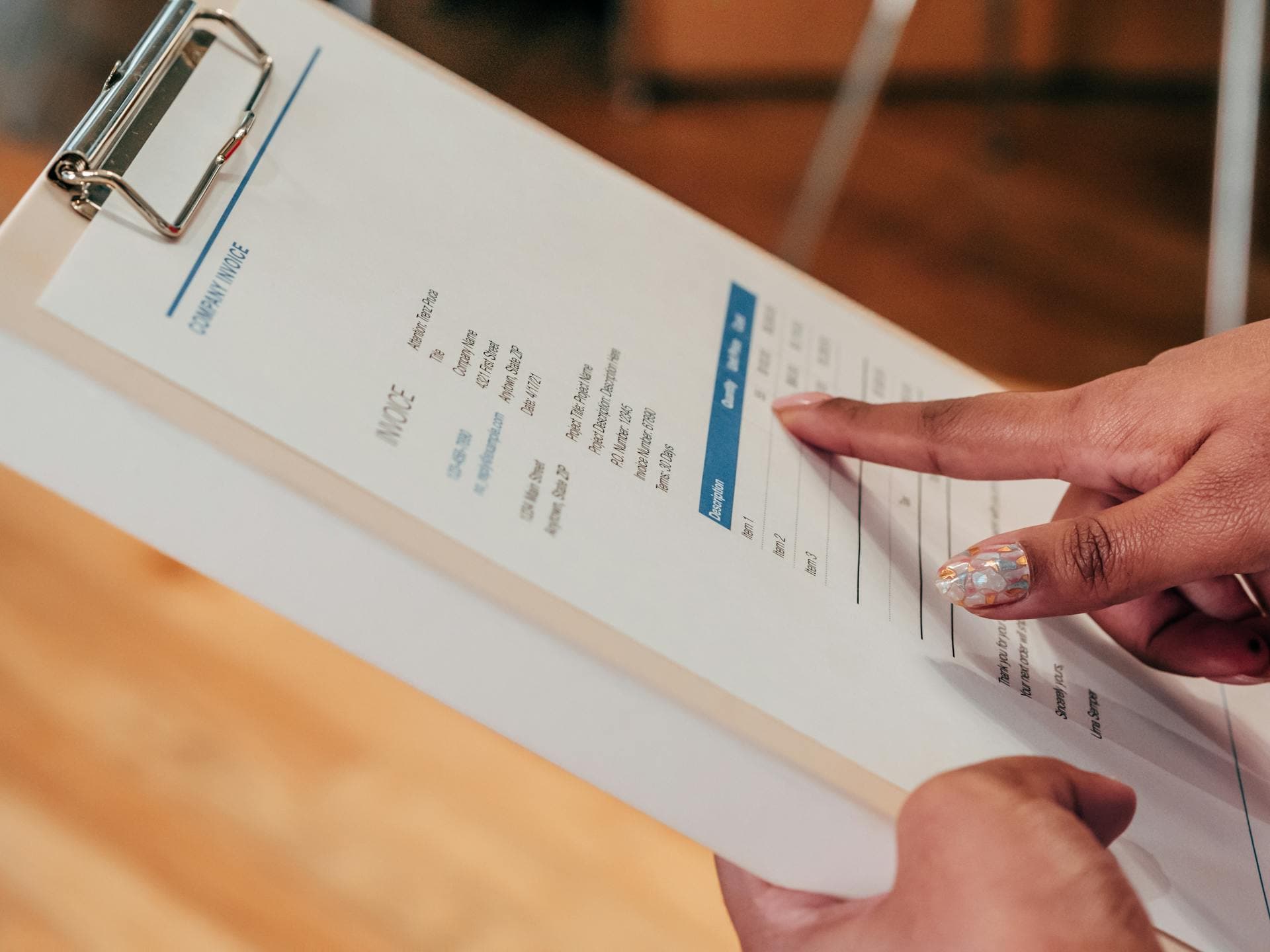
An invoice is a formal, written request for payment. It lets clients know the amount that they owe, what specific services or products they’re paying for, and the terms of payment.
What's included on an invoice?
A professional invoice covers the essential information a client needs to review before paying, including:
- Business name and contact information: This includes your name (or business name), physical address, email, and phone number.
- Client's name and contact information: This is the name of the person or company that you’re billing. Larger clients may also have you include their accounts payable contact.
- Invoice number: A unique identifier on each invoice keeps your records organized and helps both you and your client track and reference payments.
- Invoice date: The date the invoice was issued. This helps track payments and keep your records clean for small business bookkeeping.
- Payment due date: Be specific about when you expect to get paid. “Net 30” is a common way to say that payment is due within 30 days, but customers might read that as 30 days from when they receive the invoice, not when you send it. Writing an actual date leaves no room for misinterpretation.
- Late payment fees: A monthly fee, either a flat rate or at a percentage, incentivizes clients to pay you on time. Look into what fees are standard in your industry.
- Description of services or products: A clear, itemized breakdown of everything you’re charging for, including the type of work, hours worked, rate, and products or parts used.
- Subtotal, taxes, and total amount due: Break down the numbers so there’s no confusion about where pricing is coming from.
- Payment methods accepted: Let clients know how they can pay you, whether it’s by bank transfer, cheque, credit card, or a payment platform like PayPal or Stripe.
When to send an invoice
Send an invoice when you’ve delivered a product or service, or upfront if you require a deposit before work begins. If a service business is working on a long-term project, invoices might be set at specific milestones, or on a recurring schedule for monthly retainers.
But invoices aren’t necessary for every business. For example, if you’re operating a retail business where customers pay immediately, a receipt is enough. Your point of sale (POS) system should automatically generate records for your business use.
Basically, invoices are most useful when there’s a gap between delivering your service and getting paid.
What's the difference between a sales invoice vs. standard invoice?
The difference between a sales invoice and a standard invoice is that a standard invoice can be used for either products or services, whereas a sales invoice is typically used for physical goods. Sales invoices are most common for product-based businesses like retail stores, and include inventory details like product SKUs, quantities, and unit prices.
What is a receipt?
A receipt is proof that payment has been made. Receipts are issued after a transaction is complete, and serves as the official record that money has changed hands.
What's included on a receipt?
Receipts don't need to be as detailed as invoices, but should include key information like:
- Business name and contact information: Just like an invoice, your receipt should clearly identify your business. If you have a custom letterhead, all the better.
- Client name and contact information: If you make a mistake and send the wrong receipt to a customer, they can quickly flag that the receipt isn’t meant for them.
- Receipt number: This one is optional, but similar to invoices, assigning a unique number to each receipt makes it much easier to organize and search your records.
- Date of payment: The exact date the payment was received. If payment disputes come up, this information is crucial to proving the transaction was completed.
- Product or service description: This summary can be more brief than on an invoice, but should be clear enough to reference later without needing to track down emails.
- Amount paid: The total amount received, including taxes. If a client paid in installments, note the specific payment amount processed. Documenting the installment number (“installment #1 of 4”) is one more way to keep your records clear.
- Payment method: Whether payment was made by cash, card, e-transfer, or cheque. This helps with reconciliation and might matter for tax purposes.
What does receipt of payment mean?
"Receipt of payment" simply means that a payment has been received and acknowledged. This lets clients know that their payment came through, and creates an additional paper trail so the whole payment process is documented.
What are the key differences between receipt vs. invoice?
An invoice tells customers what they owe, and a receipt confirms what they’ve paid. So, is an invoice the same as a receipt? In short, no. But each serves the purpose of establishing payment records between you and your clients.
Here are a few things that differentiate a receipt vs. invoice:
- Timing: Invoices are sent at the time of requesting payment, whether that be when an initial down payment is required or when work is complete. Receipts are issued after payment is received.
- Purpose: An invoice is a request for money owed and a receipt is confirmation that money was paid.
- Information included: Invoices include payment terms, due dates, and a detailed breakdown of charges. Receipts confirm the amount paid, the payment method, and the date of transaction. Both will include your business and customer information.
- How they're used in your books: Invoices represent outstanding or expected income (accounts receivable). Receipts confirm completed transactions and are used to match payments against invoices. Together, they give you a clear picture of your cash flow.
What's the difference between bill vs. invoice vs. receipt?
The terms “invoice” and “bill” are often used interchangeably, and are the document that’s sent to request payment from a client. The primary difference between the two is that clients often call it a “bill” while business owners call it an “invoice.”
Receipts are a separate document that are sent to prove that a transaction has been completed and the invoice is now settled.
What makes a bill different from an invoice
Functionally, a bill and an invoice are the same document used to request payment for products or services. The difference in language comes down to perspective: businesses send invoices, and clients receive them as bills.
The term“invoice” is common in professional service or B2B contexts, whereas “bill” is more frequent in retail or restaurant businesses. While invoices might have 30-day payment terms, bills are often meant to be paid immediately.
When you'll see each one as a small business owner
Invoices, bills, and receipts each show up in different contexts and parts of the payment journey:
- Invoices: You’ll send invoices to your clients after completing a project, delivering a service, or reaching a billing milestone. You’ll also receive invoices from vendors or subcontractors you’ve hired, which you are responsible for paying.
- Bills: You'll encounter this term mainly when you're on the receiving end of a payment request. Think software subscriptions, internet bills, or commercial rent.
- Receipts: You'll issue receipts to clients once they've paid you, and receive receipts whenever you pay for something. These are important for record-keeping and tax deduction purposes.
Can a receipt be used as an invoice?
A receipt can technically serve as an informal record of a transaction, but it isn’t a substitute for a proper invoice. If there’s ever a dispute about what was owed, when it was due, or what services were supposed to be covered, an invoice is what protects you.
For small, immediate transactions at a register, a simple receipt may suffice, especially if it’s for a product with a return policy. But for service businesses, starting with an invoice and ending with a receipt will keep all of your bases covered.
Do you need both an invoice and a receipt?
In most cases, you need both an invoice and a receipt to keep your records in order. This is especially true if you’re running a service business where equal expectations are everything. Together, these documents create a transaction trail that's invaluable for bookkeeping, resolving disputes, and filing small business taxes.
What's the difference between a vendor invoice and a receipt?
A vendor invoice is the request you’ll receive from a supplier or service provider—that you’ve hired or purchased from—for payment. Once you’ve paid that vendor’s invoice, a receipt serves as confirmation for you both that payment is received.
Both of these documents are essential for running your small business: invoices help you track upcoming expenses, and receipts are necessary if you’re claiming those expenses as business deduction.
Invoice and receipt mistakes small business owners need to avoid
Even if you understand the difference between invoices and receipts in theory, you need to watch out for some common mistakes that business owners make.
Using an invoice as proof of payment
Treating an invoice as proof of payment is a common issue for business owners who haven’t built out payment workflows. Even if an invoice perfectly reflects the work you’ve completed, it doesn’t confirm that payment was actually made.
If payment disputes arrive months later with a client, an invoice alone won’t prove that money changed hands. A bank statement can be used as proof if necessary, but having a receipt and written email confirmation makes things much simpler.
Receipts also help you accurately reconcile your books and keep you covered if you end up needing a financial audit. Get in the habit of issuing receipts, or work with a payment processing software that issues them automatically.
Not keeping receipts for tax season
Organizing receipts from day-to-day purchases like coffee meetings can become one of those “I’ll get around to it” activities, but you’ll feel it when tax season hits.
Clear books are the best way to manage reimbursements. Luckily, with accounting apps, you can photograph receipts on the spot and automatically attach them to transactions. Office supplies, business meals, and travel expenses add up, and keeping them documented is the fastest way to reduce your tax bill.
Sending invoices without clear payment terms
Vague invoices = late payments. If your invoice says “payment due upon receipt” without a specified date or clear terms, you’re leaving your client to fill in the blanks—and you can’t control how they interpret them.
Up front money talk can feel awkward for new business owners, but it’s better to be clear from the start than spend months chasing down payments. Without documented terms, you lose leverage when disputes arise. Staying clear about due dates, payment methods, and late fees is professional, and keeps you protected.
Forgetting to issue receipts to your customers
Receipts might feel like an extra step, but they close the loop in the invoicing cycle. Not only does that help keep your books in order, it also helps your clients with their own expense tracking, reimbursements, and tax records. If you’re working with freelancers or subcontractors, they count on this documentation just as much as you do.
Mixing up vendor invoices with your own records
As your business grows, the amount of documentation you’re managing grows alongside it. The invoices and receipts you send to clients and receive from vendors need their own filing system, or things can get muddled fast.
Separate physical and digital folders are your friends, and help you avoid inaccurate records and missed expenses. If you're using accounting software, this workflow is often built in, but even a basic folder system will get you worlds ahead of a single download folder.
Keep your small business operations organized
Getting a handle on invoices and receipts from day one sets you up for clean bookkeeping and a smooth tax season. By building strong organizational habits, you can be confident in your workflows and focus on the exciting parts of running a small business.