Restaurant Payroll Software
Tip pools to paychecks, synced.
Schedule shifts, track hours, and run payroll—front-of-house tips to back-of-house wages, all connected.
Best Small Business Payroll 2025

Best Payroll Services 2025

Best Payroll for Small Business 2026

Best Small Business Payroll 2025
Best Payroll Services 2025
Best Payroll for Small Business 2026
Made for hourly teams
Built for the chaos of restaurant life.
From tips to taxes, we handle the headaches so you can handle dinner rush.
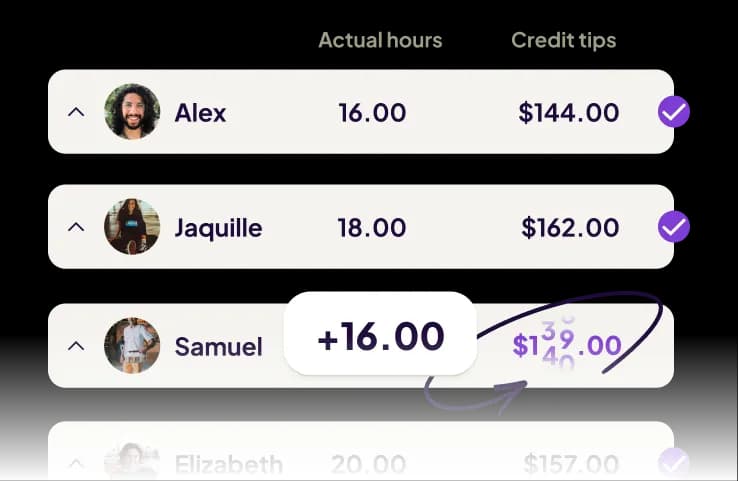
Calculate and distribute tips in seconds, not hours.
Import tips from your POS, distribute pools by hours worked, and handle tax reporting automatically.

Pay doubles and splits accurately. Every single time.
Track complex schedules with automatic overtime, break compliance, and multi-location support.
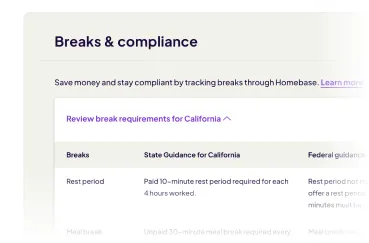
Stay compliant with tipped wage laws automatically.
Built-in federal, state, and local compliance. Automatic tipped minimum wage adjustments

run your team and Payroll in one App
Sign up in 5 minutes.
Restaurant Tip Management
Stop doing tip math on Sunday nights.
Geofence technology detects when someone clocks in from the parking lot or leaves without punching out.
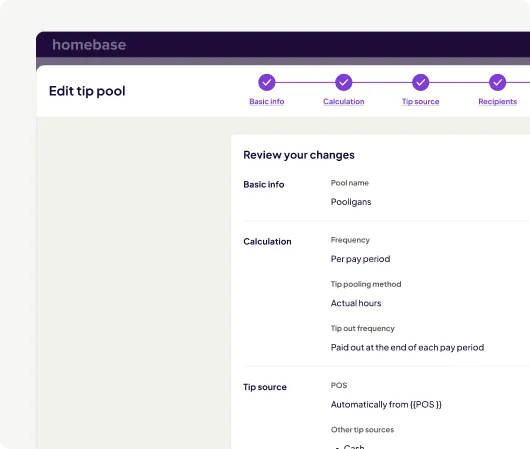
- Import tips from your POS, split them across your team based on hours or role, and eliminate tip disputes entirely.
- Track tipped wages and ensure correct minimum wage based on federal, state, and local laws—no manual adjustments needed.
- Every tip gets tracked and reported properly so your team gets accurate W-2s without you reconciling tip data at year-end.
Multi-Location Restaurants
Run payroll for every location in one place.
Homebase syncs all your restaurants into one system so you run payroll once—not separately for each location.
- Track hours for team members covering different restaurants, apply overtime rules, and handle multi-state tax withholding.
- Set up multiple wage rates per employee once—server, bartender, manager—and Homebase applies the correct rate automatically.
- Calculate federal, state, and local payroll taxes for each location, then file and deposit them automatically every pay period.
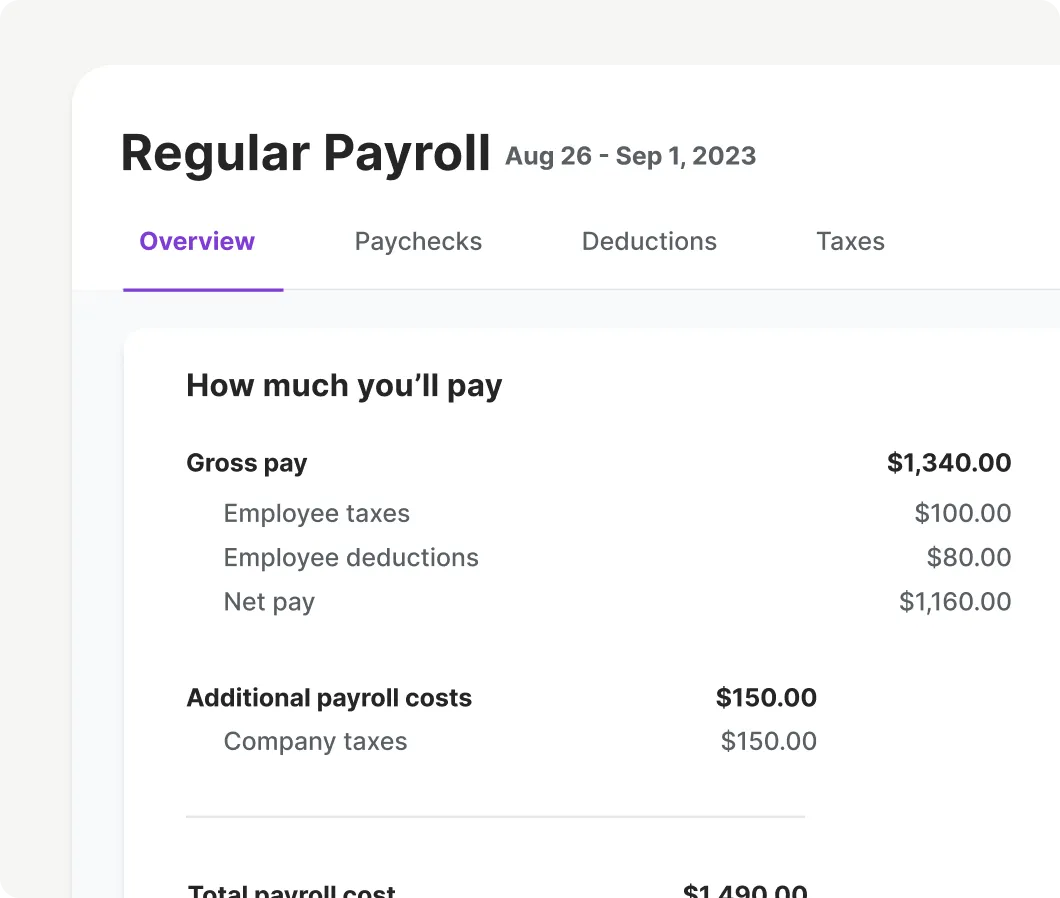
Run restaurant payroll in four simple steps.
Build schedules, track time, and pay your team—all connected so nothing falls through the cracks.
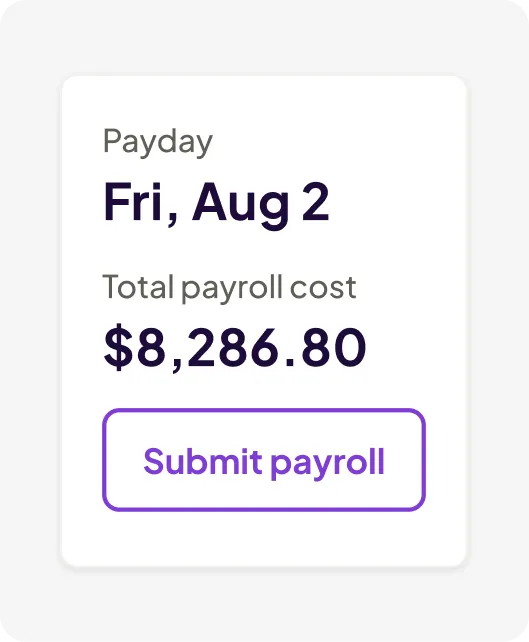
1. Hire
Post jobs, track applicants, and onboard new hires.
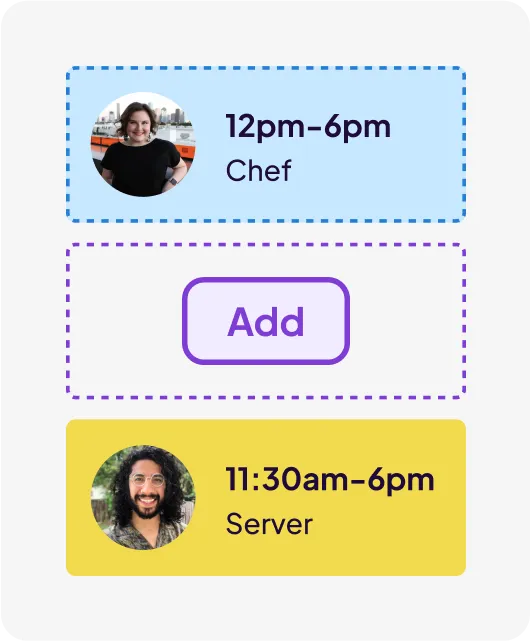
2. Schedule
Add your team. Build instant, automated schedules.
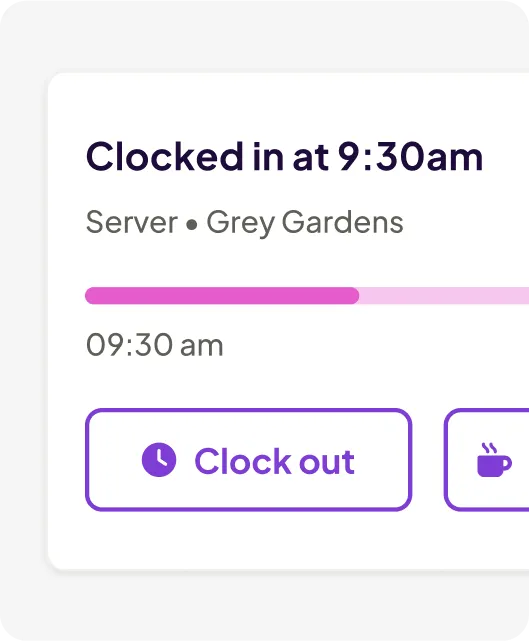
3. Track
Shifts sync to time clocks to keep your team on track.
4. Pay
View hours and wages. Run payroll quickly and accurately.
A real impact on real teams.
The restaurant payroll app that handles tips for you.
Saved weekly
Our customers cut their scheduling time in half, saving an average of 1 hour a week that is better spent in the kitchen, not the back office.
Rated very easy to use
85% of customers rated Homebase as extremely easy to use, helping teams stay organized with less manual admin.
Would recommend
4 in 5 of our customers would recommend Homebase to another small business owner to manage their teams.
FROM TIP POOLS TO PAYCHECKS, DONE
What other products can power your restaurant’s success?

Tip Manager
See how your hourly teams get their tips distributed fairly and automatically, every shift.
Learn more
Employee Scheduling
Discover how to build schedules faster and let your team manage their own shift swaps.
Learn more
AI Assistant
Meet your AI assistant that answers payroll questions, flags errors, and saves you hours.
Learn moreWe play well with others.
Sync your POS with Homebase to optimize your schedule based on your sales.