Best Retail Management Software for Small Businesses in 2026


SMALL BUSINESS INTEL, IN YOUR INBOX
Table of contents
Running a small retail store means tracking sales in one place, inventory in another, and shifts in a spreadsheet. None of these tools talk to each other. Every week something slips through the gap, and you spend Sunday night patching it together.
That's the problem retail business management software is built to solve, and the reason this category is so crowded. Most guides that cover retail management software are written by companies with a product on the list. This one isn't. We evaluated the best retail management software for small businesses in 2026: stores with one to three locations, hourly teams, and no IT department. Verified pricing, real user reviews, and a clear read on where each tool falls short.
The Best Retail Management Software at a Glance
Here are the top picks for 2026 across the best retail management system software categories, each covering a different part of what retail shop management software needs to do:
- Square for Retail — Best free-tier POS for single-location stores; no monthly fee to start, fast setup
- Shopify POS — Best for stores selling in-person and online who want one unified system
- Lightspeed Retail — Best for established retailers with multiple locations or complex inventory needs
- KORONA POS — Best for inventory-heavy and specialty retailers who need real-time stock alerts
- Zoho Inventory — Best for retailers focused on multi-warehouse inventory and channel management
Why Trust Homebase? Why We Built This Retail Management Software Guide
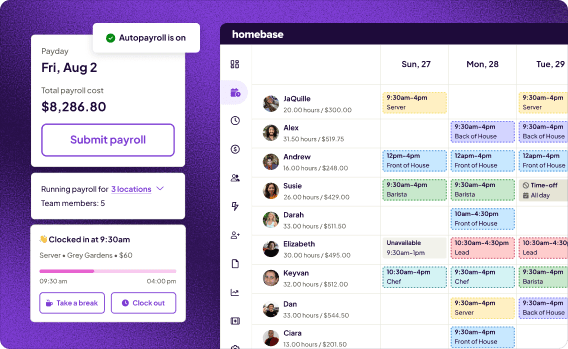
We're Homebase. We build scheduling, time clocks, timesheets, payroll, hiring and onboarding, HR and compliance, and team communication tools for small businesses with hourly teams, including thousands of retail stores.
We have a stake in this topic, so we want to be upfront: Homebase is not in the ranked list below. We don't take payment or backlinks for a product mention.
We know what real store operations look like: last-minute callouts on Saturday morning, missed punches that turn into payroll problems, schedules that need to change three times before the week even starts. That's the context we bring to evaluating the tools small store owners depend on. See our full methodology.
How We Chose Our Retail Management Software Picks
We looked at retail management software built for stores with one to three locations, hourly teams, and no dedicated IT support. Retail software management spans a wide range of tools, from retail operations basics to full retailer management systems, and we focused on what matters at this scale.
We checked pricing against each vendor's live page as of August 2026, and pulled patterns from real owner reviews on G2, Capterra, and small business forums. Here's what we weighted most for the best retail inventory management software and related retail management software tools:
- Free tier or transparent starting price — most small retailers need to see value before committing budget
- Ease of setup — can one non-technical person get it running without outside help?
- Core retail functionality — POS, inventory sync, and sales reporting as a baseline
- Real user review patterns — weighted toward small business reviewers on G2 and Capterra
- Integration with scheduling and payroll tools — does it connect with what your team already uses?
Top 3 Retail Management Software Tools Compared
The top three picks cover the most common buying scenarios for small retail stores. Here's how they stack up on the factors that matter most.
Square for Retail
- Starting price: Free ($0/mo, transaction fees apply); Plus at $49/mo per location; Premium at $149/mo per location
- Free tier: Yes
- Best for: Single-location stores, fast setup
- Key integrations: Homebase, QuickBooks, Mailchimp
Shopify POS
- Starting price: Basic plan from $29/mo (annual billing); POS Pro add-on at $89/mo per location
- Free tier: In-person selling included with every paid Shopify plan
- Best for: Stores selling in-person and online
- Key integrations: Homebase, accounting tools, loyalty apps
Lightspeed Retail
- Starting price: $89/mo per location (Basic, annual billing); monthly billing available on request
- Free tier: Free trial only
- Best for: Multi-location stores with complex inventory
- Key integrations: Homebase, QuickBooks Online, Xero
How Homebase Fits Into Your Retail Employee Management Software Stack
Homebase covers the team management layer that retail management software tools like POS and inventory apps don't: retail scheduling software, retail time tracking, payroll, hiring, and HR. It works alongside whichever retail tool you choose.
Most business tools are built for salaried, office-based teams. Homebase is built for hourly retail: variable hours, shift swaps, break compliance, overtime alerts, and tip handling. That's what sets it apart from general retail employee management software and most of the retail management software in this guide. See how retail workforce management works in practice.
Homebase integrates directly with Square, with Shopify, and with Lightspeed, so hours from the time clock flow straight into retail payroll software with no manual re-entry. It's free for teams up to 10, with paid plans from $30/location/month.
"It's super easy — I love it. I just double check my Clover timesheets on Homebase and run payroll from there. It's super easy and takes me 5 minutes a week." — Ariana Martinez, Manager, Ruskin Liquor
Tracking shifts, overtime, and payroll for an hourly team shouldn't be a separate project you squeeze in after close. Homebase connects directly to your POS and handles the team side for free.

The Best Retail Management Software for Small Businesses, Reviewed
Each entry below covers a different retail scenario, from free-tier POS to multi-warehouse inventory. We evaluated every tool against the same criteria so you can compare them cleanly and pick the right retail management software for your store.
Square for Retail: best retail shop management software for free-tier POS.
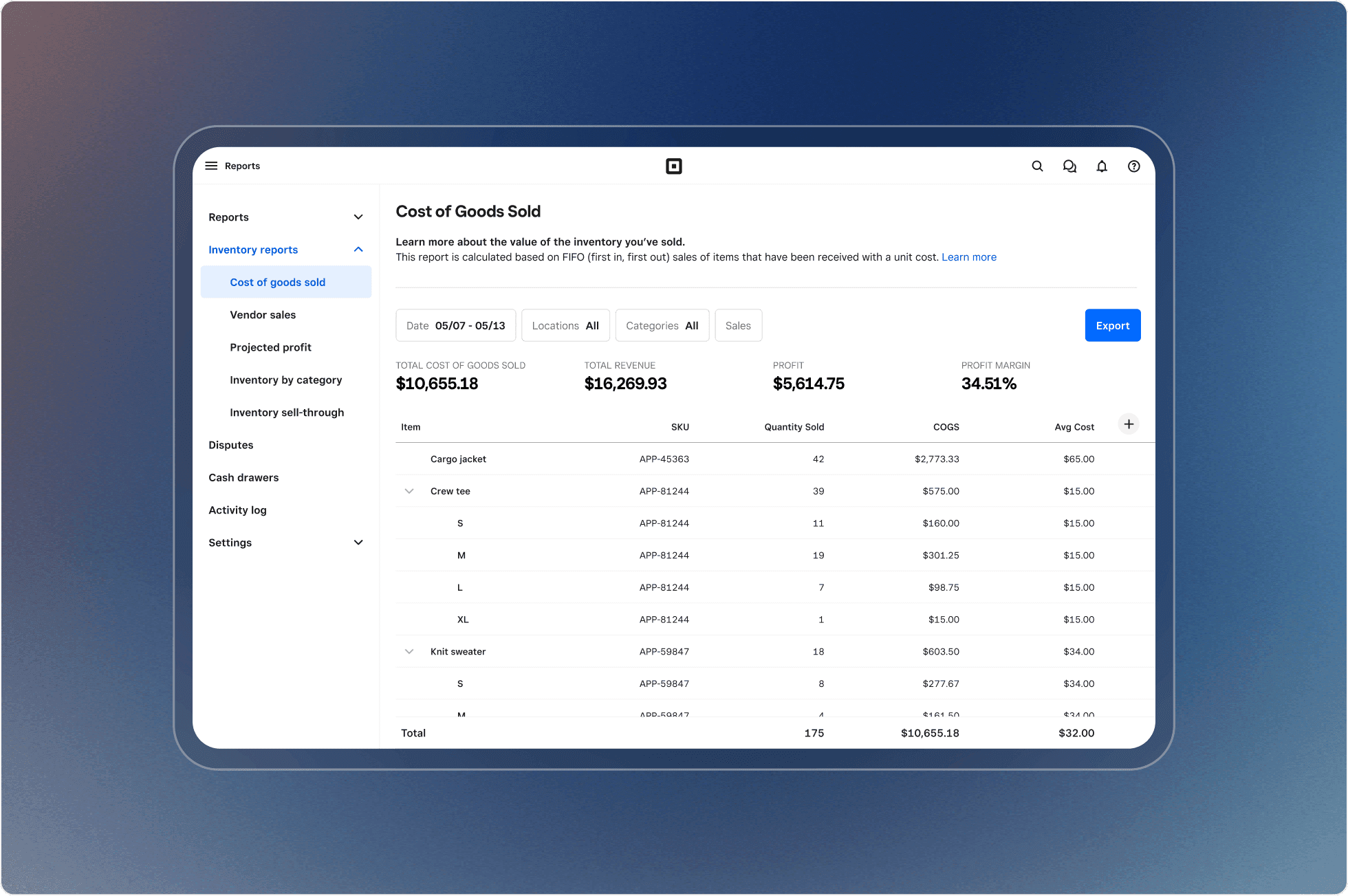
Best for: Single-location small retailers who want a free POS with solid inventory basics and fast setup.
Square for Retail is one of the most widely used retail management software options for brick-and-mortar stores. It handles transactions, inventory tracking, customer profiles, and sales reporting from a tablet or phone, and the base plan is free with no monthly fee.
Key features:
- Free POS with real-time inventory tracking and low-stock alerts
- Customer purchase history and loyalty program support
- Employee permissions and basic team management
- Sales and labor reporting dashboard
- Integrates with Homebase for scheduling, time tracking, and payroll
Pricing: Square Free: $0/mo per location (transaction fees apply); Square Plus: $49/mo per location; Square Premium: $149/mo per location. Advanced inventory management and vendor tools require Plus or Premium.
What users like: Square's biggest selling point as retail management software is how fast it clicks for new team members. Reviewers consistently say they got up and running the same day with minimal training required.
What users criticize: Transaction fees are the most repeated complaint, on both G2 and Capterra. As sales volume grows, those per-transaction costs add up. Users also point to limited customization and inconsistent support response times.
Our take: Square is the right retail management software starting point for most small retailers. It's free, fast, and handles daily operations well. Its limits show at higher volume or when you need more sophisticated inventory analytics. If you're running multiple locations with advanced reporting needs, Lightspeed is the more appropriate next step.
Shopify POS: top retail management system software for omnichannel stores.
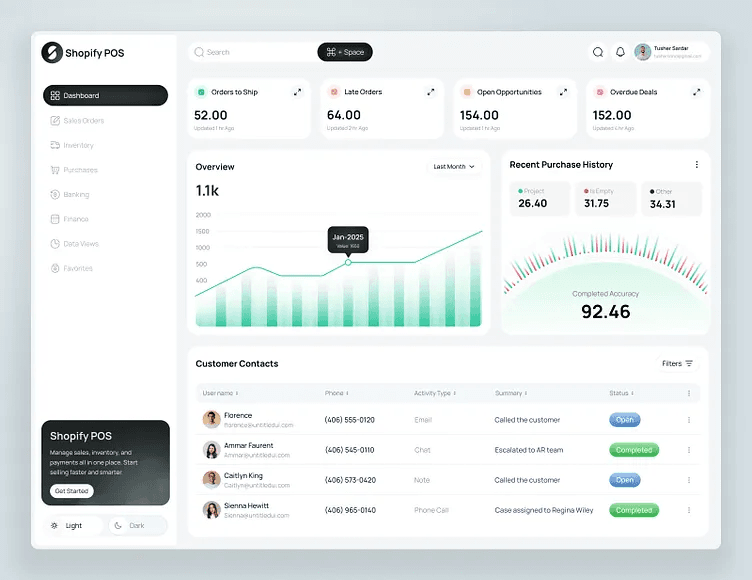
Best for: Retailers selling both in-person and online who want one system managing both channels.
Shopify POS connects in-store and online sales into one unified inventory and order system. Basic in-person selling is included with every paid Shopify plan. POS Pro at $89/mo per location adds team permissions, purchase orders, in-store analytics, and unlimited registers.
Key features:
- Unified inventory across in-store and online channels, updated in real time
- Offline mode for processing sales without an internet connection
- Role-based team permissions and daily performance reports (POS Pro required)
- Customer purchase history synced across channels
- Integrates with Homebase for scheduling, time tracking, and payroll
Pricing: Shopify Basic plan: $29/mo billed annually ($39/mo monthly). POS Pro add-on: $89/mo per location. A Shopify subscription is required for either option.
What users like: G2 and Capterra reviewers consistently highlight the inventory sync between Shopify's online store and in-person POS. Stock levels and customer records stay accurate across channels without manual reconciliation.
What users criticize: The total cost catches people off guard. Reviewers frequently note that the features most retail locations need, including detailed analytics, team permissions, and purchase orders, require POS Pro or a higher Shopify plan. What looks like a $29/mo product can run significantly more. Support quality is also a recurring complaint, with frustrations rising through 2025 and 2026.
Our take: For stores selling both in-person and online, Shopify POS is the strongest retail management software pick in this guide. For stores that only sell in person, the Shopify subscription cost is harder to justify when Square covers the same basics for free.
Lightspeed Retail: best retail stock management software for multi-location stores.
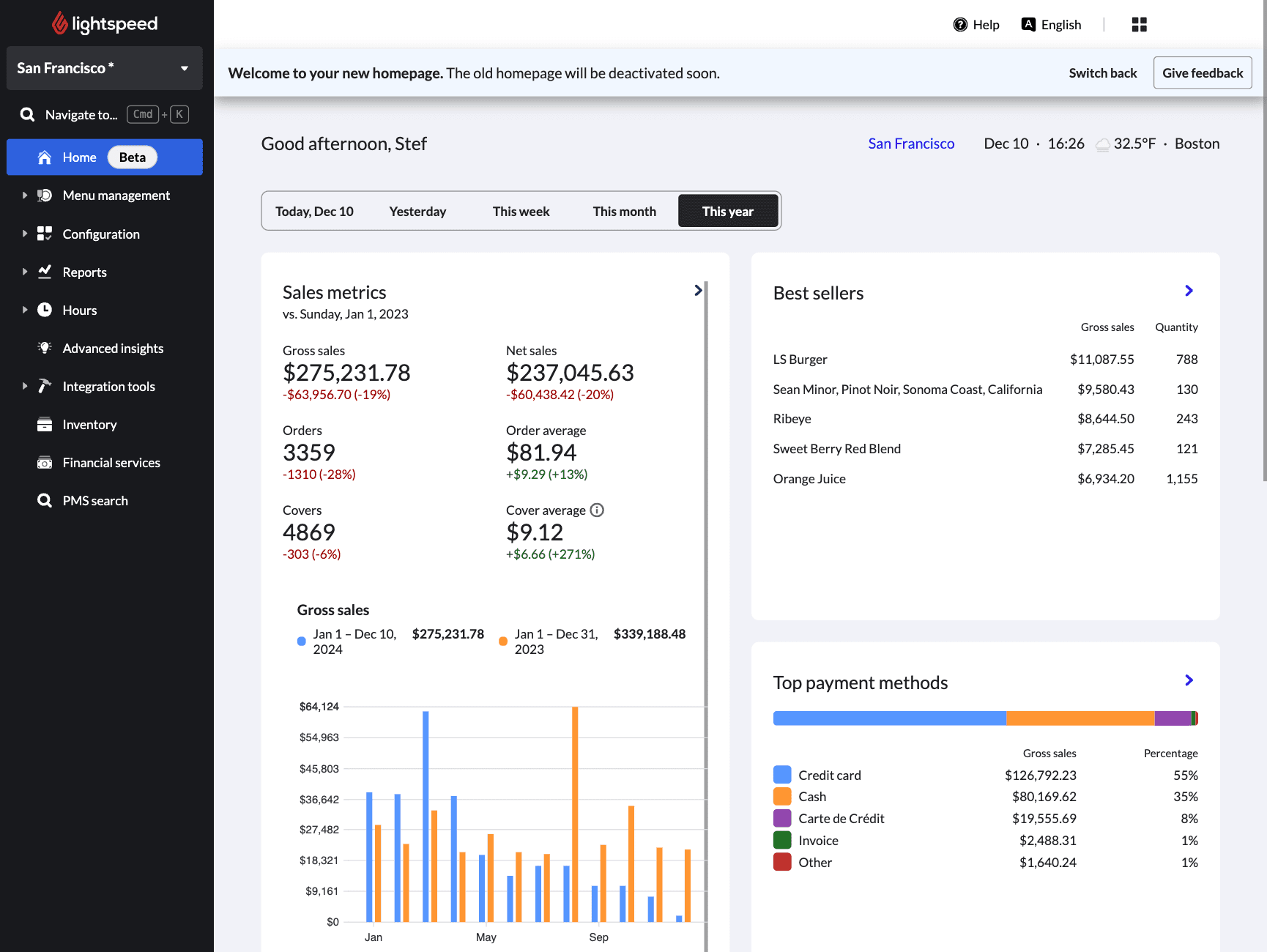
Best for: Established retailers with multiple locations or complex, high-SKU inventory who need advanced analytics and purchasing tools.
Lightspeed Retail is a cloud-based retail management software system built for retailers who've outgrown entry-level tools. It handles multi-location operations, large product catalogs, vendor management, and detailed sales analytics.
Key features:
- Multi-location retail stock management software with real-time visibility and transfer orders
- Vendor catalog integration for faster, automated purchase ordering
- Advanced sales, inventory, and labor analytics with detailed reporting
- eCommerce integration for connecting in-store and online sales data
- Integrates with Homebase for scheduling, time tracking, and payroll
Pricing: Annual billing: Basic $89/mo, Core $149/mo, Plus $289/mo per location. Monthly billing is available on request.
What users like: Retailers managing more than one location consistently praise Lightspeed's inventory controls, purchasing workflows, and reporting depth. For stores with large product catalogs, this retail management software handles multi-location inventory significantly better than entry-level POS tools.
What users criticize: Pricing and contract terms are the loudest complaints across Capterra's 975 reviews. Users report unexpected price increases at renewal and real difficulty exiting annual contracts. Customer support gets rated 3.9/5, the lowest of the three tools in the comparison table.
Our take: Lightspeed earns its cost as retail management software for retailers who genuinely need multi-location inventory control and advanced analytics. For a single-location store with a manageable catalog, the price and contract complexity are hard to justify. Read the contract terms before you sign anything.
KORONA POS: retail inventory management software for specialty retailers.
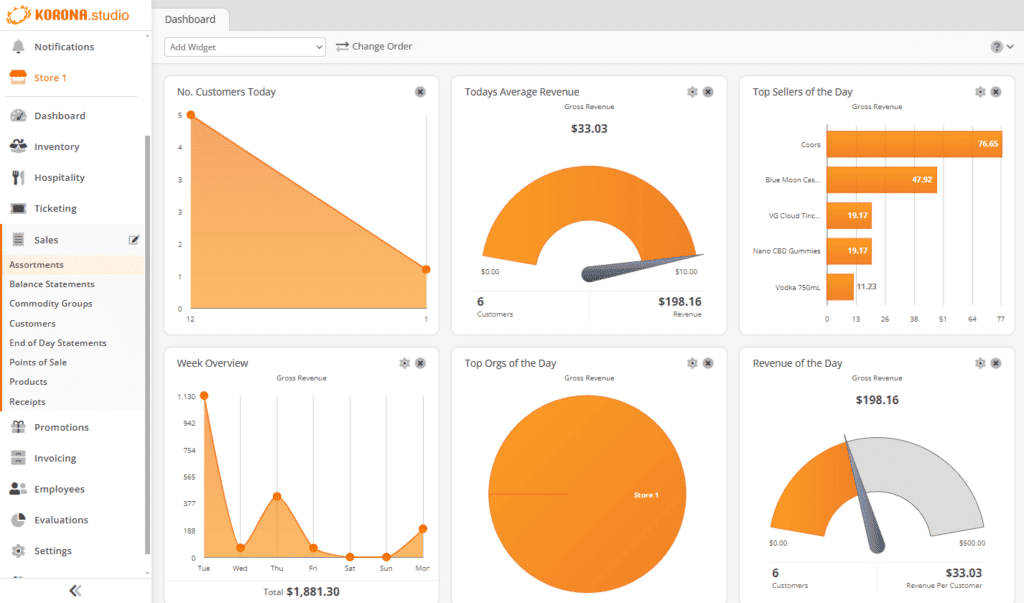
Best for: Inventory-heavy and specialty retailers who need real-time stock alerts and payment processor flexibility.
KORONA POS is cloud-based retail management software built for stores that need serious inventory control and compliance tools. Product restrictions, age verification, and high SKU counts create problems that generalist POS tools weren't designed for. KORONA was.
Key features:
- Real-time stock notifications and automated reorder triggers with par-level settings
- Age verification and product restriction flags for compliance-heavy retail categories
- Processor-agnostic payments: choose and negotiate your own card processor
- Multi-location inventory control from a single cloud back office
- Loyalty and promotions engine built into the base system
Pricing: Core: $59/mo per terminal (basic checkout); Retail: $79/mo per terminal (inventory management and stock tracking — required for most retail operations); Plus: $99/mo per terminal (advanced analytics). No contracts; month-to-month billing.
What users like: KORONA's customer support is its clearest differentiator. In a retail management software category full of support complaints, reviewers consistently call KORONA's team responsive, knowledgeable, and patient.
What users criticize: The interface takes time to learn. Some users attribute this to KORONA's German-rooted software conventions, which use terminology that feels unfamiliar at first. Occasional lag on tablets during busy periods and limited offline functionality also show up in reviews.
Our take: KORONA POS is a strong retail management software choice for inventory-heavy and compliance-driven retailers who want real stock control without processor lock-in. It's not the right fit for stores that need smooth eCommerce integration or a POS a new hire can learn in ten minutes. Use the free trial before you commit.
Zoho Inventory: retail inventory management software for small business warehousing.
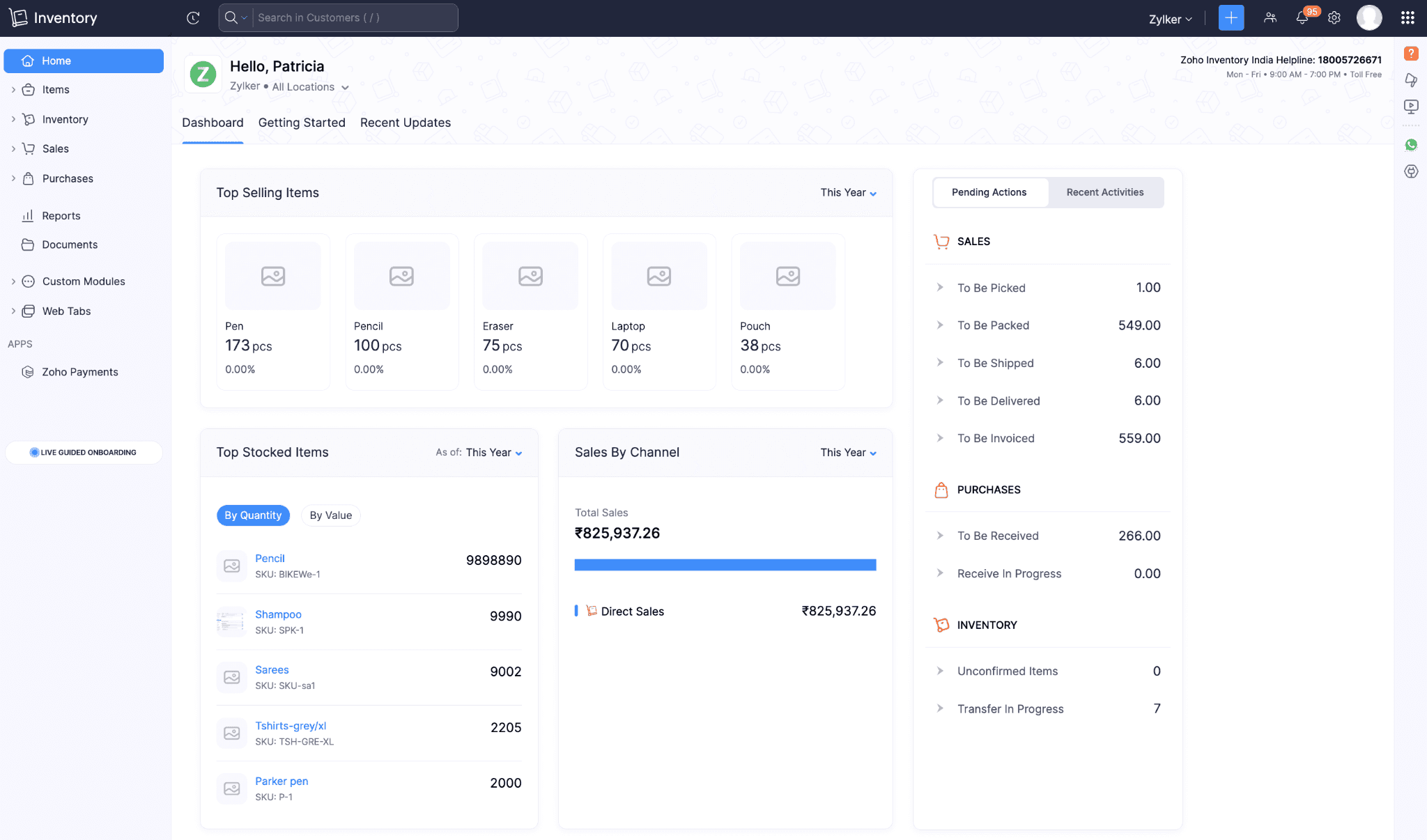
Best for: Retailers managing stock across multiple warehouses or channels who need dedicated retail inventory management software for small business without a full ERP.
Zoho Inventory is cloud-based retail management software focused on inventory, built for retailers and wholesalers managing stock across multiple warehouses, sales channels, and shipping locations. It won't replace your POS; you'll need a separate tool for in-store transactions.
Key features:
- Multi-warehouse inventory tracking with transfer orders and bin-level visibility
- Batch and serial number tracking for traceability and expiry management (Premium plan and above)
- Barcode scanning for faster picking, packing, and receiving
- Automated reorder alerts tied to actual warehouse activity
- Integrates with Shopify, WooCommerce, Amazon, Zoho Books, and Zoho CRM
Pricing: Free plan: $0/mo (50 orders/month, 1 user, 1 location); Standard: $29/mo billed annually (500 orders/month, 3 users, 2 locations); Premium: $79/mo (batch and serial tracking require this tier or above). Higher tiers available.
What users like: Reviewers on G2 and Capterra say Zoho Inventory is easy to get set up, especially for warehouse-heavy operations. Multi-warehouse controls are consistently praised, and the free plan gets called out as genuinely useful for small businesses starting out.
What users criticize: Monthly order limits on the lower-tier plans create friction as businesses grow. Bumping up to remove those limits costs meaningfully more, and advanced tracking features like batch and serial numbers are gated behind higher-tier plans.
Our take: Zoho Inventory is the right retail management software pick for retailers whose complexity lives in the warehouse, not the register. It's built for inventory visibility, not checkout, and it's not a full retailer management system. If you need in-store transaction handling, pair it with Square or Shopify POS.
How to Choose the Right Retail Management Software for Your Store
Where does your store break down: at the register, in the warehouse, or when it's time to schedule and pay your team? That's where you start.
If your challenge is retail workforce management software, scheduling, payroll, and compliance across an hourly crew, that's where Homebase fits alongside any of these tools and the fastest way to manage labor costs in retail without adding more manual work.
One mistake worth skipping: buying an enterprise retail management platform to solve a small-business problem. It adds complexity before it adds value. The retail business management systems that work best for small stores are the ones you adopt one layer at a time.
When your schedule still lives in a spreadsheet and your hours still get re-entered into payroll by hand, that's time you're not spending on the floor. Get started free.
Frequently Asked Questions About Retail Management Software
What is retail management software?
Retail management software is a digital tool, or set of tools, that manages the core operations of a retail store: processing sales, tracking inventory, scheduling team members, and running payroll. Most small retail businesses use two to four types working together, and the right combination depends on where your operations are costing the most time.
What software do retail stores use?
Small retail stores typically use Square for Retail or Shopify POS for transactions and inventory, Zoho Inventory or Lightspeed for complex retail software and stock management, and Homebase for scheduling and payroll. For a fuller breakdown, see types of retail software small businesses actually use.
A r/smallbusiness thread on retail management software found that owners with a $10–20k/year budget prioritized integration above features, and most named Shopify or Zoho as their starting point.
Is a POS system the same as retail management software?
A POS system handles in-store transactions; retail management software is the broader category that connects each sale to inventory counts, customer records, and team management across the whole business. Many retailers start with a POS and add dedicated scheduling and payroll tools as their team grows.
How much does retail management software cost?
Retail management software ranges from free to several hundred dollars monthly. Square's base plan is free (transaction fees apply); paid plans run $49 and $149/mo per location. Shopify starts at $29/mo with POS Pro at $89/mo per location. Lightspeed starts at $89/mo annual. KORONA POS from $59/mo per terminal. Zoho Inventory has a free plan; paid tiers from $29/mo annually. Homebase is the retail manager software layer that handles scheduling and payroll alongside any of these, and it's free for teams up to 10.
What features should I look for in retail management software?
The core features to look for in retail management software are a POS that syncs to inventory in real time, clear sales and labor reporting, and integrations with your scheduling and payroll tools. For hourly retail teams, also look for retail business management software that handles variable hours, shift swaps, break compliance, and overtime tracking.