Top 7 ADP Alternatives for Small Business Payroll


SMALL BUSINESS INTEL, IN YOUR INBOX
Table of contents
You started looking at ADP alternatives for a reason. Maybe you sat through a sales call just to get a quote, and left with sticker shock and a stack of add-on fees you didn't see coming. Maybe ADP was built for a company three times your size, and running payroll for your 12-person team feels like navigating software designed for a corporate HR department.
ADP is one of the most recognized names in payroll and HR. For businesses that need deep infrastructure, global payroll, and enterprise-level compliance tools, it makes sense. But for small businesses running on hourly teams, it's often more than you need, and you end up paying for it.
The good news: there are solid alternatives. This guide breaks down seven of them, grouped by the problem they solve best, so you can skip to what fits your situation.
The Best ADP Alternatives for Small Business Payroll at a Glance
- Homebase — Scheduling, time tracking, payroll, team messaging, and hiring in one app built for hourly teams. Free plan available; payroll add-on starts at $49/month + $6/employee.
- Gusto — Transparent payroll and benefits for mixed hourly and salaried teams. Simple plan starts at $49/mo + $6/person.
- OnPay — One flat-rate payroll plan with multi-state included and no tier sorting. $49/mo + $6/person.
- Paychex — Big-provider depth with dedicated support contacts. Quote-based.
- QuickBooks Payroll — Best if your books already live in QuickBooks Online. Starts at $50/mo + $6.50/person (standalone Core).
- Square Payroll — Built for tipped, hourly teams already on Square POS. $35/mo + $6/person.
- Rippling — HR, payroll, and IT unified for fast-scaling teams. Quote-based.
- BambooHR — HR-first with payroll as a US-only add-on. Starts at $10/employee/month.
Why Look for an ADP Alternative?
ADP processes payroll for roughly 1 in 6 US workers — but that scale is part of the problem for small businesses. A product built to serve everyone from a two-person shop to a 50,000-employee enterprise often means paying for complexity that doesn't fit a team of 15.
For small business owners running hourly teams, a few friction points tend to show up fast:
- No published pricing. ADP doesn't post rates for most products. To get a number, you'll have to request a quote and sit through a sales call, before you've even compared options.
- Built for larger organizations. RUN Powered by ADP is ADP's entry point for small businesses, but the product DNA is enterprise. Teams with 10 or 20 employees often pay for depth they never use.
- Add-ons stack up. Time tracking, HR tools, and onboarding features are frequently separate line items on top of the base payroll cost, which surprises a lot of owners when the invoice arrives.
- Support can feel inconsistent. Reviews on G2 and Capterra flag long hold times, different reps every call, and unresolved tickets — a real problem for a small business owner navigating payroll for the first time.
- Plans don't scale cleanly. Small businesses start on RUN, but outgrow it around 50 employees and have to migrate to ADP Workforce Now, a separate product with a different learning curve.
None of this makes ADP a bad choice. For the right business, it's a strong one. But if transparent pricing and a tool built for hourly teams is the priority, there are better fits.
If managing scheduling, time tracking, and payroll across three separate tools is what's slowing you down, our pricing is on the site — no sales call required.
What Is ADP and Who Is It Built For?
Understanding what payroll is and what a provider actually covers is a good starting point before comparing tools. ADP (Automatic Data Processing) is one of the largest payroll and HR providers in the world, serving businesses from a single-employee shop to enterprises with thousands of workers.
Because it covers every size, ADP splits its products by company size:
- RUN Powered by ADP — the small-business entry point, built for teams of roughly 1 to 49 employees. Covers payroll, tax filing, and basic HR tools.
- ADP Workforce Now — the step up for midsize companies (50+ employees), with deeper HR, benefits, and reporting.
- ADP Lyric HCM — ADP's current enterprise platform (note: ADP Vantage HCM is no longer sold for new customers).
ADP's strengths — scale, global infrastructure, compliance depth — are also what make it a friction point for small businesses. If you have a handful of hourly workers and want a tool you can run without a dedicated HR person, a smaller alternative usually fits better.
How We Evaluated These ADP Alternatives
We evaluated each tool the way a small business owner would — not an enterprise buyer. Our criteria:
- Pricing transparency — Is the price published, or do you need a quote?
- Payroll and tax features — Full-service filings, W-2s, 1099s, multi-state support
- Time tracking and scheduling integration — Does it connect to how hourly teams actually work?
- HR and compliance support — Onboarding, labor law alerts, benefits access
- Ease of setup — Can a non-payroll expert get running without a long onboarding call?
- What real users say — Verified reviews on G2 and Capterra, prioritizing patterns over outliers
Current pricing was verified against each provider's live site. We read recent reviews on G2 and Capterra, and named real limitations when we found them. We make Homebase, which is why it's not ranked in the list below — every other tool was evaluated independently. See our full methodology for how we build and maintain these guides.
Why Trust Homebase?
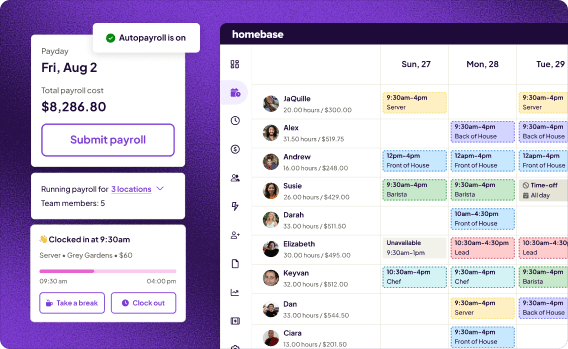
Homebase makes scheduling, time tracking, payroll, team messaging, and hiring tools for small businesses with hourly teams. We built this guide because payroll software selection is one of the most time-consuming decisions a small business owner makes — and most comparison content isn't written for a 10-person restaurant or a 25-person retail shop.
Homebase isn't ranked in the list below. Every tool was evaluated on its own merits. We don't accept payment or backlinks for product mentions.
Best for: Small businesses with hourly teams who want scheduling, time tracking, and payroll in one place — without managing three separate tools.
Ratings: G2 4.6/5 · Capterra 4.6/5
Key features:
- Scheduling, time tracking, and payroll in one workflow — hours flow to payroll automatically, no re-entry or manual timesheets
- Automatic tax calculations, direct deposit, W-2s and 1099s
- Built for hourly work: tip pooling, overtime, and break premiums handled automatically
- HR Pro: on-demand advice from certified HR experts, handbook builder, and labor-law alerts
- Free plan for scheduling and time tracking (up to 10 employees at one location)
Pricing:
- Basic: $0/mo (1 location, up to 10 employees)
- Essentials: $30/mo
- Plus: $70/mo
- All-in-One: $120/mo
- Payroll add-on: $49/month + $6/employee
What users like:
"Homebase has everything you need in one platform — messaging, scheduling, time clock, requesting time off, and changing shifts. Customer service is great and the payroll is super easy to use and set up." (Capterra)
What users criticize:
"The auto-scheduling tool seemed so exciting, since I run a daycare and we have constantly changing schedule needs. However, it never worked well at all." (Capterra)
What to know: Payroll is a paid add-on, not bundled with the free plan. Homebase is built for US-based hourly teams — not the right fit for large enterprises, multi-entity payroll, or businesses operating outside the US.
Disclosure: We make Homebase. Every other tool in this guide was evaluated independently, and we don't accept payment for placement or links.
If you want one app instead of five, you can try Homebase payroll free.
The 7 Best ADP Alternatives for Small Businesses
1. Gusto: Best for Simple, Transparent Payroll and Benefits
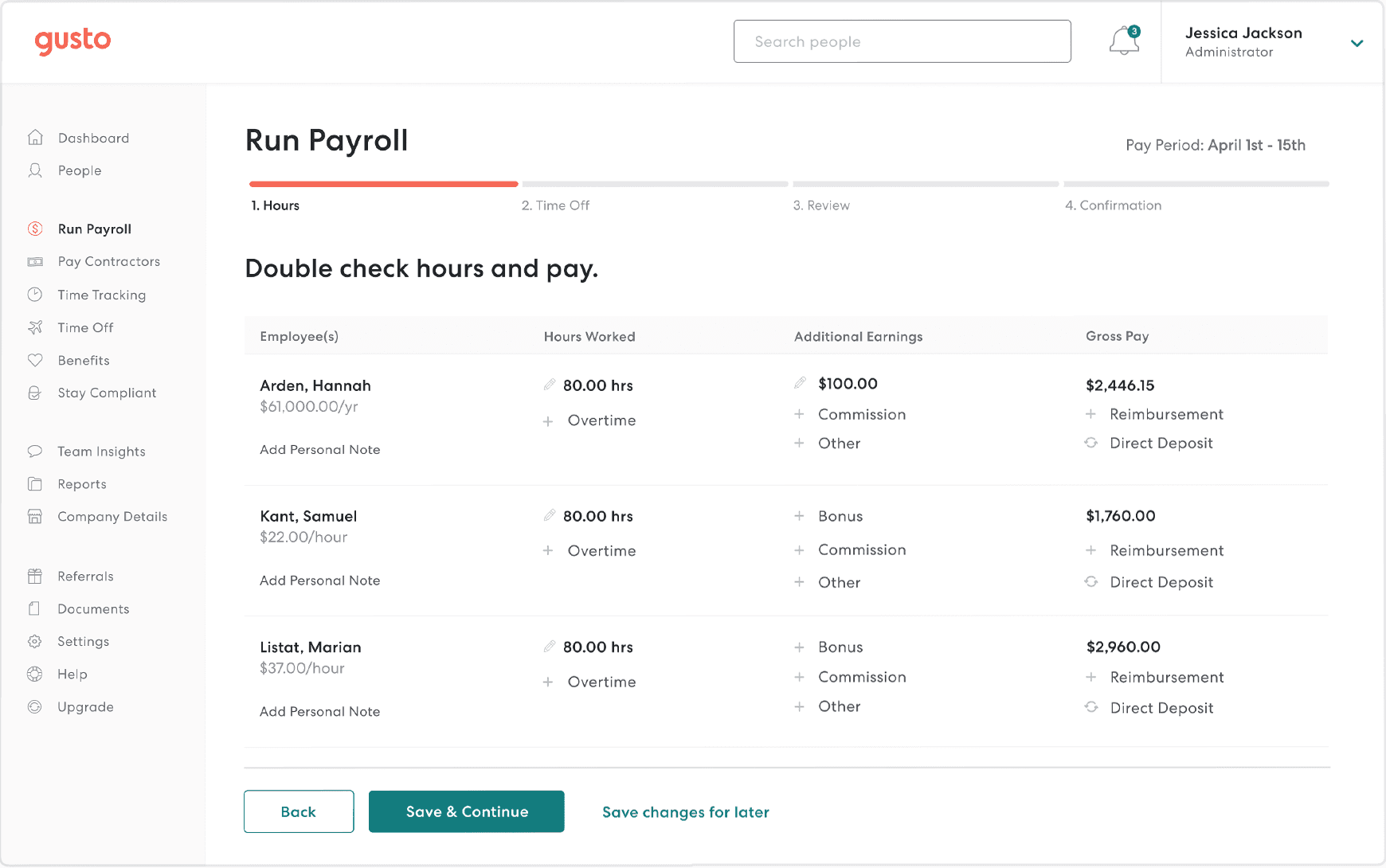
Gusto is the alternative most small businesses land on first when leaving ADP. It covers many of the core payroll and HR functions in ADP RUN — with benefits brokerage built in, a cleaner interface, and pricing published right on the site.
Best for: Small businesses with both hourly and salaried employees who want payroll, benefits, and hiring in one place without a sales call to get started.
Ratings: G2 4.6/5 · Capterra 4.6/5
Key features:
- Full-service payroll with unlimited runs, automatic W-2s and 1099s, and federal + state + local tax filing
- Built-in benefits administration: health insurance, 401(k), workers' comp in most states
- Hiring and onboarding tools, plus self-service employee profiles
Pricing: Simple plan starts at $49/mo + $6/person. Multi-state payroll and time tracking require the Plus plan (~$80/mo + $12/person).
What users like:
"I've been very pleased using Gusto to run my business's payroll for the past 5 years. Excellent customer service; user-friendly." (Capterra)
What users criticize:
"While Gusto handles standard payroll well, it becomes frustrating when you need to resolve complex issues or customize workflows. Reaching live customer support can be difficult." (G2)
Our take: Gusto is the cleanest like-for-like ADP RUN swap for small businesses that don't need scheduling or time tracking built in. The jump to the Plus plan ($80+) is steep if you need multi-state payroll from day one — confirm which features you actually need before committing to the base plan.
2. OnPay: Best for Flat-Rate, Full-Service Payroll
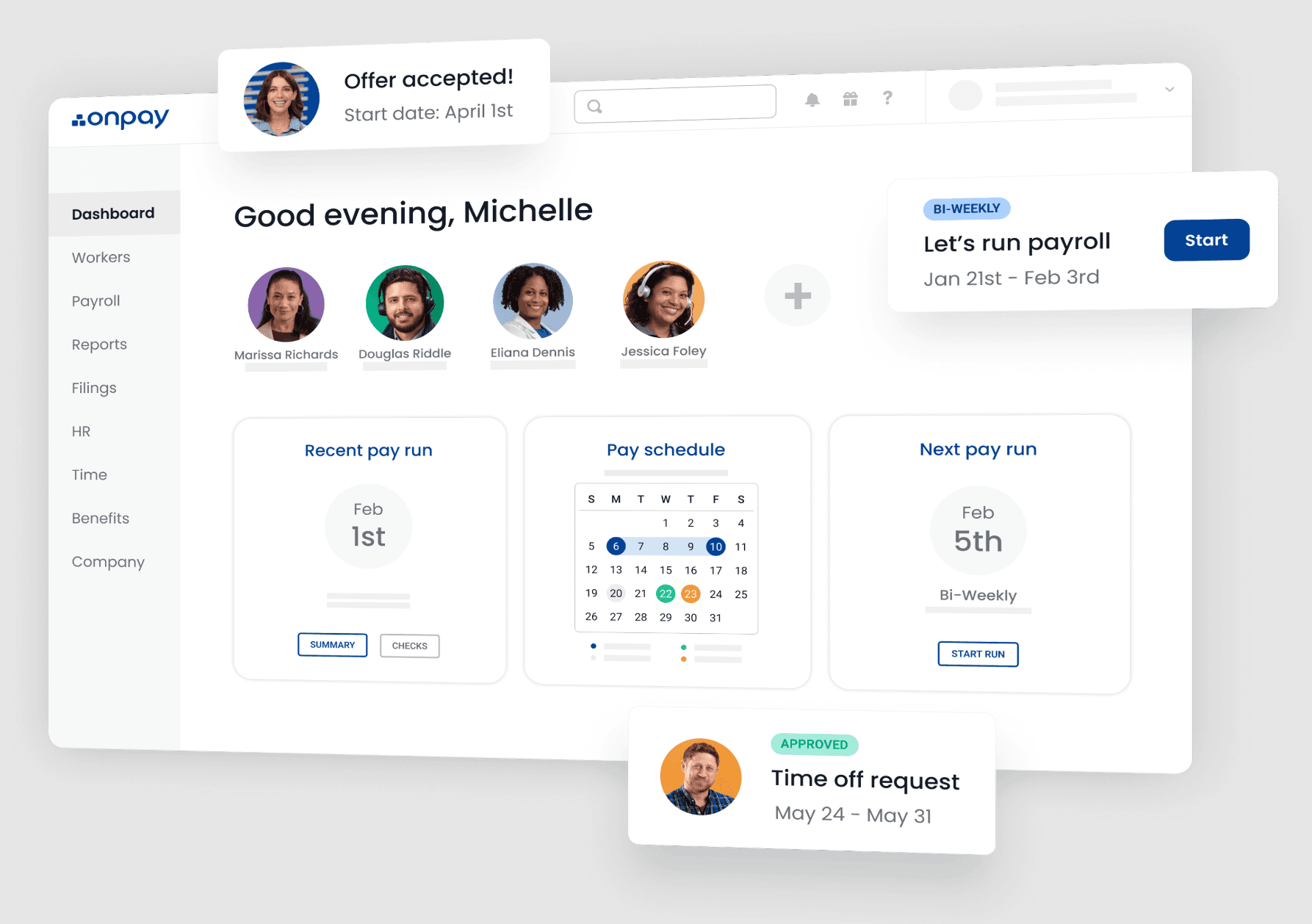
OnPay keeps things simple: one core payroll plan, transparent pricing, every standard payroll feature included. For a small business that wants to pay their team without sorting through tiers, it's one of the best values on this list.
Best for: Small businesses and first-time payroll users who want flat-rate pricing and responsive setup support.
Ratings: G2 4.8/5 · Capterra 4.8/5
Key features:
- Full-service payroll on one published plan — multi-state included, unlimited pay runs
- Benefits administration and PTO tracking
- Support for tipped, hourly, and salaried pay across multiple pay rates
Pricing: $49/mo + $6/person for core payroll. Optional HR enhancements available as paid add-ons.
What users like:
"The layout is user friendly. I am a first time business owner so doing payroll was new and OnPay was easy. They are affordable, same great service for much less than other companies." (Capterra)
What users criticize:
"Certain integrations and workflows also lacked flexibility, and support for more complex benefits administration, compliance tracking, or multi-state operations was limited." (Capterra)
Our take: OnPay's flat-rate model is its biggest advantage — what you see is what you pay for payroll every month. The gap is time tracking: if you run an hourly team, you'll need a separate tool and manual hour entry before each payroll run.
3. Square Payroll: Best for Retail and Food Service Teams on Square
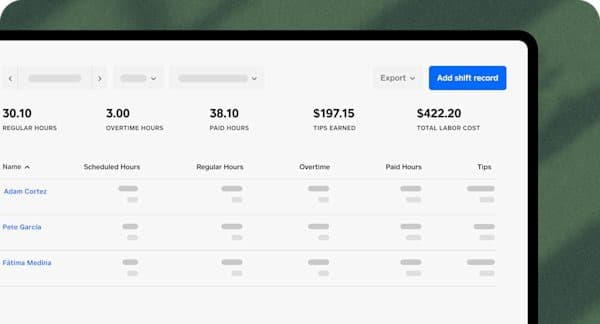
Square Payroll is built for businesses already running on Square's point-of-sale system. Clocked hours and tips flow from your POS directly into payroll, with no re-entry. For restaurant payroll and retail payroll specifically, the POS integration is where most of the time savings show up.
Best for: Food service and retail businesses already using Square POS who want payroll to pull hours and tips automatically.
Ratings: G2 4.2/5 · Capterra 4.7/5
Key features:
- Direct integration with Square POS: hours and tips pull into payroll automatically
- Full tax filing and payments at federal and state level, for both employees and contractors
- Contractor-only option at $6/person/month with no monthly base fee
Pricing: $35/mo + $6/person for the full employees-and-contractors plan. Contractor-only: $6/person with no base fee.
What users like:
"I like that staff can clock in and clock out for their shifts with Square Payroll, their tips are automatically added to their paycheck along with commission, and I receive text messages when a payroll run is about to happen so I can double check it." (Capterra)
What users criticize:
"We have 2 main issues with the software: making it more customizable and also getting customer service support is sometimes difficult." (Capterra)
Our take: If you're already in the Square ecosystem, this is a very clean payroll solution — minimal setup, real time savings on tip and hour entry. If you're not on Square POS, most of the value disappears and you'd be better served by Gusto or OnPay.
4. Paychex: Best for Growing Teams That Want Big-Provider Depth
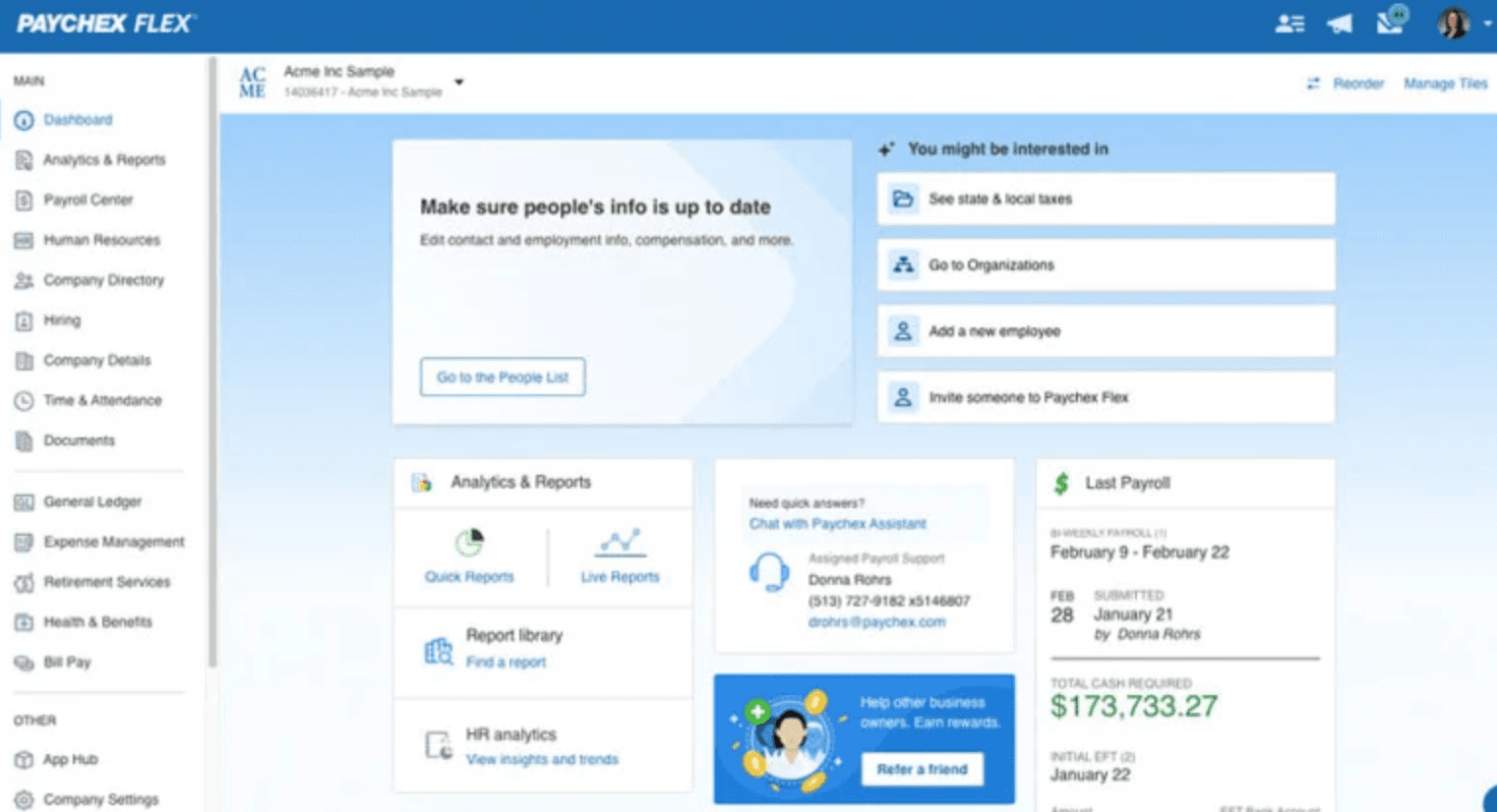
If you like the model of a large, established provider but find ADP too much, Paychex is the closest comparison. It offers similar payroll and HR depth with dedicated support contacts on higher tiers. Note: Paychex acquired Paycor in April 2025, so the combined business now covers a wider range from small business through lower-enterprise HCM under one brand.
Best for: Growing teams (20–100+ employees) that want big-provider reliability and are willing to negotiate pricing.
Ratings: G2 4.1/5 · Capterra 4.2/5
Key features:
- Full-service payroll and tax filing, with a well-rated mobile app
- HR and benefits administration, including retirement plans and insurance
- Dedicated support contact on higher tiers
Pricing: Quote-based. Paychex doesn't publish standard rates.
What users like:
"It's great for users — it allows us to manage retirement (401k), direct deposit, and even taxes, right from the employee login." (Capterra)
What users criticize:
"We'd routinely get calls from folks in different departments trying to upsell our service offering, only to tell them we spoke to someone else about this less than a month ago." (Capterra)
Our take: Paychex is a reasonable lateral move if you want big-provider reliability without ADP. But it replicates ADP's main frustration for small businesses: quote-based pricing, an active upsell culture, and early-termination fees that reviewers flag consistently. Read the contract before signing.
5. QuickBooks Payroll: Best If You Already Use QuickBooks
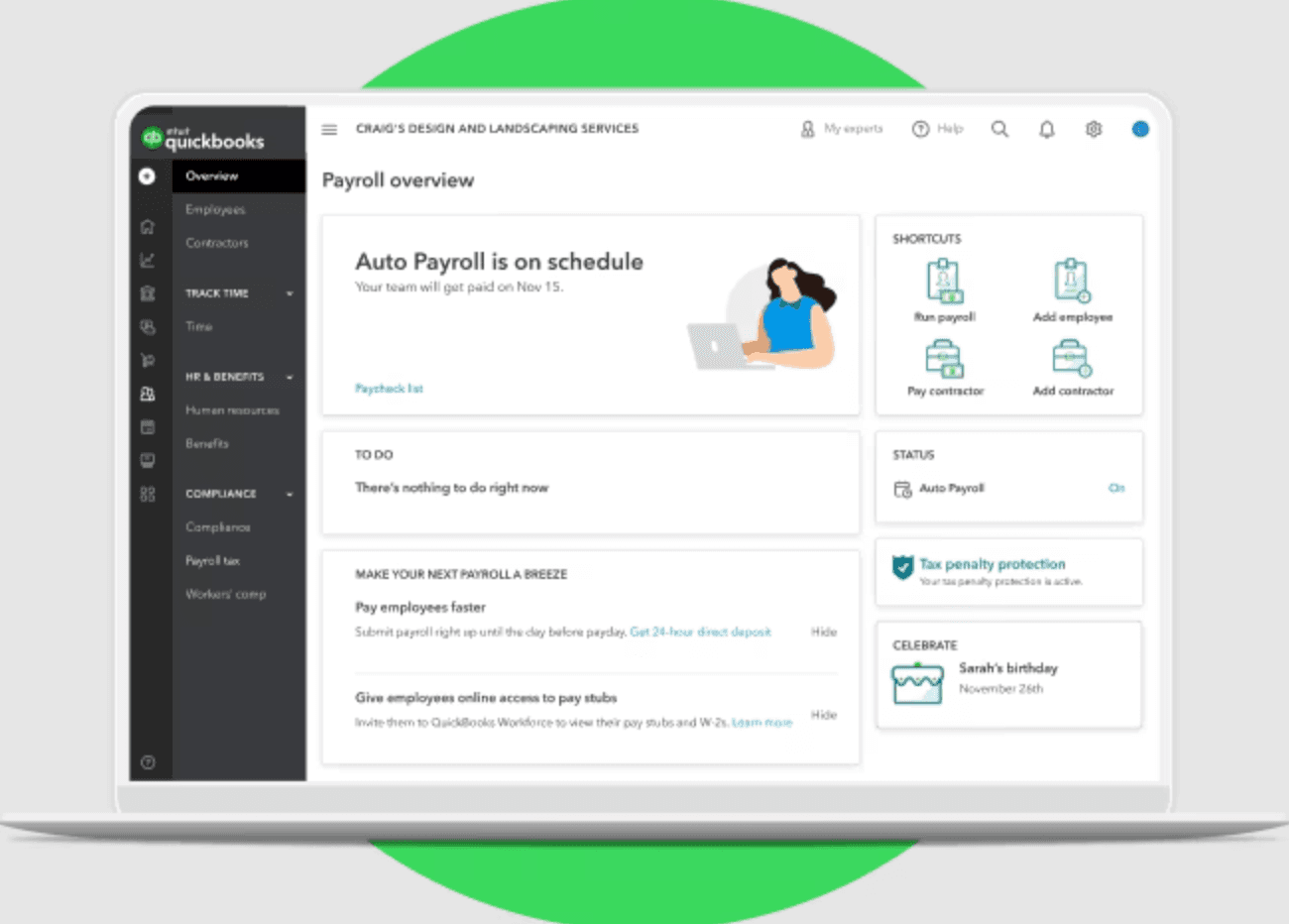
If your books already live in QuickBooks Online, adding payroll keeps everything under one login. Pay runs and running payroll flow straight into your general ledger with no CSV exports and no reconciliation step.
Best for: Small businesses already using QuickBooks Online for accounting who want payroll to sync automatically.
Ratings: Capterra 4.5/5
Key features:
- Payroll built into QuickBooks Online — every pay run maps directly to your books
- Automated tax filing with a penalty guarantee on higher tiers, plus same-day direct deposit
- QuickBooks Time integration on upper plans for hourly tracking tied to job costing
Pricing: Standalone QuickBooks Core Payroll starts at $50/mo + $6.50/person. If bundled with QuickBooks accounting (Simple Start or above), the per-employee rate is $7/person. Multi-state filings are $12/month per additional state on Core and Premium; no additional state fee on Elite.
What users like:
"QuickBooks Payroll offers a fast and straightforward payroll process, particularly highlighted by its integration with QuickBooks Online." (G2)
What users criticize:
"Some find it less efficient compared to other payroll systems, indicating a need for improvement in overall functionality." (G2)
Our take: The accounting integration is genuinely valuable if you're already in QuickBooks. If you're not, you're paying for accounting software just to access payroll — at which point Gusto or OnPay are simpler and cheaper starting points. Note: no clean G2 page exists for QuickBooks Payroll specifically; Capterra is the more reliable rating source here.
6. Rippling: Best for Fast-Scaling Teams That Need HR and IT
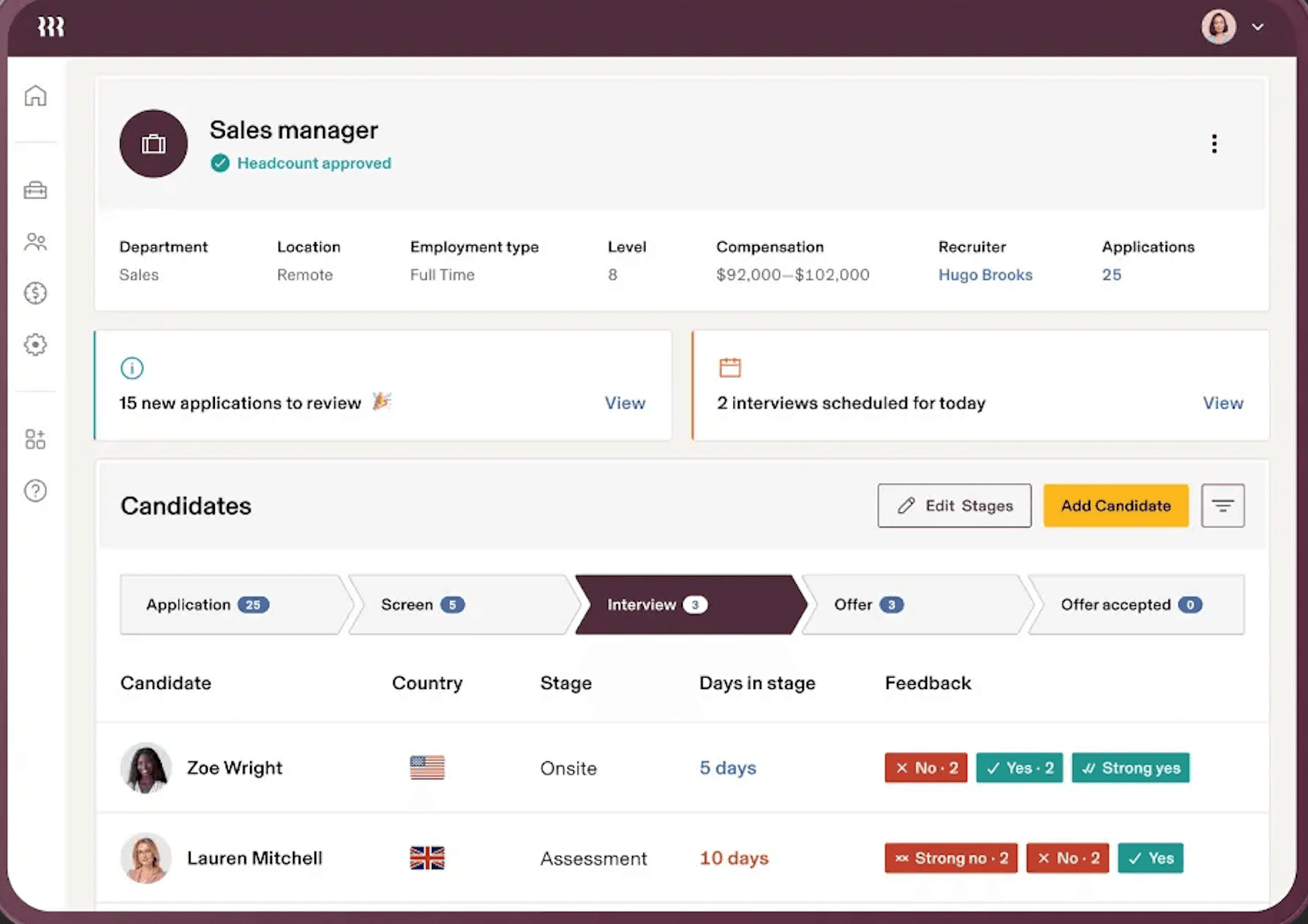
Rippling goes beyond payroll into a connected system for HR, IT, and finance. If you're scaling fast and tired of managing payroll, app logins, and devices across separate tools, it pulls them into one system built around a single employee record.
Best for: Fast-scaling companies (50–500 employees) that need payroll, HR, and IT automation connected in one platform.
Ratings: G2 4.8/5 · Capterra 4.9/5
Key features:
- Payroll, benefits, and HR in one system, with automated onboarding that provisions accounts and access in one step
- IT management: app provisioning and device setup alongside payroll
- 650+ integrations and a flexible workflow engine
Pricing: Modular and quote-based. Contact Rippling sales for a quote. Third-party sources estimate core HR starting around $8/person/month, with payroll and other modules added on top.
What users like:
"It simplifies payroll management with automated calculations, tax handling, and direct deposits, reducing manual effort and errors." (Capterra)
What users criticize:
"There is a noticeable gap between what is sold and what is consistently stable in practice." (Capterra)
Our take: Rippling's automation is genuinely powerful for teams managing headcount growth — onboarding a new hire and provisioning their accounts in one step is real time savings. For a 10-person shop that just needs payroll, it's likely more platform than you need, and the modular pricing means your quote will be higher than the entry-level figure suggests.
7. BambooHR: Best for HR-First Teams
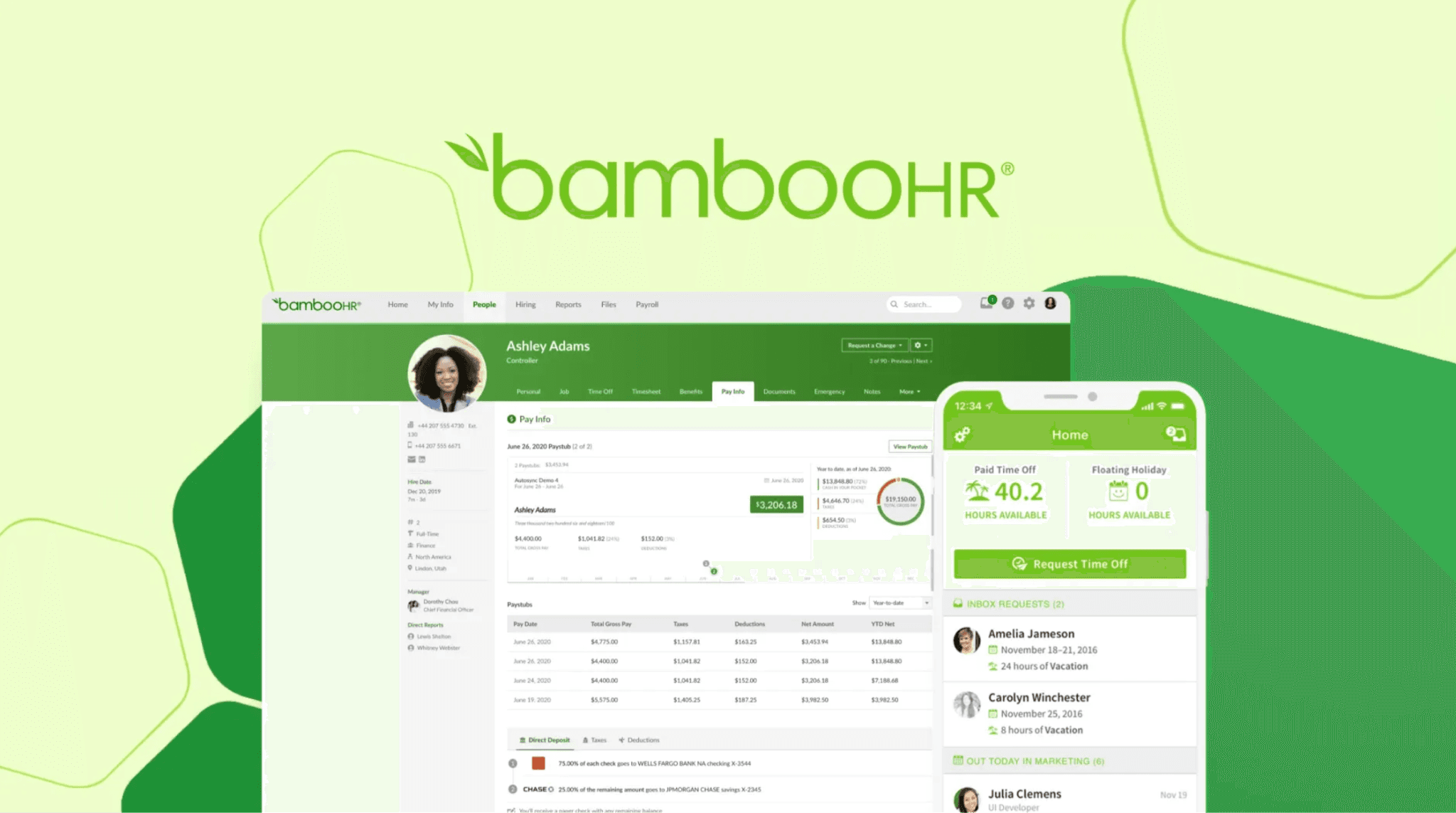
BambooHR approaches this from the HR side rather than payroll. If your main pain point is scattered employee records, disorganized onboarding, and no time-off tracking, this is a well-regarded system for managing your people. Payroll is a US-only add-on, not a core feature.
Best for: Teams of 25–250 employees that need solid HR infrastructure — onboarding, records, performance — and plan to add payroll later.
Ratings: G2 4.4/5 · Capterra 4.6/5
Key features:
- Core HR in one place: employee records, onboarding workflows with e-signatures, time-off tracking
- Hiring and performance tools, with applicant tracking and review features on higher tiers
- Employee self-service portal
Pricing: HR plans start at $10/employee/month for Core, $17 for Pro, and $25 for Elite. Companies with 25 or fewer employees pay a flat monthly rate starting at $250. Payroll, benefits, and time tracking are separate add-ons; payroll pricing requires a quote.
What users like:
"What stands out most about BambooHR is how well it balances functionality with simplicity. The platform is incredibly easy to use, even for team members who aren't particularly tech-savvy." (Capterra)
What users criticize:
"What I liked least about BambooHR is that the payroll features are not great and it is not quite as helpful as Google Drive is." (Capterra)
Our take: BambooHR is the right call when HR complexity is the problem and payroll is already handled elsewhere. If running payroll is your primary goal, start with Gusto or OnPay — BambooHR makes more sense as an HR layer once payroll is already sorted.
How to Choose the Right ADP Alternative for Your Business
Choosing a payroll provider comes down to matching the tool to the actual problem you're trying to solve. Here's a quick way to narrow it down:
- If transparent, predictable pricing is the priority: Gusto and OnPay both publish flat rates with no quote required. OnPay keeps core payroll on one published plan; optional HR add-ons are available separately.
- If you want a big-provider feel that isn't ADP: Paychex offers similar depth and dedicated support. Just know you'll still go through a sales process.
- If your books already live in QuickBooks: QuickBooks Payroll keeps everything under one login and integrates payroll directly with your accounting.
- If you run retail or food service with tips on Square: Square Payroll pulls hours and tips from your POS automatically.
- If you're scaling fast and need HR plus IT: Rippling connects payroll, app access, and devices in one system.
- If your main pain point is HR, not payroll: BambooHR centralizes records, onboarding, and time off, with payroll available as an add-on.
- If you run an hourly team and want scheduling, time tracking, and payroll in one place: That's what Homebase is built for.
There's no universal best ADP alternative — only the one that fits your team's size, budget, and how you work. Start with what frustrated you about ADP and work backward from there.
If managing your hourly team across three separate tools is the real problem, you can run payroll with Homebase free and see how it works before you commit.
What Small Business Owners Say About Switching from ADP
Across r/Payroll and r/smallbusiness threads, owners leave ADP for one of two reasons: pricing opacity or product complexity. Gusto and OnPay come up most frequently as landing spots — users who switch to Gusto most often cite transparent pricing and no annual contract. Users who stay with ADP typically credit its compliance depth and integration breadth.
Frequently Asked Questions About ADP Alternatives
Who are the main competitors to ADP?
The main ADP alternatives for small businesses are Gusto, OnPay, Paychex, QuickBooks Payroll, Square Payroll, Rippling, and BambooHR. Gusto and OnPay are the most common switches for teams under 50 employees — both offer published pricing and no annual contracts. For a broader look at the best payroll company for small business options, see our full roundup.
Is Gusto cheaper than ADP?
For most small businesses, yes. Gusto's Simple plan starts at $49/month plus $6 per employee, with taxes included and no setup fee. ADP pricing is quote-based; independent estimates typically place ADP RUN at $150–$300/month for teams of 10–20 employees once add-ons are factored in, though that figure is a third-party estimate, not a confirmed ADP price.
What payroll software is better than ADP for small business?
Gusto, OnPay, and Square Payroll all rate higher than ADP RUN on Capterra for small business use. Gusto wins on overall features and user experience; OnPay wins on value; Square wins for tipped teams already on Square POS. For a deeper comparison, see our guide to payroll software for small business.
Is Paychex better than ADP?
Paychex offers similar depth and a comparable service model, which makes it a reasonable lateral move for teams that want big-provider reliability. The tradeoff is the same: quote-based pricing and potential early-termination fees. If transparent pricing is the goal, Gusto or OnPay solve that more directly.
Does ADP have a free plan?
No. ADP doesn't offer a permanently free plan, though it currently advertises three months of free payroll for qualifying new customers. If a free starting point matters, Homebase offers a free plan for scheduling and time tracking (up to 10 employees at one location), with payroll as a paid add-on.
What does ADP stand for?
ADP stands for Automatic Data Processing. The company was founded in 1949 and has grown into one of the largest payroll and HR providers in the world, serving over 1 million clients.
Which ADP alternative is best for hourly workers?
For businesses with hourly teams — restaurants, retail, home services — the best alternatives are Homebase (scheduling + time tracking + payroll in one place), Square Payroll (for Square POS users with tipped employees), and Gusto (straightforward payroll for hourly and salaried pay).
The Right ADP Alternative Fits the Way Your Team Works
When switching payroll providers, most tools offer migration assistance, but setup time varies by provider, payroll complexity, and how much historical data needs to be transferred. The hardest part is narrowing your options and picking one.
A good next step: shortlist two or three, request a quote or start a free trial, put their real costs side by side — including setup fees and add-ons — and see which one earns its price for a team like yours.
If you're running an hourly team and the goal is fewer tools, less manual re-entry, and payroll that connects directly to your scheduling and time tracking, try Homebase payroll free before you commit.